
gardmi 🇺🇸 Garden site planner
Free · no download · no sign-up

Free Garden Design App for 2D & 3D Plans

Design your actual garden, not a generic picture. Draw the boundary to scale, place the house, beds, paths and plants, then switch to a walkable 3D view — directly in your browser.

  • Works on phone, tablet and desktop
  • Measured 2D plan becomes 3D automatically
  • Free without a card or trial timer
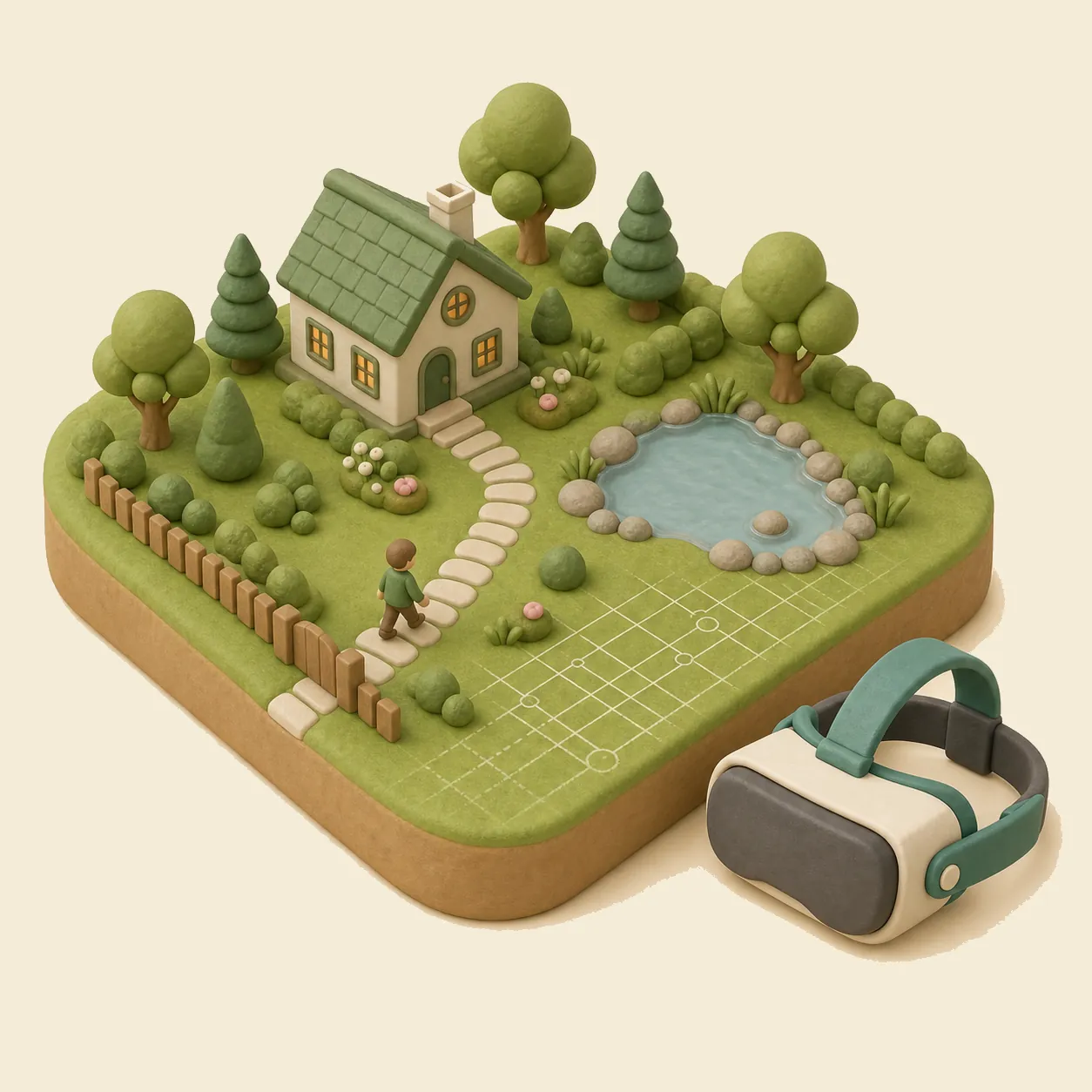
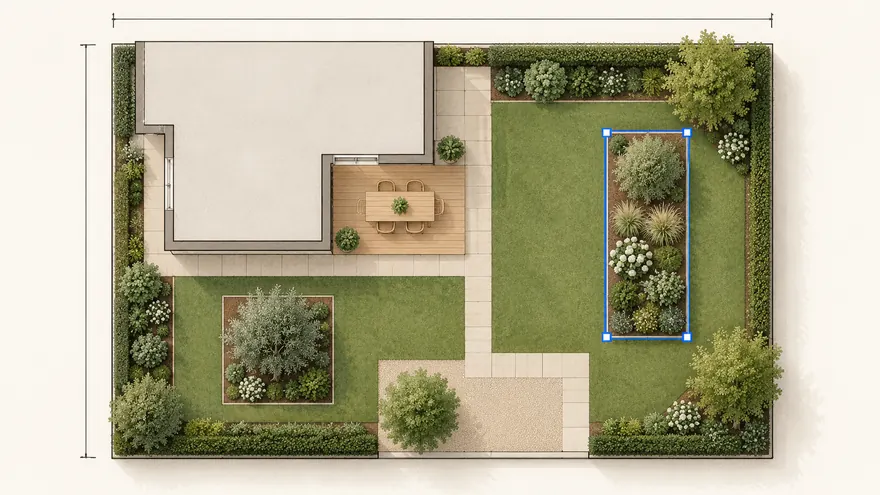
Garden design app showing a measured garden with a house, pond and paths
One editable plan for layout, 3D review, sharing and export.

How to design a garden with the app

  1. 1

    Draw the garden boundary

    Enter known lengths, trace an irregular plot or begin over a satellite map. Add the existing house, fence and utilities before testing ideas.

  2. 2

    Arrange beds, paths and plants

    Place lawns, planting beds, trees, shrubs, terraces, pools and garden furniture. Every object keeps an editable position and real size.

  3. 3

    Check the design in 3D

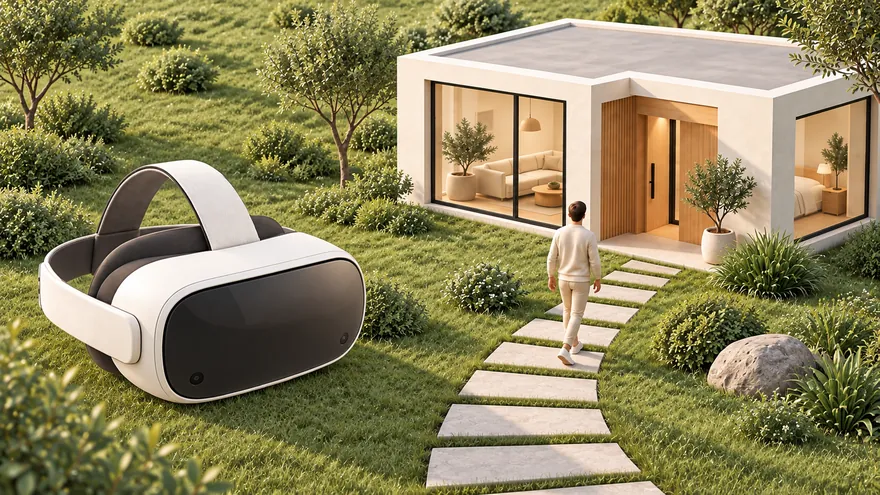
    Switch to 3D without rebuilding the plan. Walk at eye level to check routes, views, fence height, terrain and the relationship between house and garden.

  4. 4

    Share or export the plan

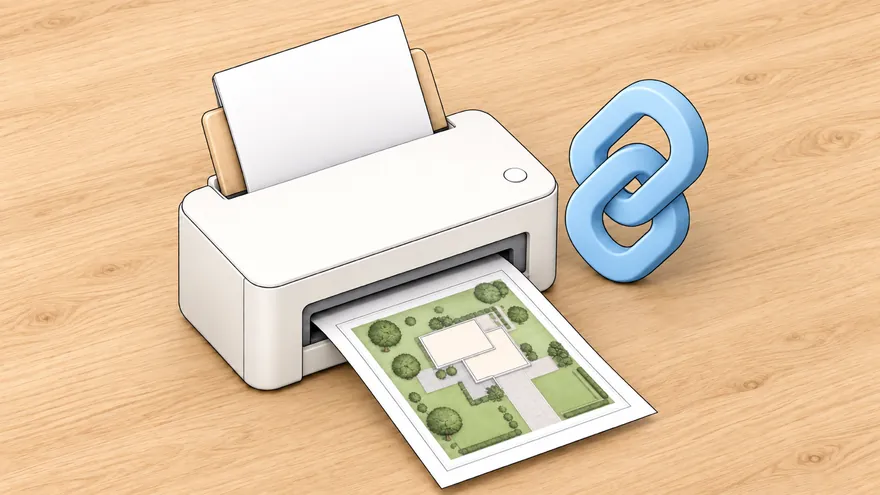
    Save automatically, share an editable or view-only link, and export PNG or PDF for discussion. Verify boundaries, services and construction details with qualified local professionals.

Garden planner app

A design tool, not a plant-care tracker

Many gardening apps identify plants, schedule watering or track harvests. Gardmi focuses on spatial decisions: what fits, where it goes and how the whole garden works together.

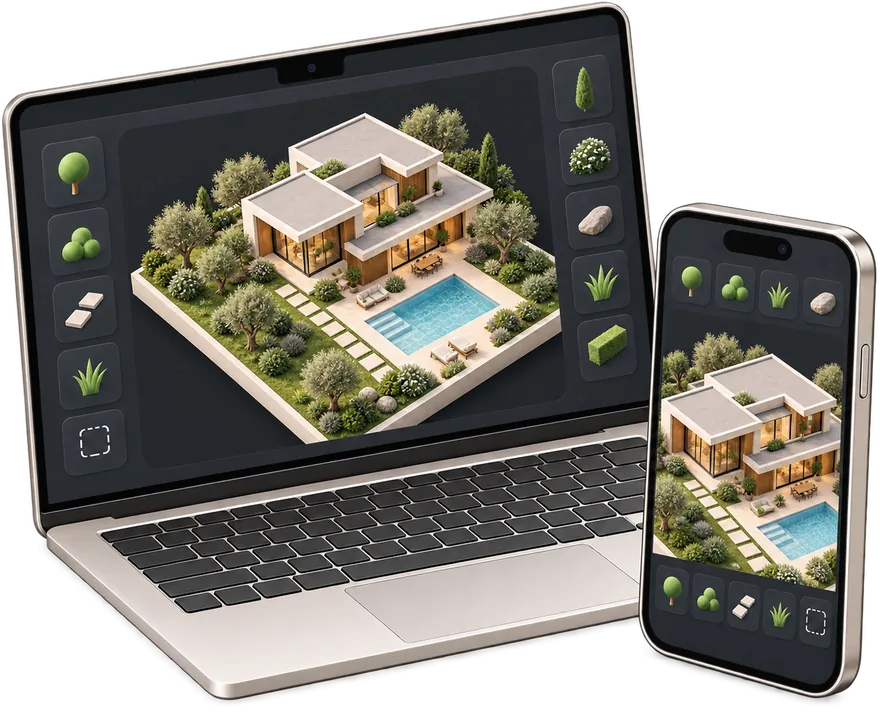
Plan on mobile, refine on a larger screen

Touch controls let you sketch and review a garden from your phone or tablet. For precise dimensions, dense planting plans or detailed house layouts, a laptop or desktop gives you more room — the same cloud project opens on either.

Gardmi is a browser app, not an App Store or Google Play download. You can start immediately and avoid installing another account-based subscription.

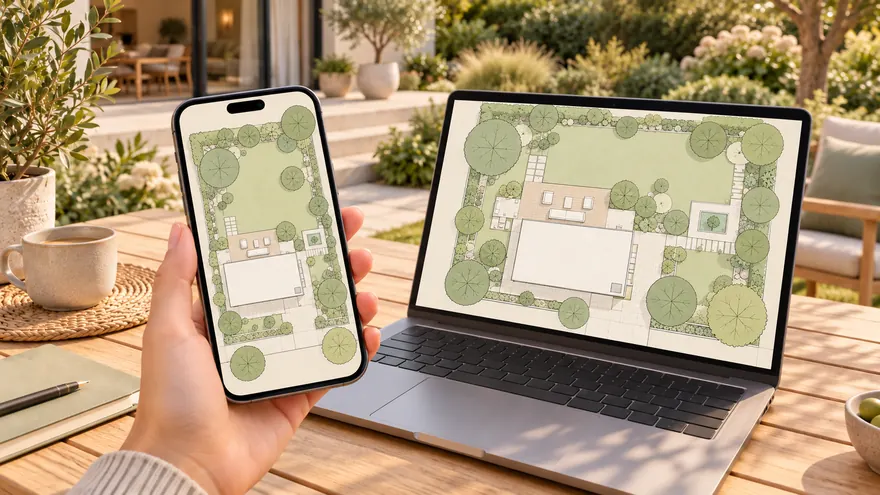
A garden plan reviewed in 3D on a web app

Measured layout before decorative detail

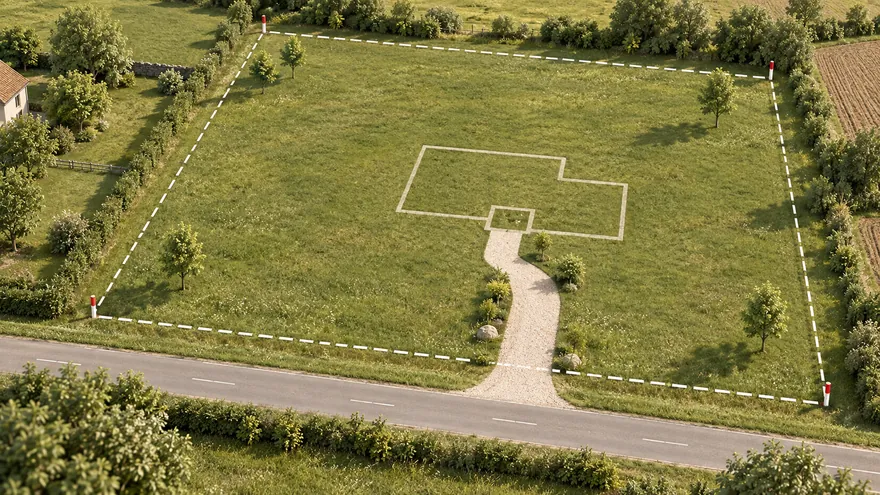
Start with boundaries, access, existing buildings and utilities. Then compare path widths, bed depths, tree positions, seating areas and water features. This reduces attractive but impossible layouts.

Measured garden plan placed over a satellite map

Know what the free garden app does not replace

Gardmi does not identify plants from a camera, choose species for your exact soil, generate local sowing dates or send care reminders. It also does not replace a boundary survey, utility search, drainage design, planning approval, structural design or a landscape professional's site assessment.

Use it to compare a clear, measured concept before buying materials or commissioning detailed work.

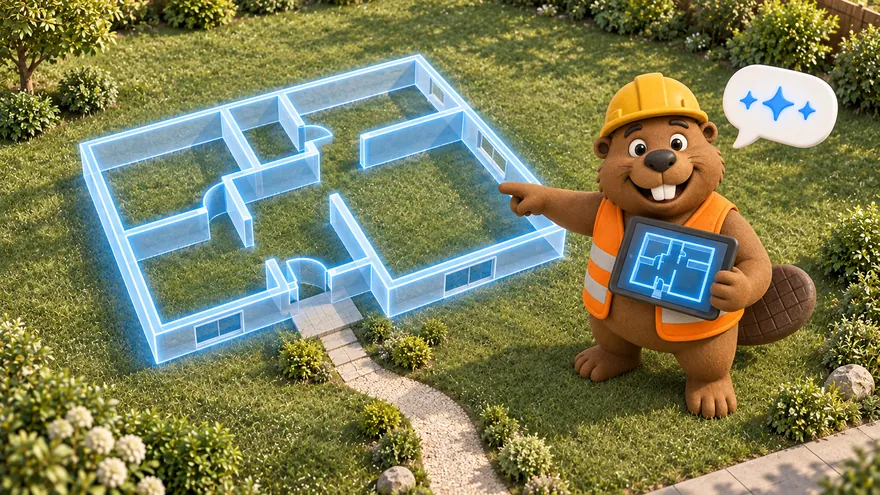
Editable garden planning concept with the gardmi assistant

Free garden design app FAQ

Is the garden design app really free?

Yes. You can open the planner, draw, use 3D and export without a payment card or trial timer.

Do I need to install an app?

No. Gardmi runs in a modern browser on phone, tablet or desktop. There is no App Store or Google Play download.

Can I design a garden on my phone?

Yes. The editor supports touch controls, and the 3D walkthrough uses an on-screen joystick. A larger screen is more comfortable for detailed measured plans.

Does the app choose plants or provide care reminders?

No. Gardmi helps you position plants and compare layouts, but it does not generate local planting calendars, identify plants from photos or send care reminders.

Start with the space you have

Plan your garden online for free

No download, card or sign-up. Draw to scale in 2D and review the same plan in 3D.

Open the garden design app