
Satellite view of your property
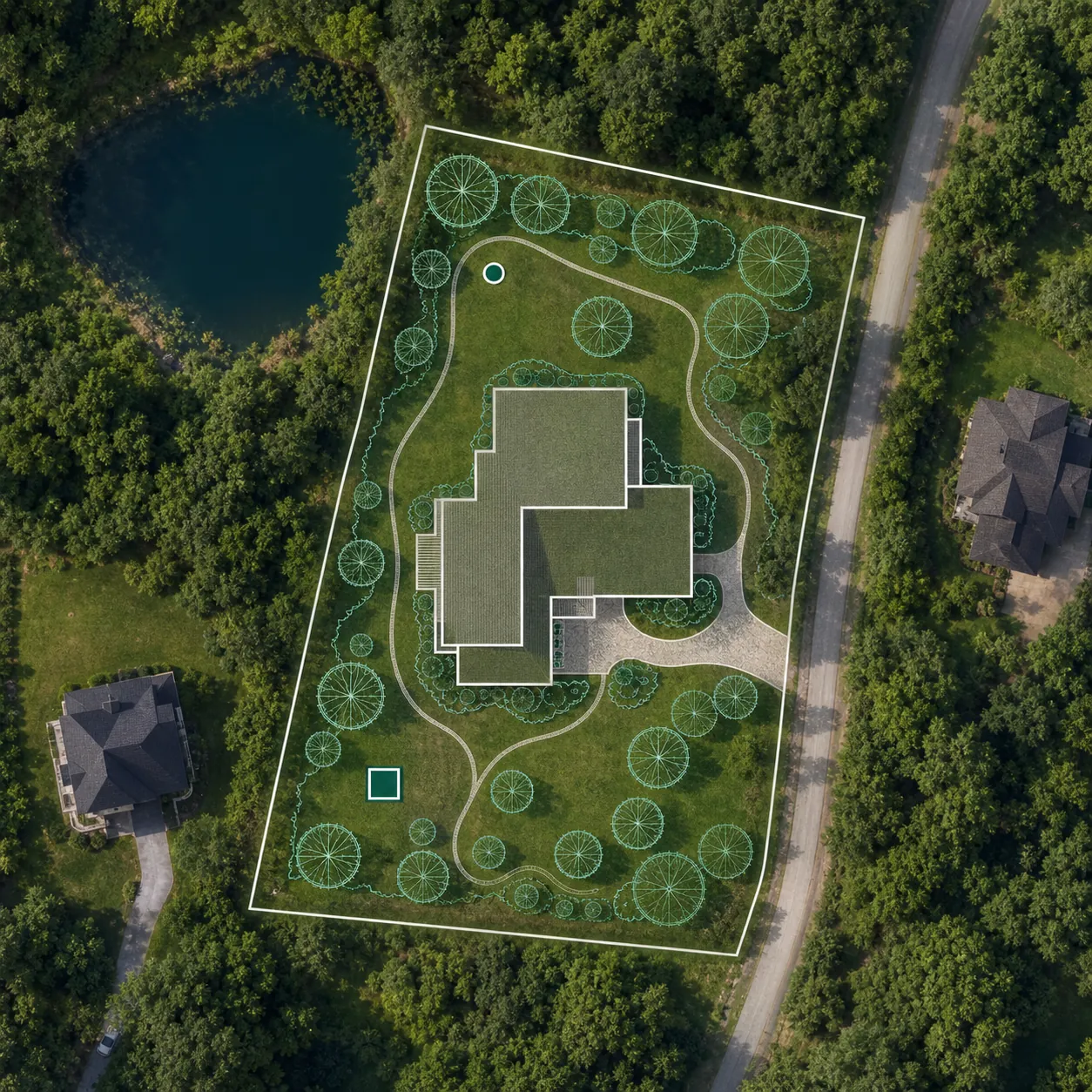
Open satellite imagery under your plan and find the property by address. Check the lot line in your county or state GIS portal or a survey, then draw a scaled planning outline and compare the house, driveway and yard with the real surroundings.
What you can do on the satellite map
-
 Find by address
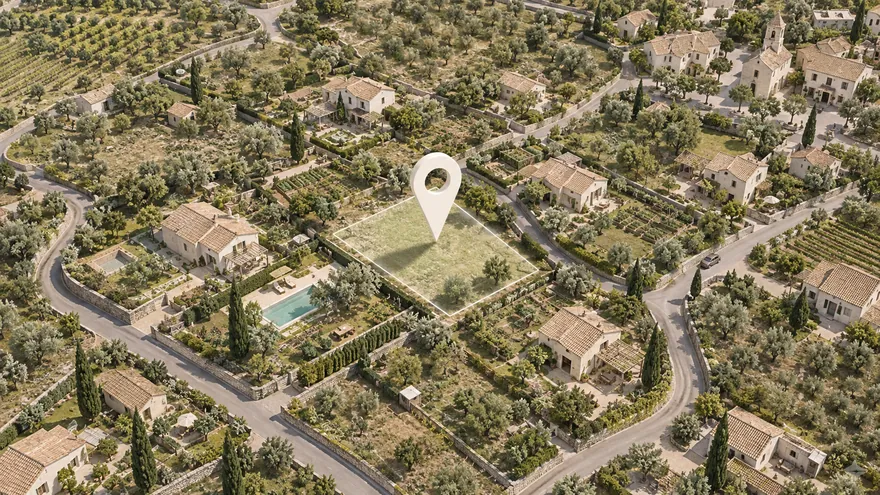
Type an address — the satellite map flies to your plot
Find by address
Type an address — the satellite map flies to your plot
-
 Boundaries and cadastre
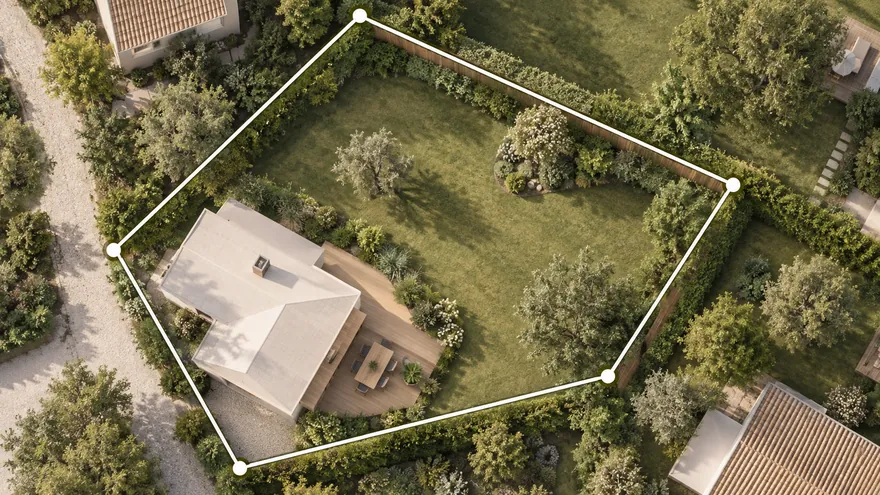
Compare the cadastre outline with the fences on the image
Boundaries and cadastre
Compare the cadastre outline with the fences on the image
-
 What is around
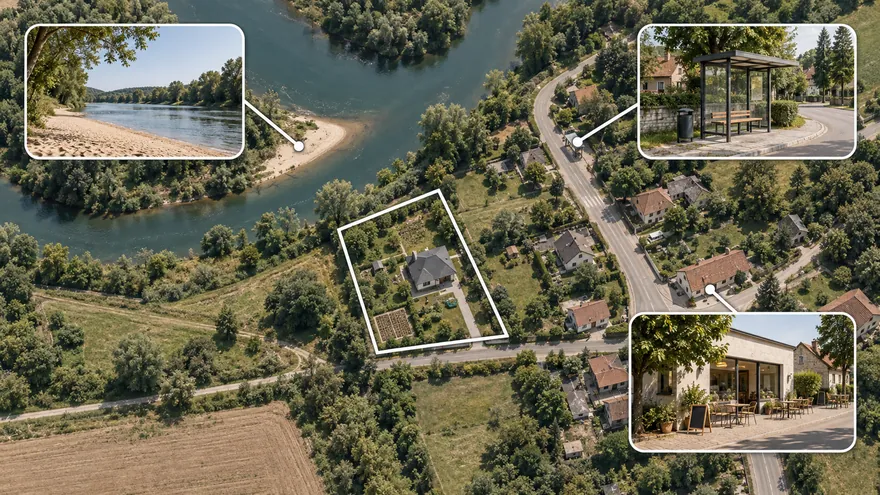
Forest, water, the road and neighbours around the plot
What is around
Forest, water, the road and neighbours around the plot
-
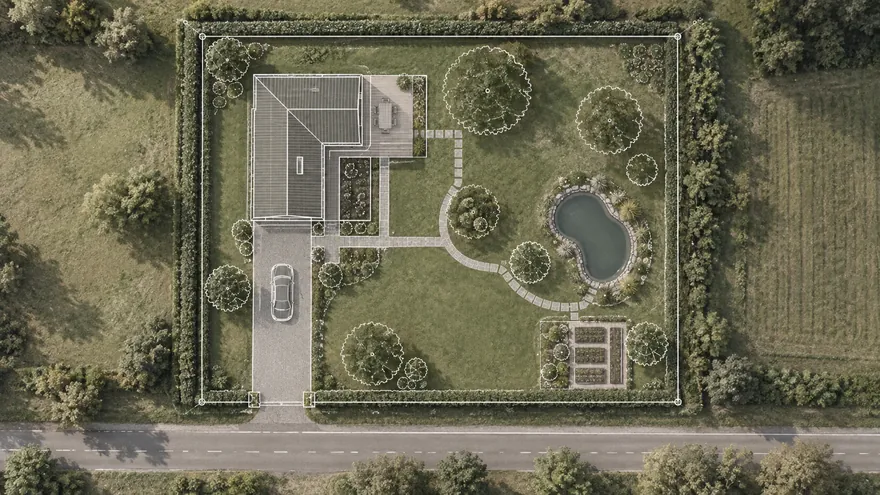 Planning on the map
House, well and septic at real scale on the real terrain
Planning on the map
House, well and septic at real scale on the real terrain
-
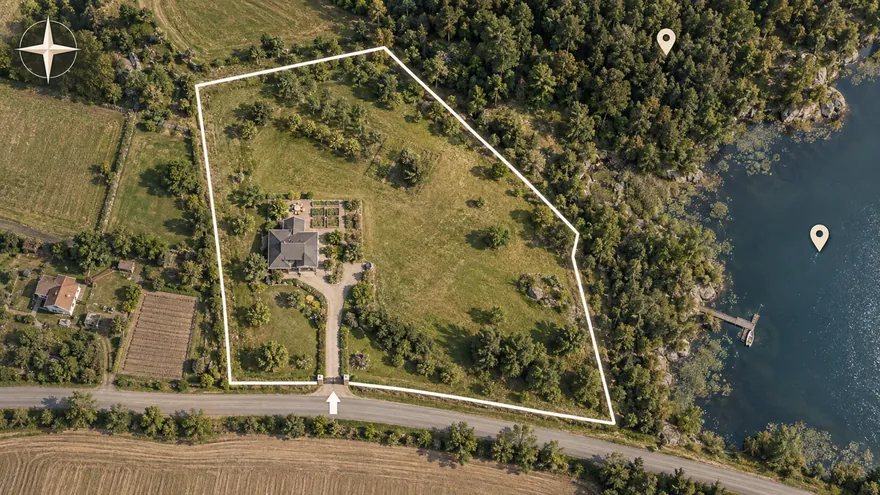 Scheme for a sale
A clear plot scheme with landmarks for the listing
Scheme for a sale
A clear plot scheme with landmarks for the listing
-
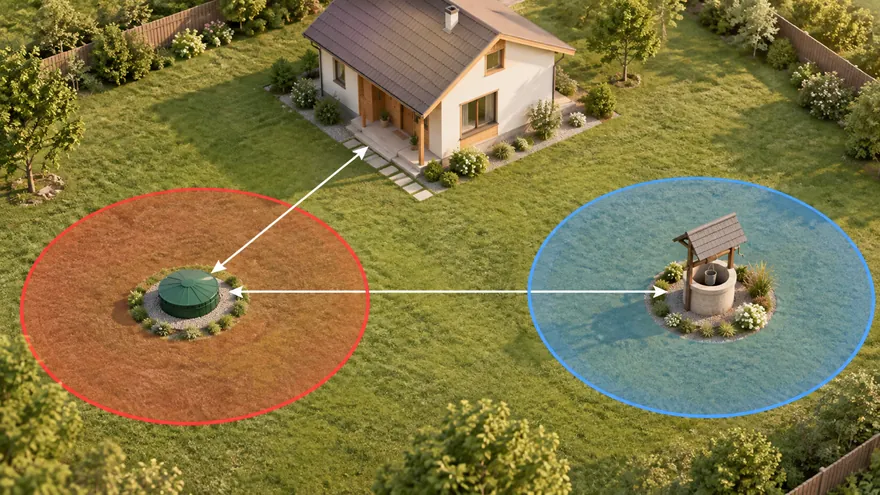 Septic, well and setbacks
Sanitary zones draw themselves, violations turn red
Septic, well and setbacks
Sanitary zones draw themselves, violations turn red
-
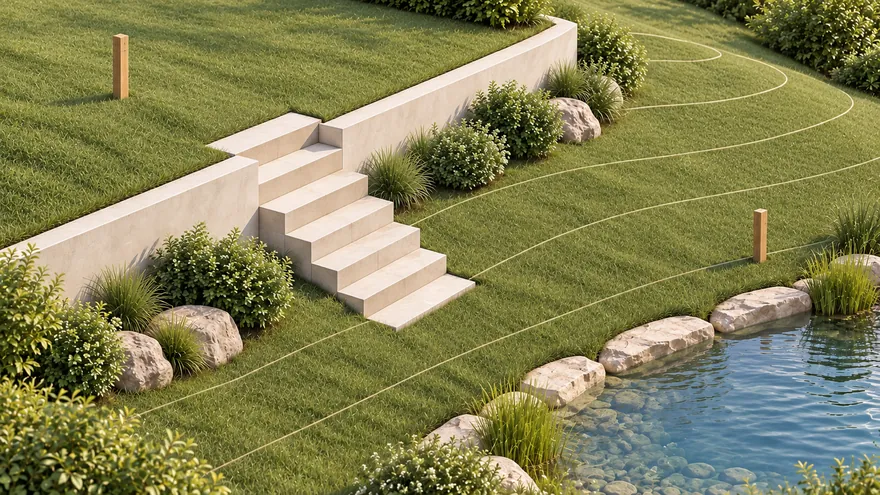 Terrain and water
Survey elevations become real ground; flooding and waterfront
Terrain and water
Survey elevations become real ground; flooding and waterfront
-
 3D and walkthrough
From plan to 3D in one click; walk at eye level or in VR
3D and walkthrough
From plan to 3D in one click; walk at eye level or in VR
How to find your property on a satellite map by address
In the gardmi planner you can turn on a live map under the drawing — satellite, hybrid (imagery with street labels) or scheme. These are Yandex and Google maps, so the imagery is fresh and detailed: you can make out individual trees, paths and structures.
- Open the editor and click the “Map” button at the bottom left.
- Pick the place. Type the address in the search — the map flies to the right spot. The scale is set automatically so you can start drawing at once.
- Verify the lot line. Use the county or state GIS parcel map as an approximate record, or a current survey when the legal boundary matters. Gardmi does not import US parcel lines automatically.
After that the satellite image stays as a background underlay: you draw the plan over the real terrain, and only the coordinate anchoring is saved in the project — the map tiles themselves are not stored.
Property lines and satellite imagery are different sources
So the plan does not drift, it is important to rely on the real boundaries. gardmi has two ways to anchor the plot to its real location:
- Recorded parcel reference. Check the assessor or GIS portal for the county or state. Online parcel overlays are planning references and can be offset; use a licensed survey to establish a legal boundary.
- Planning outline. Find the property by address, then draw or trace the verified dimensions over the imagery. Fences, driveways and hedges are visual clues, not proof of a property line.
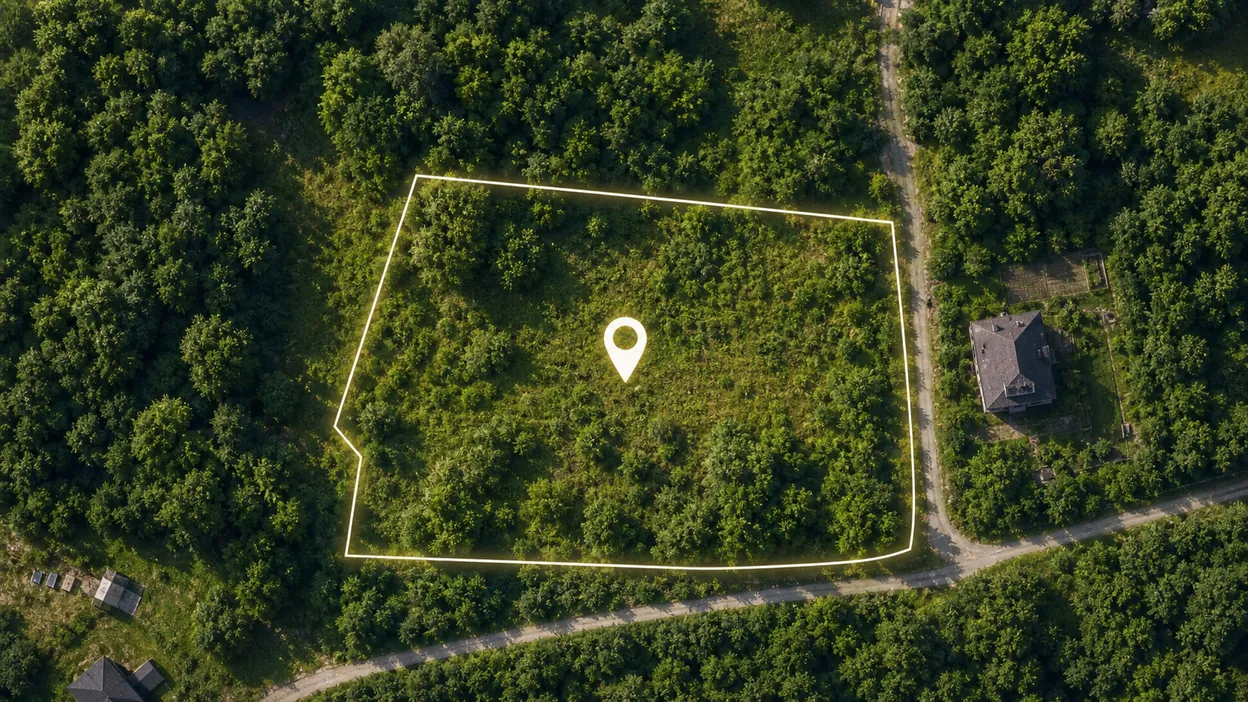
Satellite imagery shows visible site features; a GIS parcel layer shows an approximate recorded line; a survey establishes the legal boundary. Compare these sources before planning, and do not build from the imagery alone.
What you see around the plot: forest, water, neighbours and the road
The main benefit of satellite for planning is seeing not only your own plot but everything around it. That changes decisions about where to put the house, the leisure zones and the utilities.
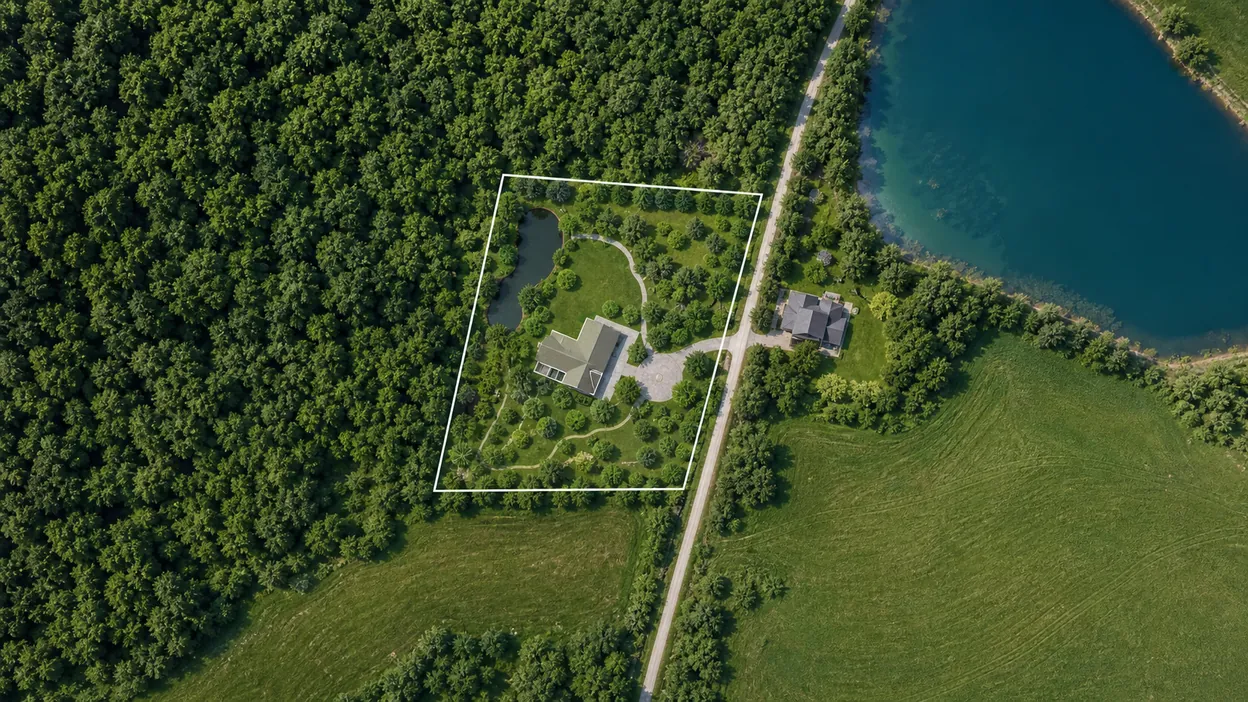
| What you see from satellite | What decision it helps make |
|---|---|
| Forest, lake, river, field | Place the house and gazebo facing the water or forest — view zones |
| Neighbouring plots and buildings | Plan setbacks and privacy, no overlooking the neighbours |
| Road and entrance | Choose a convenient spot for the gate, parking and driveway |
| Lowlands, streams, terrain | Tie the well, septic and drainage to the water and the slope |
| Existing trees | Decide what to keep and what to clear for building |
Plan the plot right on the satellite map
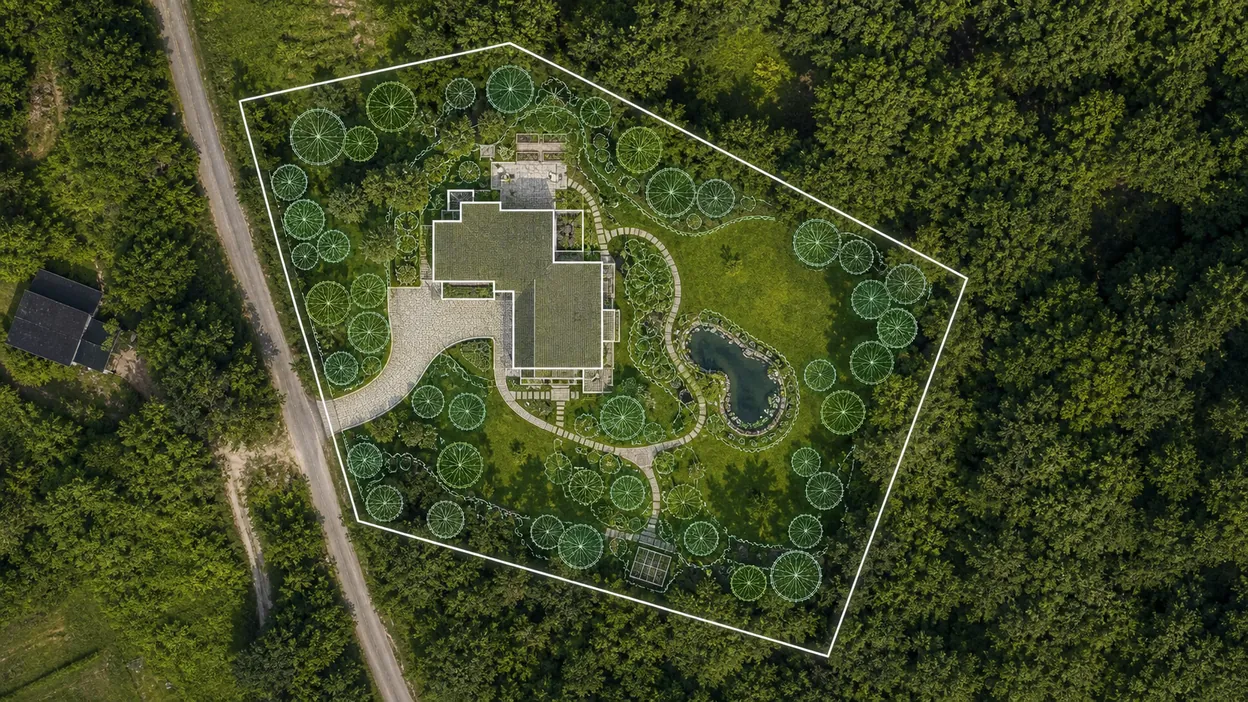
Satellite in gardmi is not just “look” — it is the basis for the project. Over the real image you draw a plan at true scale: metres on the map equal metres on the ground.
- Draw the planning outline from verified dimensions or a reference file; use the satellite image only to compare visible site features.
- Place the house and buildings with the cardinal directions, the views and the setbacks from neighbours in mind.
- Add the well, septic and utilities — sanitary zones are drawn automatically, violations are highlighted in red.
- Check it in 3D and save the project online or share a link.
A plot scheme for a sale: a satellite photo for the listing
Before a sale, a plot is almost always photographed from satellite — it is the key image in the listing: the buyer wants to see at once where the plot is, what its boundaries are and what is around it. But a plain map screenshot doesn't answer every question.
In gardmi you can make not just an outline by cadastre number, but a clear plot scheme for the listing over the satellite image, and mark on it everything that matters to the buyer:
- Entrance and access — where the gate is and how to drive in from the road.
- Cardinal directions — where the sunny side is and where the house windows will face.
- Utilities — gas, electricity and water at the boundary, the spot for a well and septic.
- What is nearby — lake, river, forest, bus stop, shop, school — with distances in metres.
- Landmarks and points of interest — notable places nearby that make the plot easy to find.
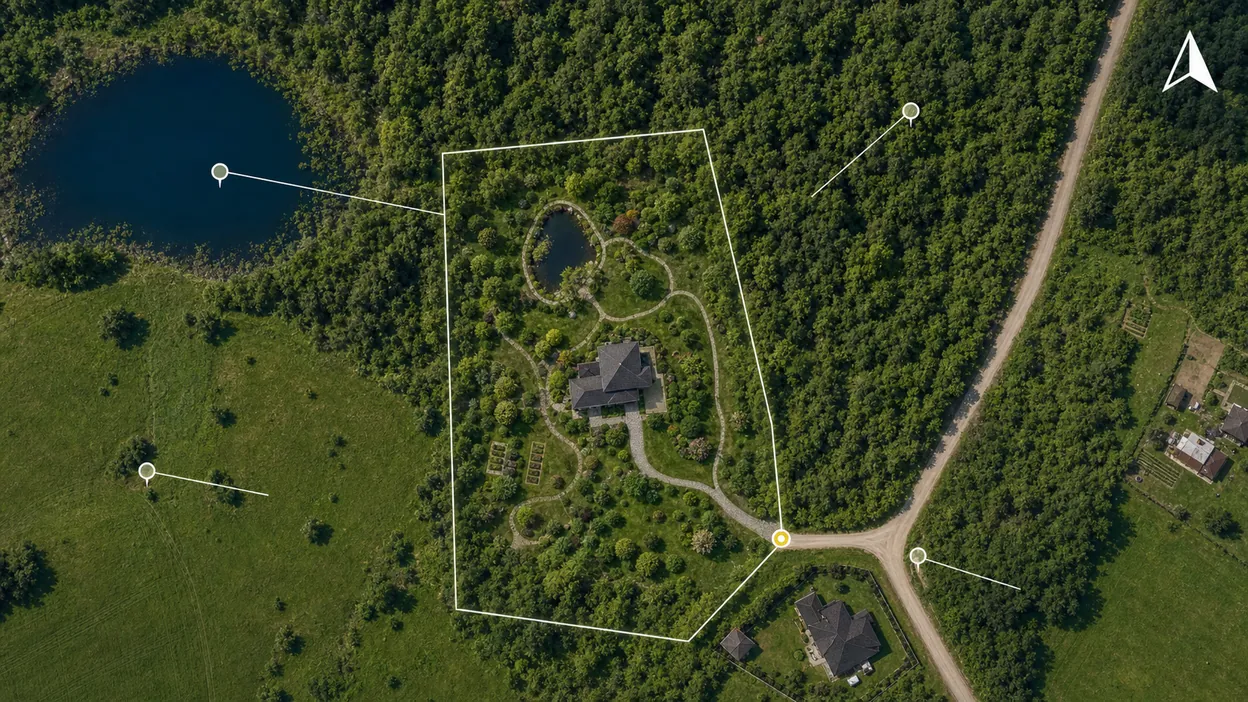
Such a scheme makes the listing stand out among a dozen identical ones: it answers the buyer's questions in advance, shows the plot's potential and looks professional. The finished plan can be exported to PNG or PDF and attached to the listing or sent to the buyer in a messenger.
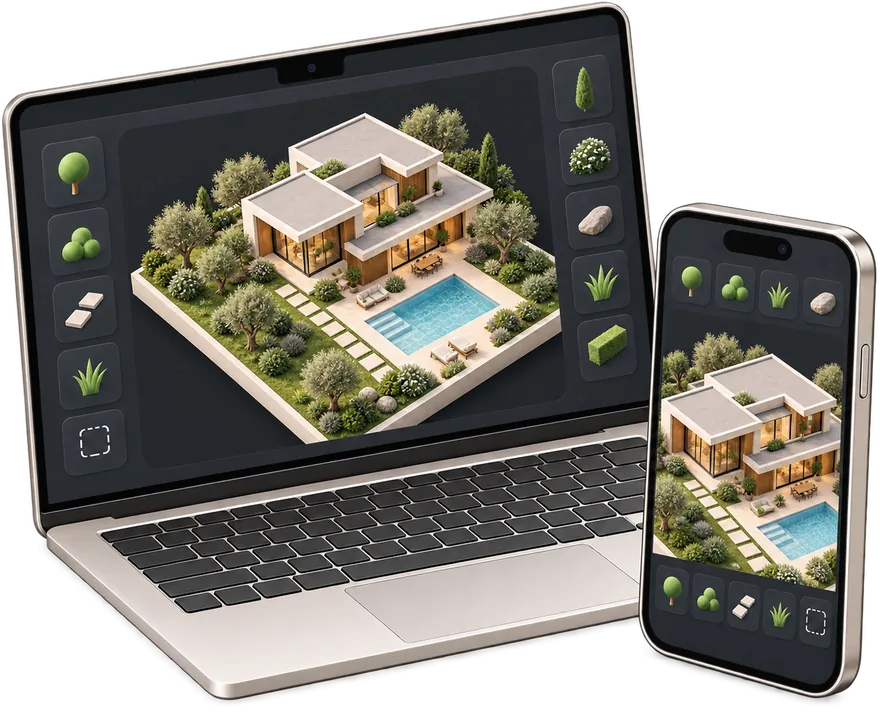
Garden planner app for phone and computer
- An icon on the home screen — back to your plot in one tap
- Full screen without the address bar — more room for the plan
- The same projects on phone and computer — cloud autosave
You are already in the app — gardmi is installed.
FAQ
Can I install gardmi as an app on my phone?
Yes. gardmi installs straight from the browser, without App Store or Google Play: on Android and in Chrome or Edge on a computer press “Install the app”, on iPhone open the site in Safari and choose Share → Add to Home Screen. The app opens full-screen from its icon and keeps the same cloud projects.
Can gardmi load a plot boundary from a cadastral or parcel reference?
When a supported local data source is available, gardmi can use a cadastral or parcel reference as an editable planning start. Otherwise, draw the boundary or import a reference file. Always confirm legal boundaries against official records or a land survey.