gardmi 🇺🇸 Garden site planner
Place a camera — see what it really sees

Security camera placement planner

Plan the cameras of your house or holiday home online. Draw the plot, the fence with the gate and the house — or open your existing plan — and gardmi draws what every camera really sees: shadows behind walls, the house and trees, the blind spot under the camera and the zones where a face can be identified or only recognised. One click — «Cover entrances and perimeter» — puts cameras on every gate and door and along the facades, a recorder in the utility room and the cables to it.

  • Real field of view with shadows and blind spots
  • Identification zones by IEC 62676-4 or R 78.36.002
  • View from every camera in 3D — before you buy
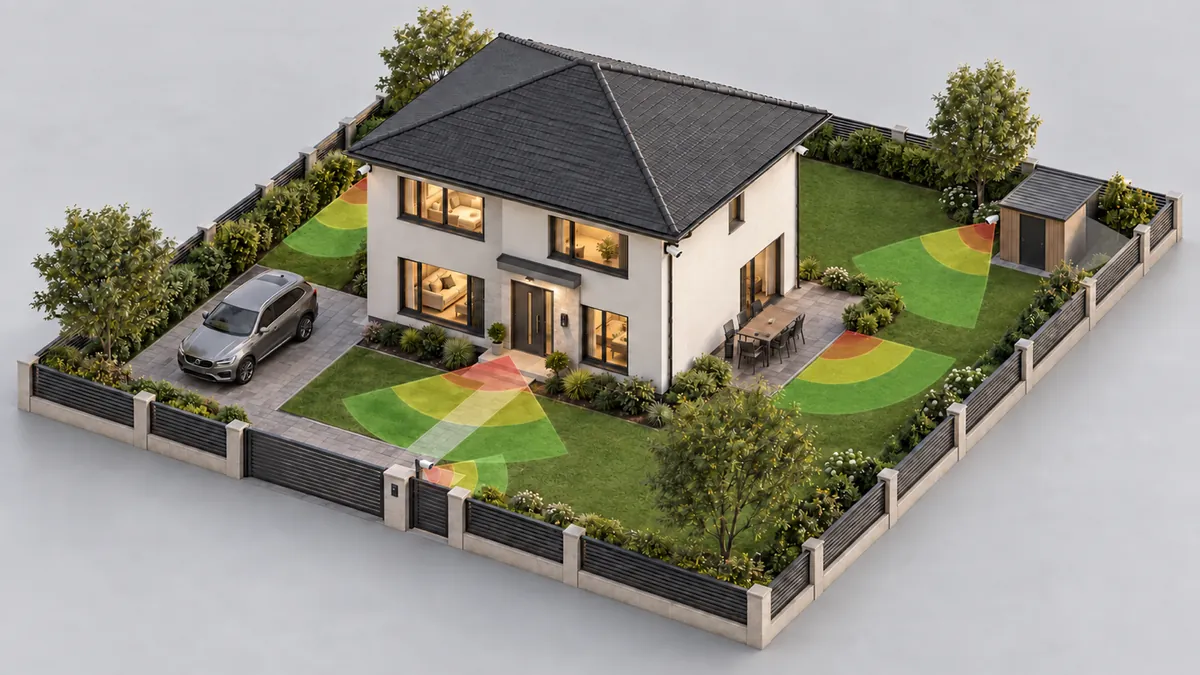
A house plot with security cameras on the fence and the house corners; their coverage zones lie on the ground — red where a face is identified, yellow where it is recognised, green where a person is detected
Coverage zones stop at walls and buildings — gardmi shows where nobody watches.
Coverage

Where to place security cameras

A camera sees less than its angle suggests. Walls and the house cast a full shadow, a solid fence or a hedge lower than the camera only a short one — a person’s head shows above it further away. Under the camera there is a blind spot. gardmi computes all of it on your plan and hatches in red what no camera sees.

  • Every gate and door marked ✓ seen, ! not recognisable or ✕ not seen
  • Share of the plot under watch and square metres of blind spots
  • Cameras that watch each other — none can be turned unnoticed
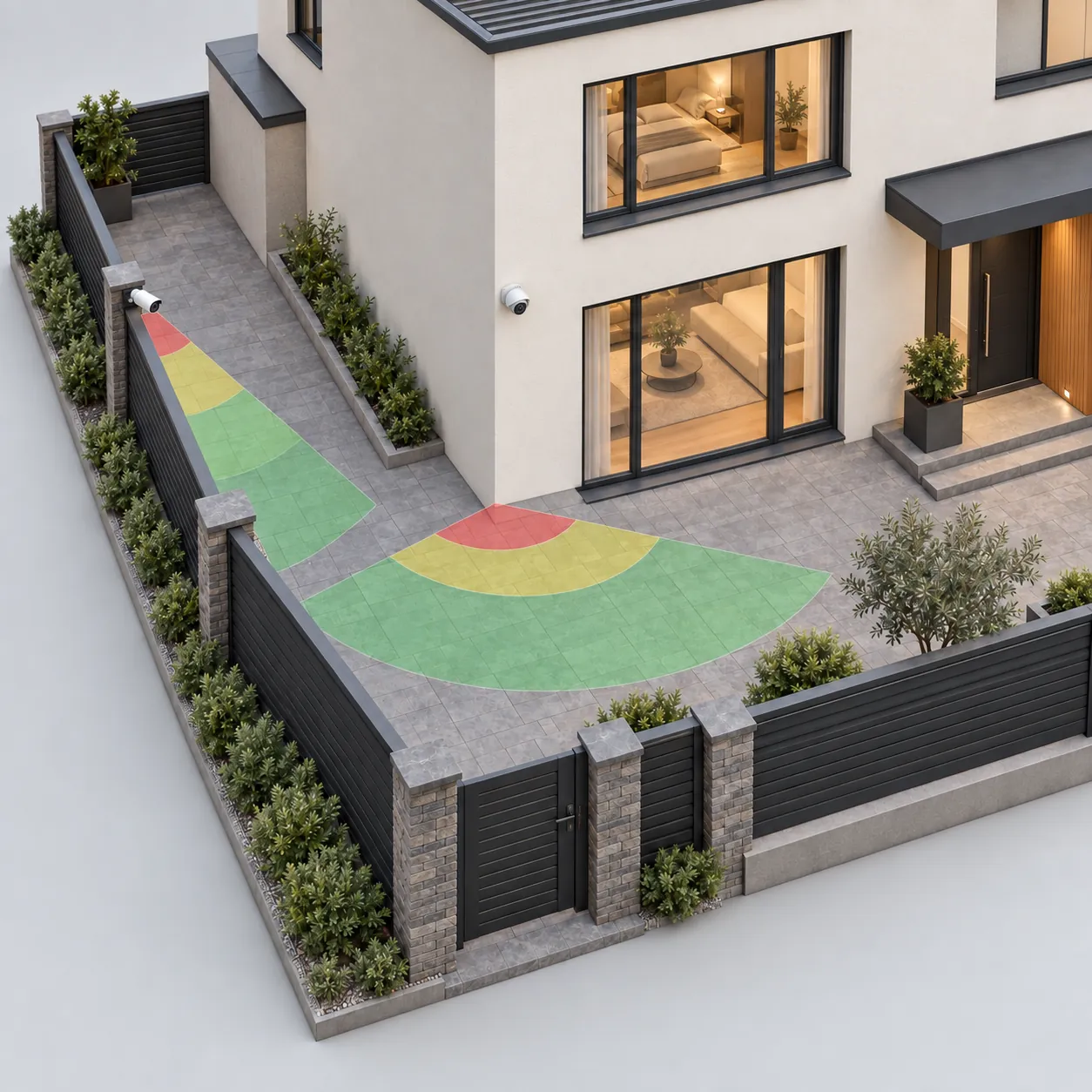
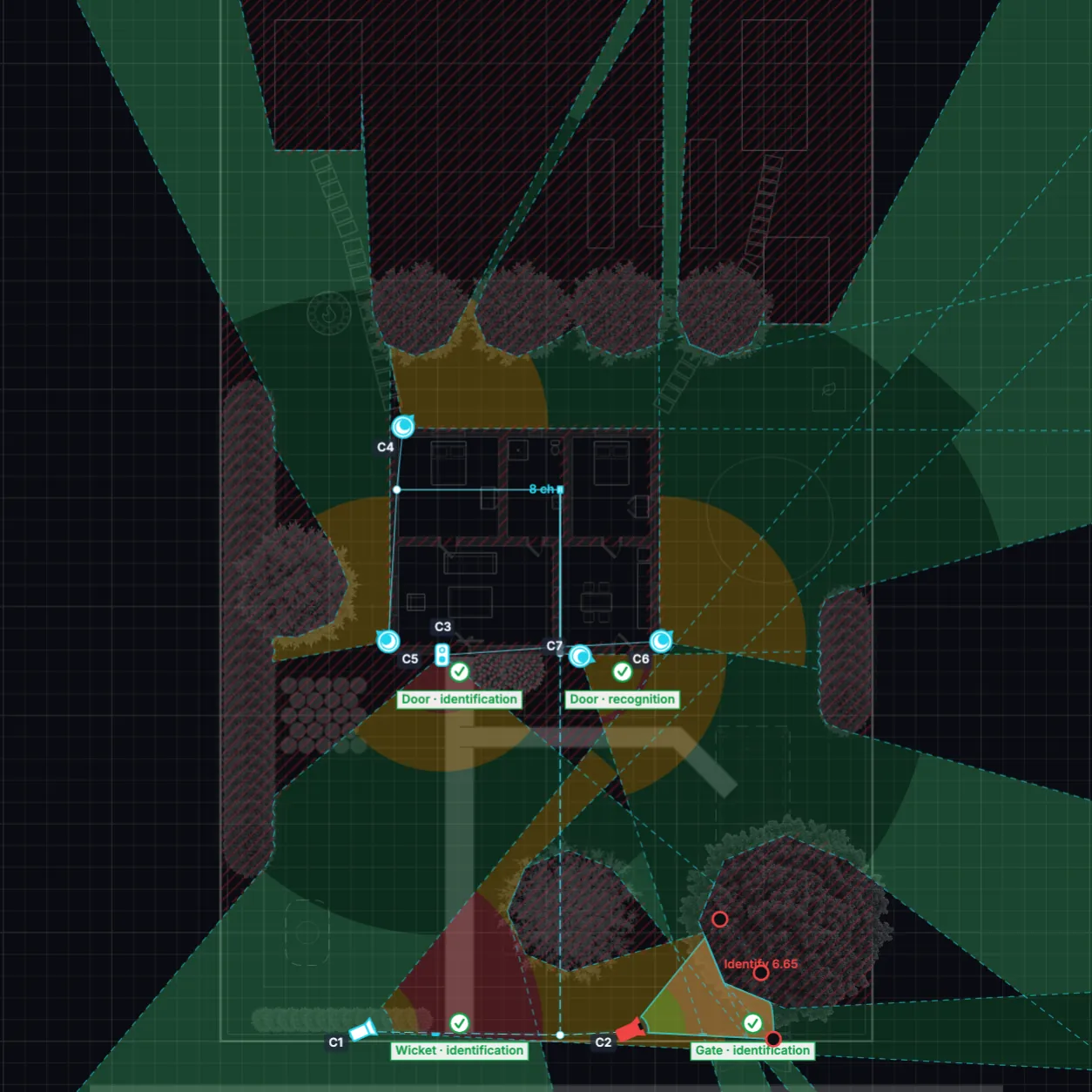
A camera on the fence post looks along the fence at the wicket, another on the house corner covers the yard; red, yellow and green zones on the paving

Gates and wickets

The camera hangs inside the plot on the fence 3–6 m from the gate and looks along the fence at it: faces of everyone who comes in are large, the street stays out of the picture.

Front door

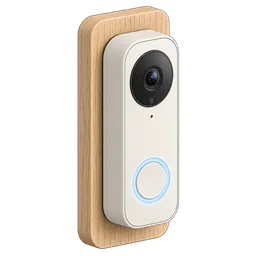
A video doorbell sees the visitor face on at 1.4 m; other doors to the garden and the terrace need only to be watched — a corner camera usually already covers them.

Facades and the yard

Corner cameras look along the walls: the edge of the picture runs along the facade, so a person walking by the house cannot slip past, and the view stays inside the plot.

The street and the neighbours

The whole view is drawn, past the fence too: watch the road to read number plates or keep an eye on your other plot. When a camera would recognise the faces of neighbours or passers-by, gardmi warns — turn or move it, or note a privacy mask for the recorder.

Cameras and equipment

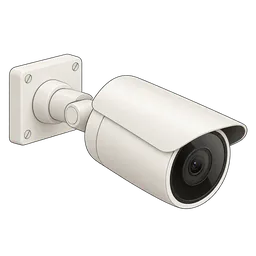
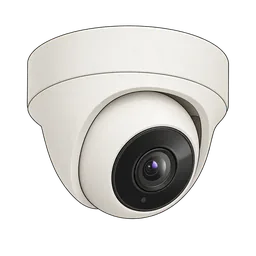
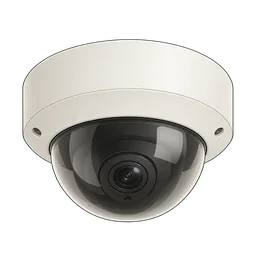
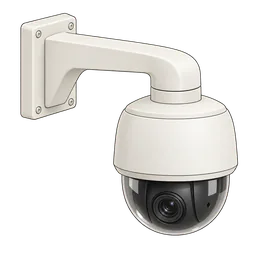
Bullet, turret and dome cameras, varifocal and PTZ, a 360° fisheye, a video doorbell and a 4G camera with a solar panel — each with its resolution, lens and IR range; recorders, PoE switches and cables.

Bullet camera
Bullet camera
Turret camera
Turret camera
Dome camera
Dome camera
PTZ camera
PTZ camera
Video doorbell
Video doorbell
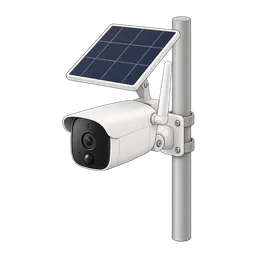
4G solar camera
4G solar camera
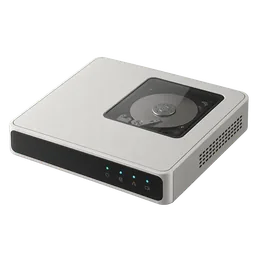
Video recorder (NVR)
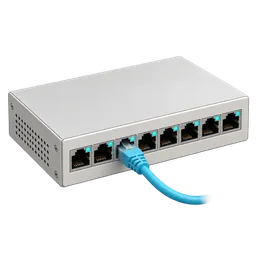
PoE switch
PoE switch
Detail

Security camera field of view and range

What matters is not the angle but the pixels on the target. By IEC 62676-4 a face is identified at 250 pixels per metre, recognised at 125, a person is observed at 62.5 and detected at 25. gardmi turns the resolution, the lens, the height and the tilt of the camera into four zones on the plan and names the distances.

  • Lens 2.8–12 mm, varifocal and PTZ zoom
  • Face at no more than 15° from above for identification
  • Night: zones end at the IR range
A selected camera on the plan with its identification, recognition, observation and detection zones and their distances in metres

Lens calculator

Enter the distance at which a face must be identified — gardmi picks the lens. For a 4 MP camera at 2.5 m: 2.8 mm (103°) identifies up to about 4 m, 4 mm (84°) up to 5.6 m, 6 mm (54°) up to 10 m.

Height and tilt

The higher the camera, the larger the blind spot below it and the further the face zone starts. The tilt is set automatically — the horizon near the top of the picture — or by hand.

Standards

IEC/EN 62676-4:2014 by default; the Russian set follows R 78.36.002-2010 (identification — 120 % of the screen height) and GOST R 51558-2014; the stricter IEC 62676-4:2025 is also there.

Turn it with the handles

The handle at the nose turns the camera within its bracket — it cannot look into the wall; the handles at the edges of the sector change the lens.

3D view

View from every camera in 3D

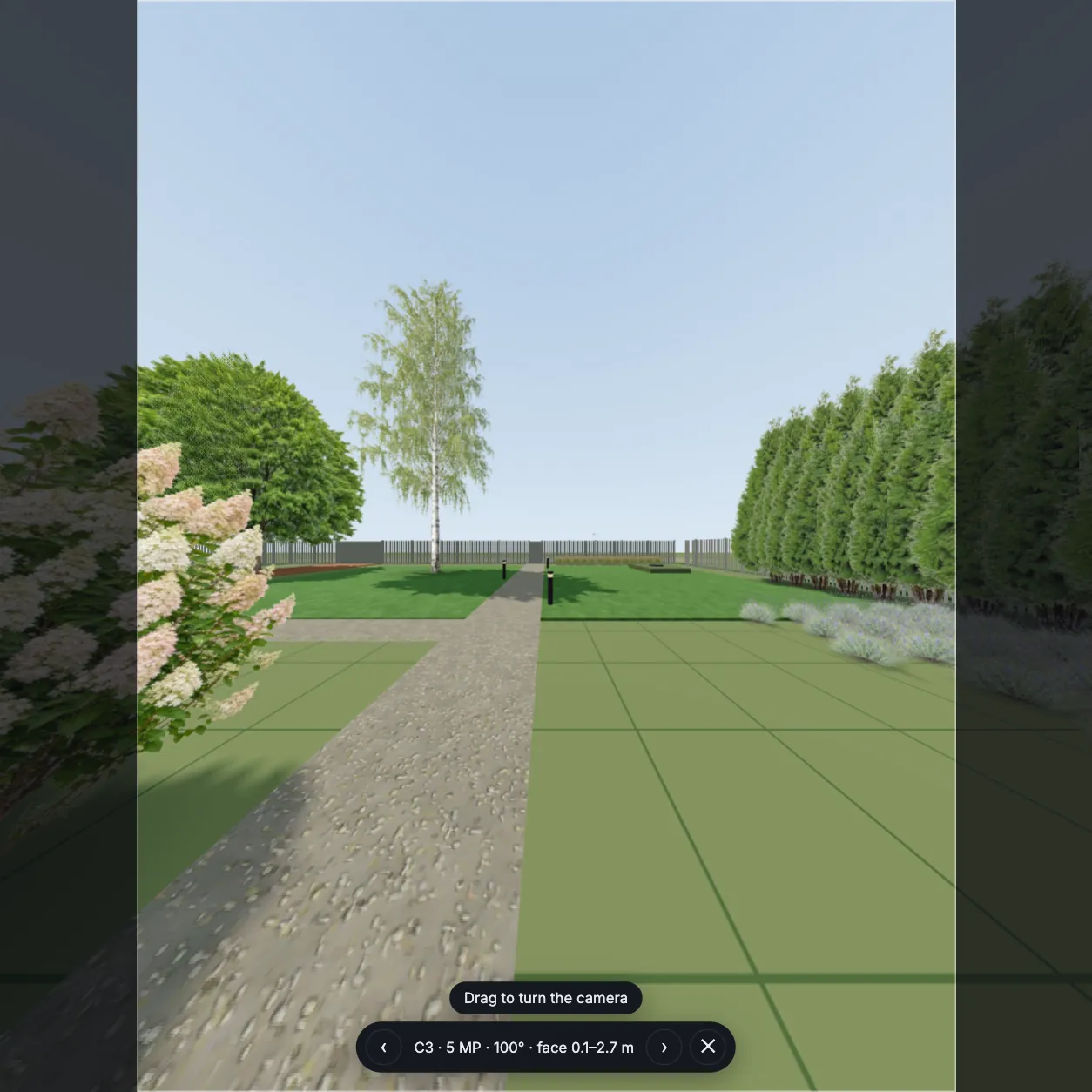
Click the camera button in the toolbar and look through the nearest camera: the picture has its real angle, tilt and frame shape, and the arrows switch between the cameras of the project. Drag to turn the camera on its bracket, scroll to zoom a varifocal or PTZ lens — the plan updates at once.

  • Real angle and frame: 16:9, 4:3 or the tall doorbell picture
  • Turning stops at the limits of the bracket
  • Works in view-only links — show the plan to your installer
The 3D view from a security camera by the front door: the path, the lawn and the gate in the frame, with the camera name, lens and face distance below
Recording

CCTV storage calculator and cables

Archive and disks

The stream of every camera follows its resolution, the codec (H.264, H.265, H.265+) and the frame rate; days of archive and continuous or motion recording give the terabytes, and gardmi picks the disks for the bays of the recorder with a reserve.

Recorder channels

The recorder is chosen for the number of cameras — 4, 8, 16 or 32 channels — with the incoming stream and the PoE power budget checked.

PoE cables

Every PoE camera gets its own twisted pair to a port of the recorder or a switch: the length is the route plus the drops, and a line longer than 90 m is flagged — Ethernet carries power and video up to 100 m.

Holiday home without internet

Where there is no cable and no Wi-Fi, a 4G camera with a solar panel stands on its own post and records to a memory card — it is in the same catalogue and draws the same zones.

Next to the cameras: Electrical plan · Heating plan · Floor plan maker

How to plan security cameras for a house

  1. 1

    Draw the plot and the house

    The boundary, the fence with the gate and wicket, the house with its doors, sheds and trees — or open a plan you already have. They are what blocks the view.

  2. 2

    Cover entrances in one click

    Open the CCTV section → Coverage and press «Cover entrances and perimeter»: cameras on the gates, a doorbell at the front door, corner cameras, a recorder and cables. What is already covered stays.

  3. 3

    Look through the cameras

    Check the red hatched blind spots, move and turn cameras, change lenses and look through each of them in 3D until every entrance has its ✓.

  4. 4

    Export the album

    Export the camera plan, the CCTV schedule with every camera and the estimate to PDF — for the installer and the shop.

Home security cameras — frequently asked questions

How many security cameras does a house need?

Usually four to eight: one inside the plot at every gate and wicket, a video doorbell at the front door and a camera on the corners of the house looking along the facades. Buildings, sheds and tall trees leave blind spots behind them — gardmi hatches them in red, so you add cameras until the plot is covered, not by a rule of thumb.

At what height should a security camera be mounted?

At gates and doors — 2.3–2.8 m: out of reach, yet low enough to see a face at no more than 15° from above; higher, the camera sees the top of the head. Cameras under the eaves at 3–4 m watch the approaches and the yard. gardmi shows the blind spot under every camera and how far the face zone starts and ends.

Which lens should I choose: 2.8, 4 or 6 mm?

It is a trade between angle and detail. For a 4 MP camera at 2.5 m, a 2.8 mm lens (about 103°) identifies a face only up to about 4 m, 4 mm (84°) — up to 5.6 m, 6 mm (54°) — up to 10 m (IEC 62676-4, 250 pixels per metre). A wide lens watches the yard, a narrow one — a gate far away. gardmi picks the lens for the distance you need.

How much disk space do I need for 30 days of recording?

Archive = the streams of all cameras × the recording time. A 4 MP camera in H.265 at 15 frames per second streams about 2.5 Mbit/s, so eight cameras recording around the clock for 30 days need about 6.5 TB — one 8 TB disk; recording on motion only cuts it to about 2 TB. gardmi sums your cameras and picks the disks for the recorder.

May my camera see the street or the neighbours?

Seeing the road — for example to read number plates — is fine, but keep the faces of neighbours and passers-by unrecognisable. In the EU a home camera that films the street or a neighbour’s plot is no longer a purely household matter and falls under the GDPR (CJEU, case C-212/13 Ryneš); in Russia filming the private life of neighbours may breach Article 152.2 of the Civil Code. gardmi draws the whole view, past the fence too, and warns when a camera would recognise people outside your land — then turn or move it, or mask that area in the recorder.

Plan the security cameras of your house online

Open the editor

gardmi is a free online planner. Coverage, distances and disk sizes here are a preliminary design — check the final camera positions on site with the real cameras and follow the privacy law of your country.