gardmi 🇺🇸 Garden site planner
From your 3D model to a photo in 20 seconds

AI rendering of your house and garden

Draw the plot and the house, open 3D — and the neural network turns the view into a photo: the same layout, real materials, any season. Simple, in the browser, free within the weekly limit.

Make an AI photo
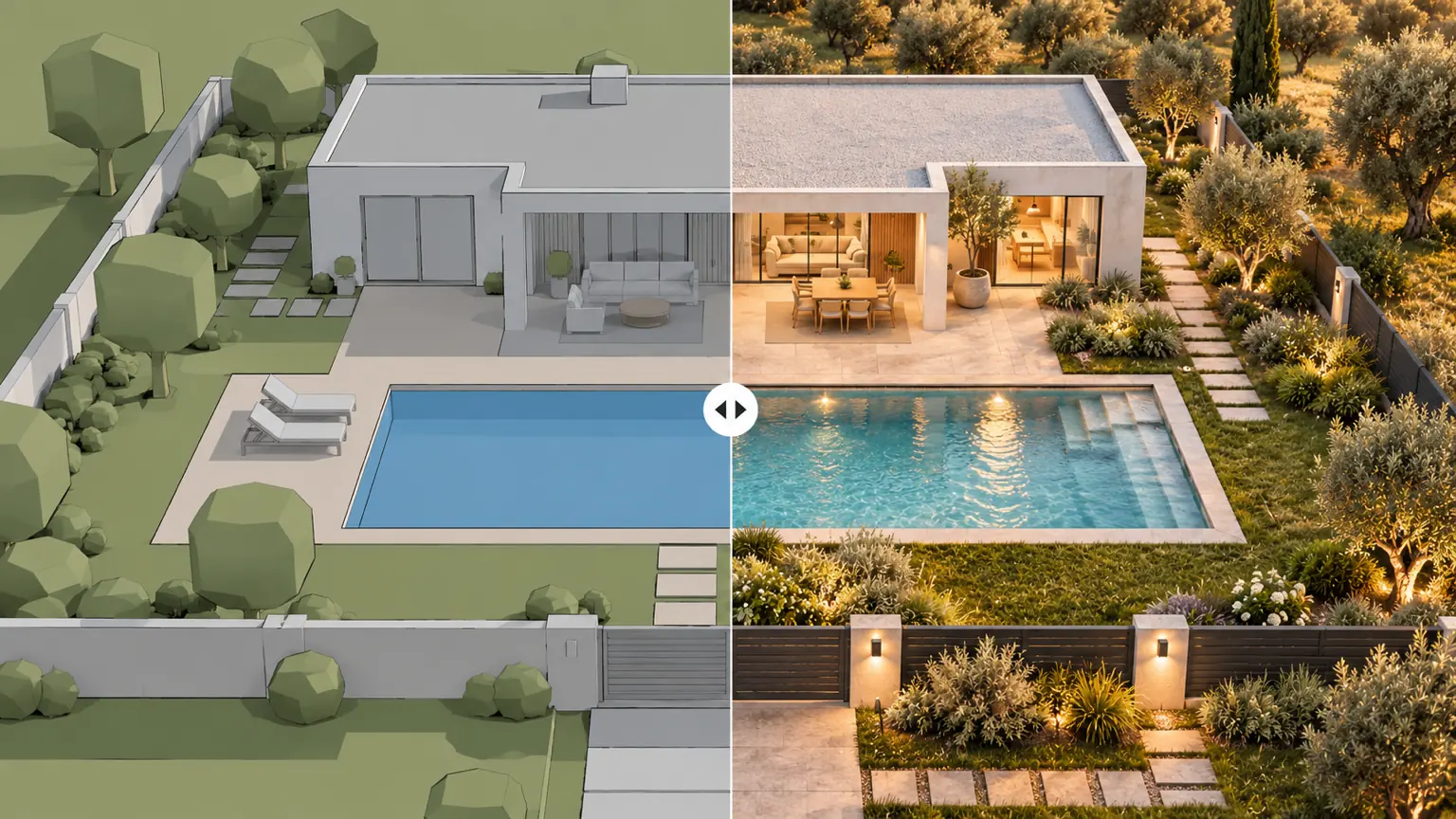
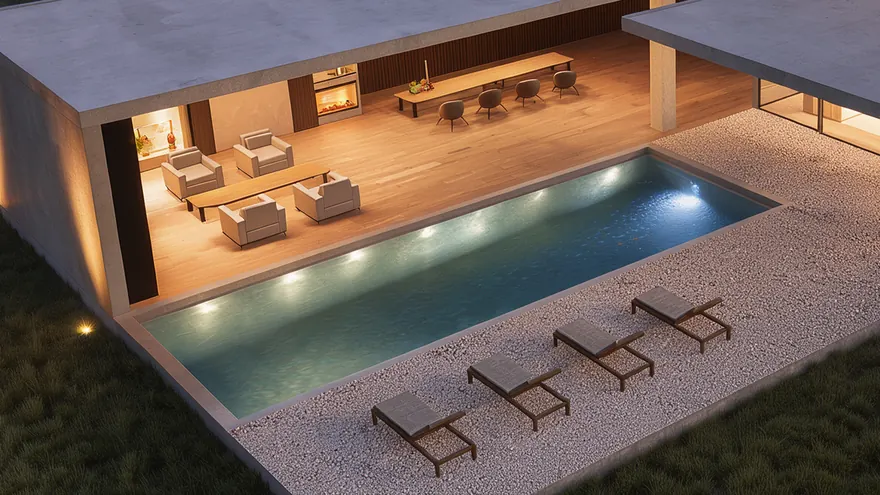
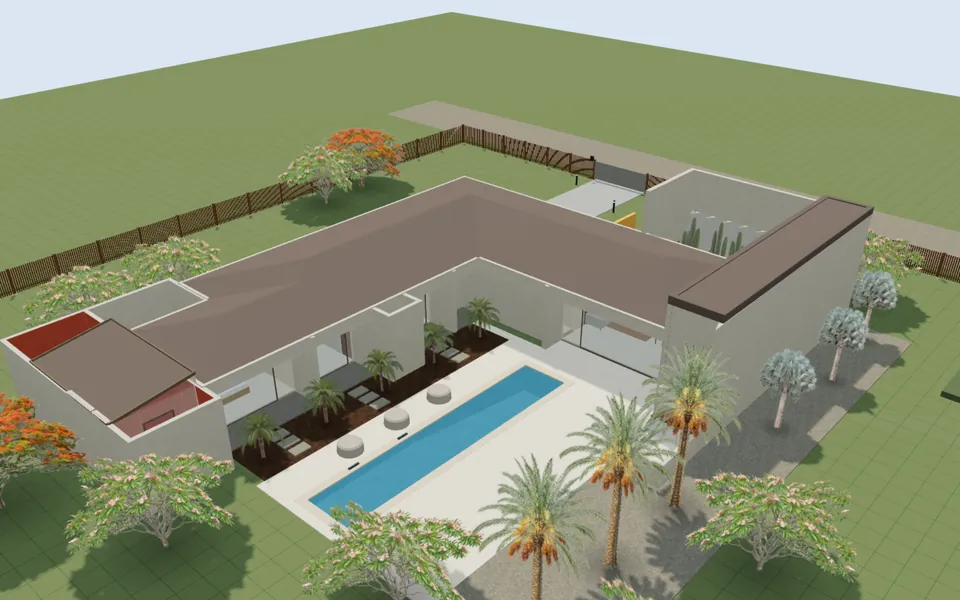
A house with a pool and a garden split in two: on the left a simple 3D model, on the right the same plot as an evening photo
AI photo

Photorealistic rendering of your project

Live examples

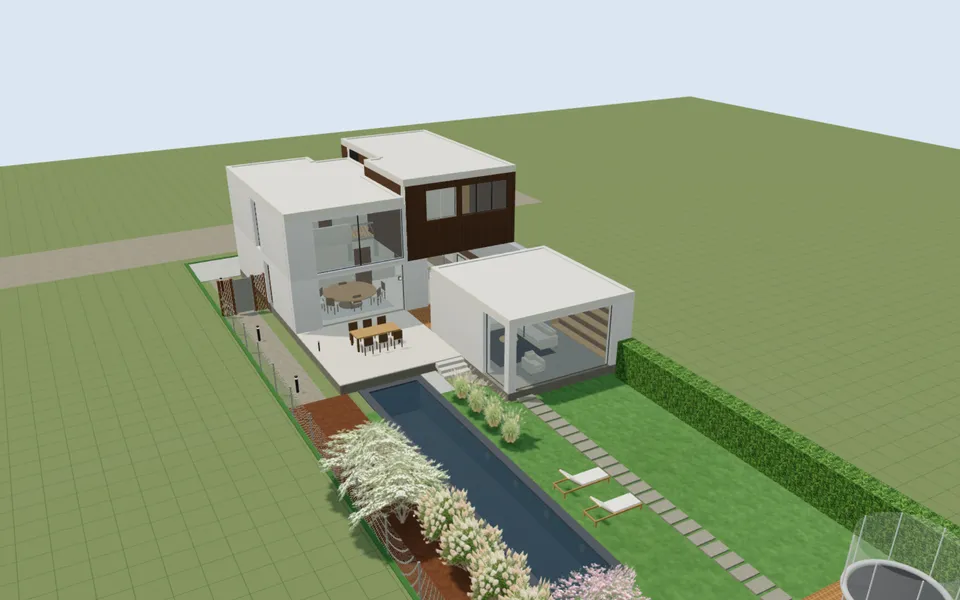
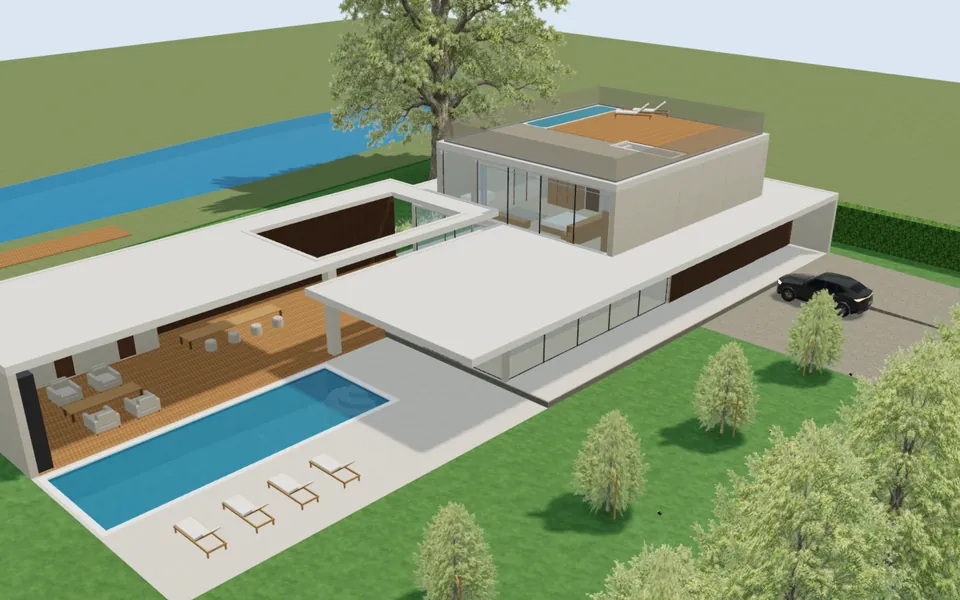
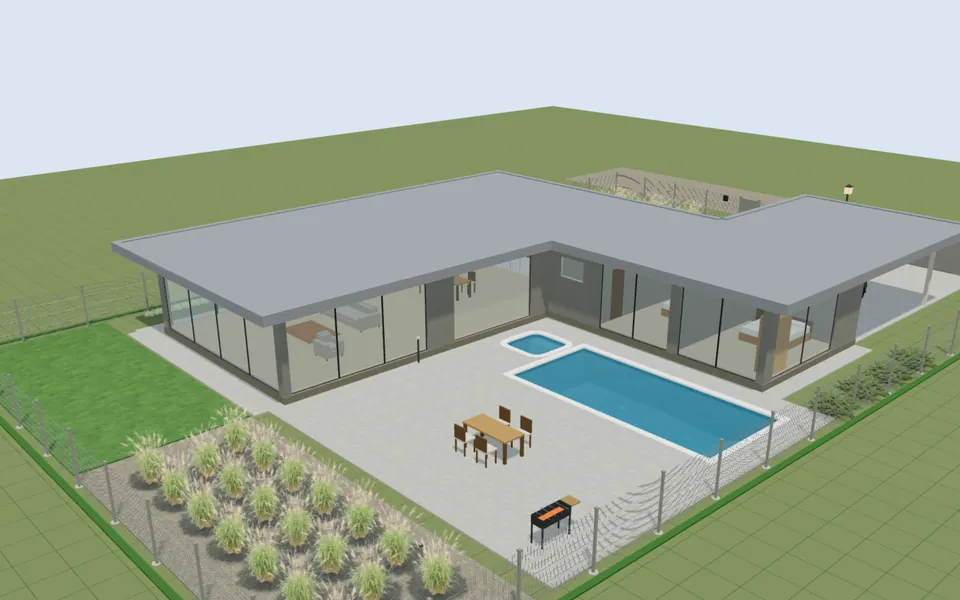
Try it on a finished project

Open a finished project and change anything — the original stays intact.

How to make a visualization of a house and plot

  1. 1

    Draw the plot and the house

    The boundary, the house, paths, a pool, plants and furniture — or open one of the finished projects above.

  2. 2

    Choose the view in 3D

    Switch to 3D and turn the camera the way you want the photo: from above, from the terrace or at eye level.

  3. 3

    Describe the photo

    Press «AI photo» in the left toolbar and write the season, the light or the style — or tap a hint. Empty means a sunny summer day.

  4. 4

    Compare and download

    Drag the slider between the 3D view and the photo, download it or press «Change style» to try another season on the same view.

AI interior design from your 3D room

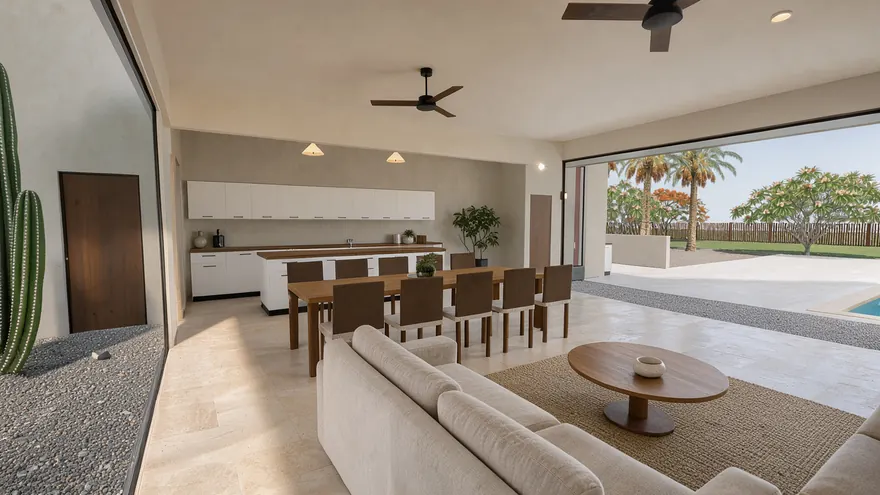
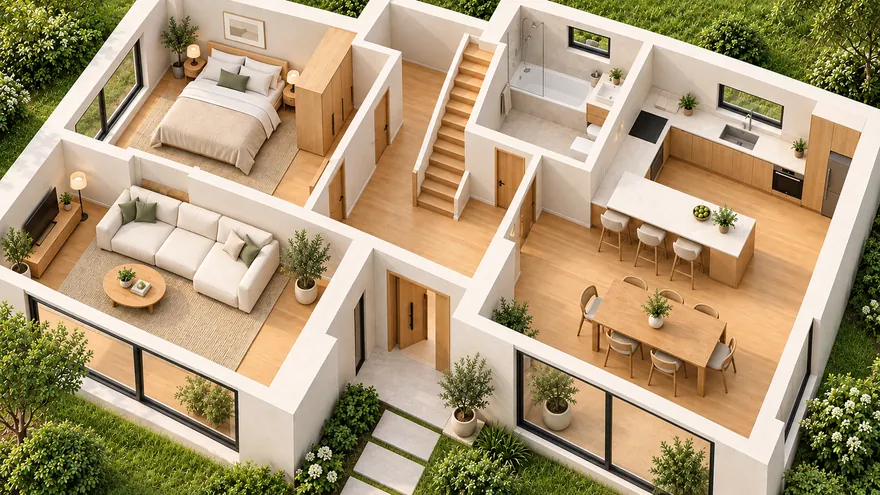
Furnish a room in gardmi — sofas, a kitchen, lamps, rugs and curtains — stand inside it in 3D and press «AI photo». The neural network keeps your layout and furniture and turns them into a photo of the finished interior: real fabrics, wood, stone and daylight. An interior designer can show the idea to a client before the renovation, and a family can choose between two layouts.
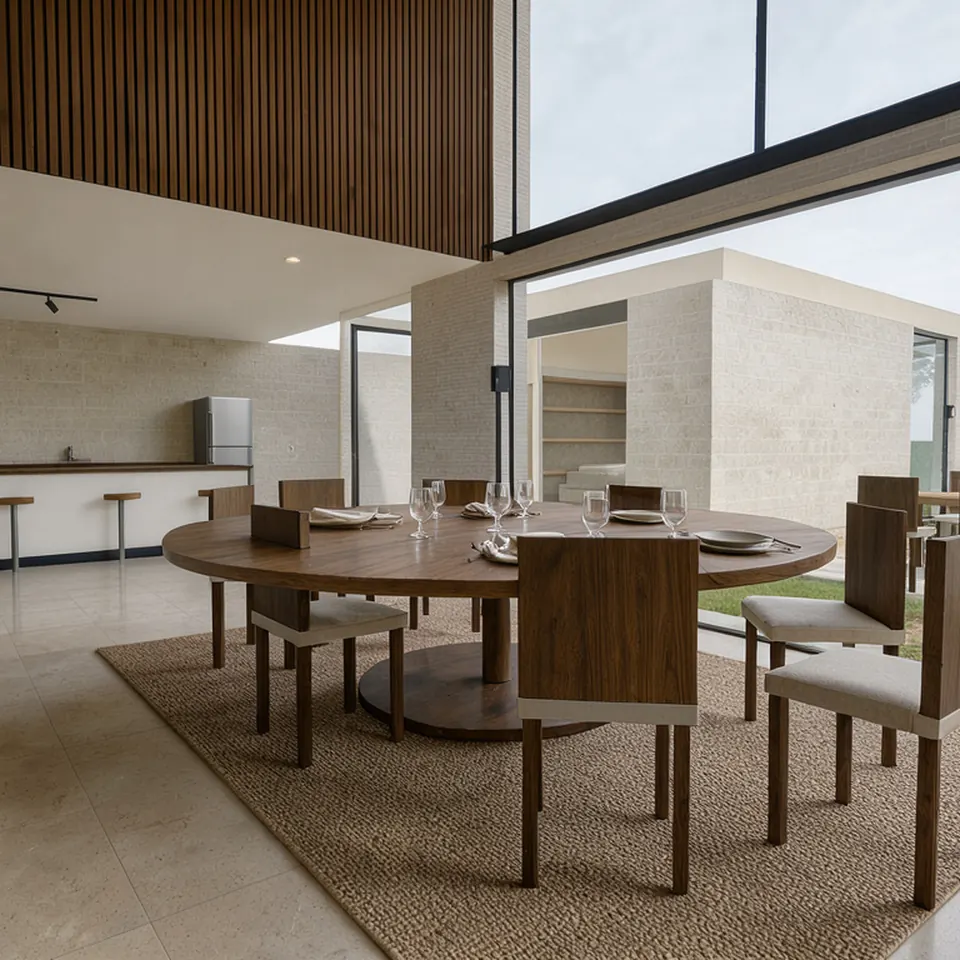
AI photo of a kitchen and dining room with a double-height ceiling, made from the 3D view of the room

The same view

The neural network gets the exact frame of your 3D view and repaints it: the camera, the proportions and the place of every object stay. A cutaway or a view without a roof stays that way — handy to show the layout.

Exact, balanced or creative

«Exact» changes only materials and light; «Balanced» adds natural texture to plants and surfaces; «Creative» may make the planting lusher and add garden details.

An impression, not a drawing

Small details — the texture of a stone, the shape of a bush — may differ from the plan. Exact sizes and quantities stay in the plan, the estimate and the PDF sheets.

Garden visualization in any season

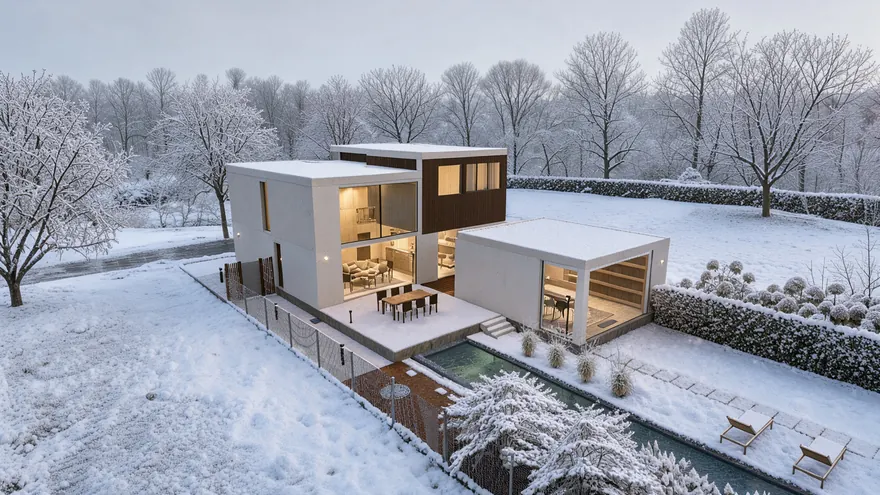
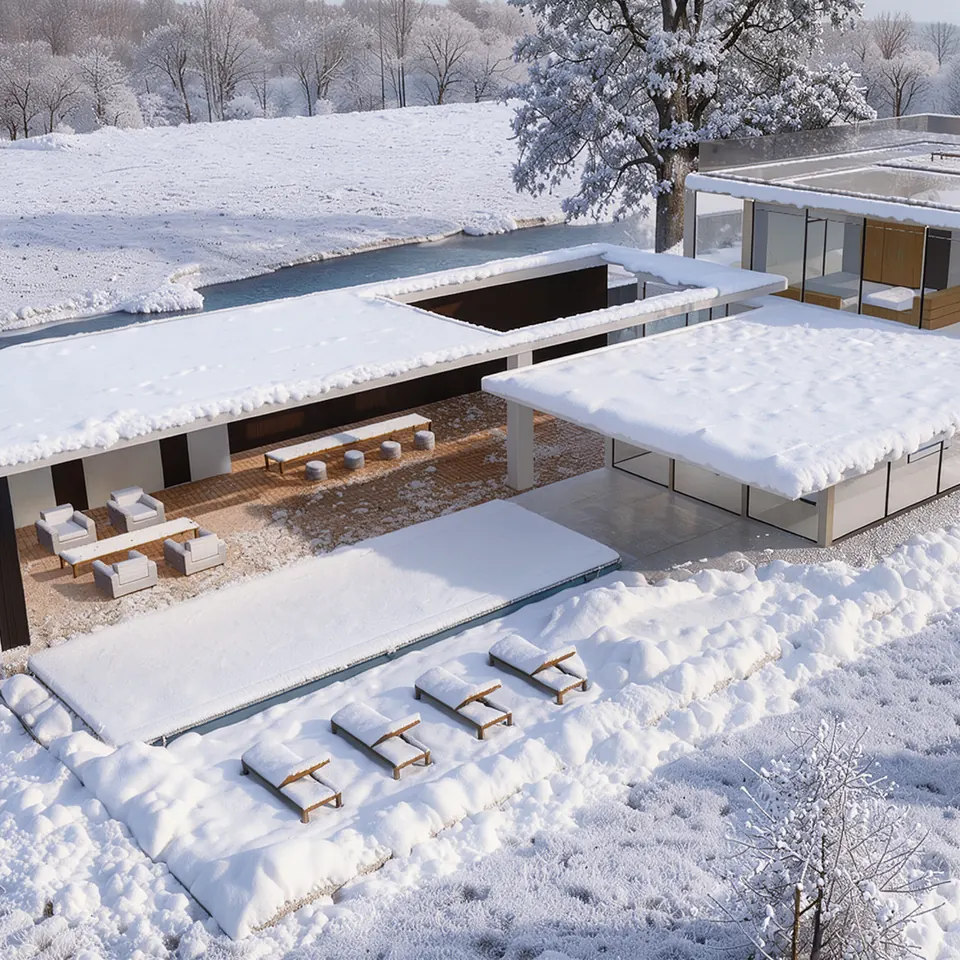
One view — as many photos as you like: a summer noon, golden hour, autumn leaves, fresh snow on the roof, an evening with warm windows and a garland over the table. It shows how the plantings and the lighting work through the year before anything is built.

AI photo of a house with a pool in winter: snowdrifts on the roofs, the terrace and the loungers

Describe the photo in your own words

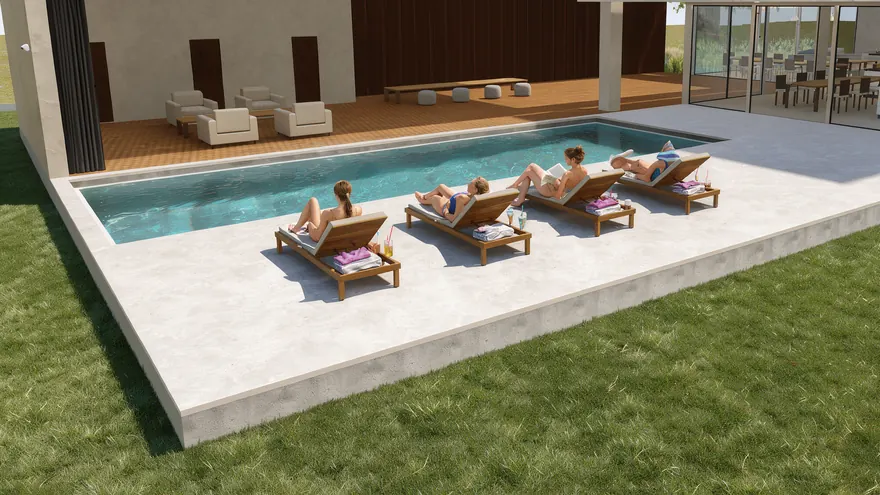
Write what you want to see — «friends on loungers by the pool», «a watercolour sketch», «garden furniture on the terrace» — in any language. Hints add ready phrases for the season, the light and the style. You can also ask the AI assistant Bo: it opens the window with your description already filled in.

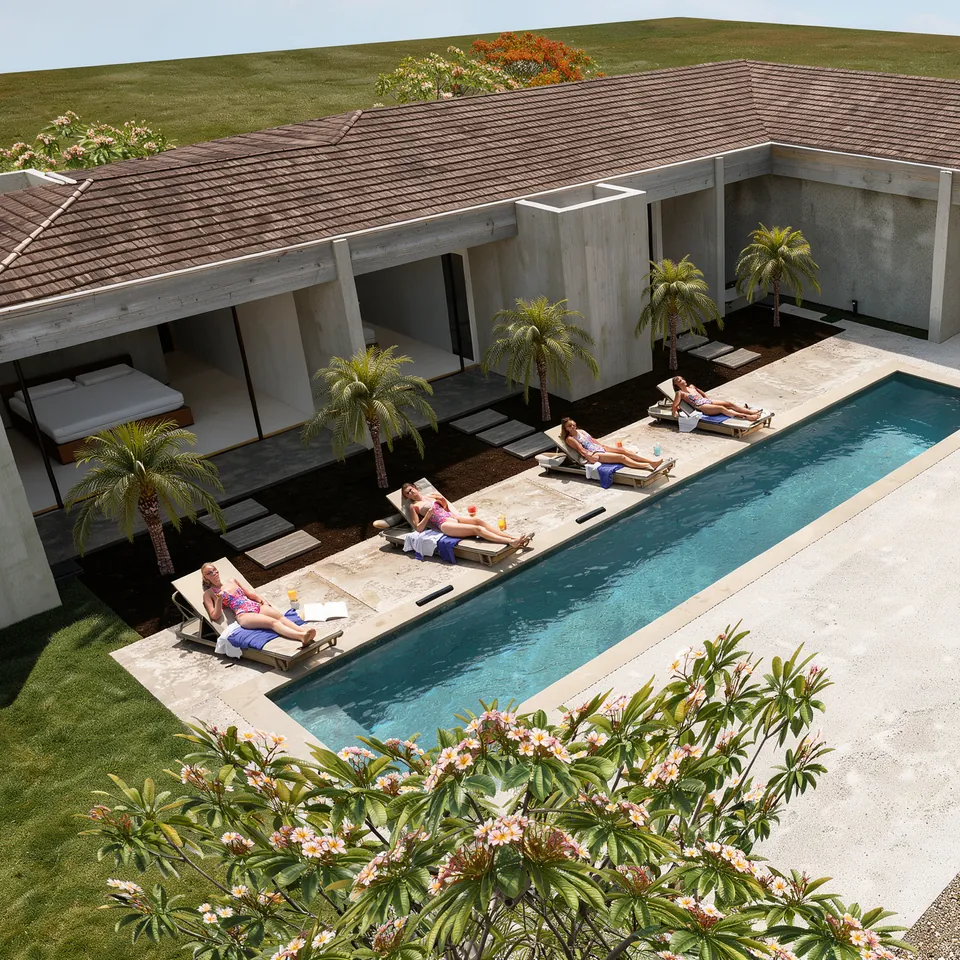
AI photo from the description «girls sunbathing on loungers by the pool»: a courtyard house with palms

How much an AI photo costs

1K — 2 energy

About 1 megapixel in 20 seconds — for a quick look and messengers.

2K — 4 energy

About 4 megapixels in 40 seconds — sharp on a big screen and in a presentation.

4K — 8 energy, Pro

About 16 megapixels in up to four minutes — enough to print a poster of your plot.

Weekly energy

The free plan gets 10 energy every week, Pro — 300. Extra energy can be topped up and never expires; if the service fails, the energy comes back.

App

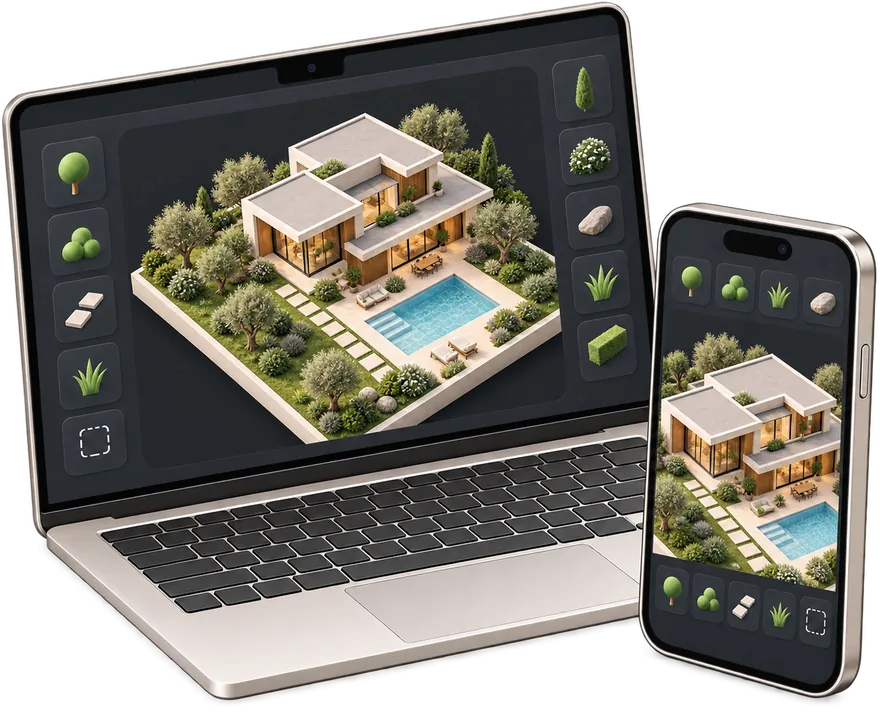
AI rendering app for phone and computer

  • An icon on the home screen — back to your plot in one tap
  • Full screen without the address bar — more room for the plan
  • The same projects on phone and computer — cloud autosave
gardmi
gardmi Garden site planner · free

You are already in the app — gardmi is installed.

AI photo — frequently asked questions

Can I install gardmi as an app on my phone?

Yes. gardmi installs straight from the browser, without App Store or Google Play: on Android and in Chrome or Edge on a computer press “Install the app”, on iPhone open the site in Safari and choose Share → Add to Home Screen. The app opens full-screen from its icon and keeps the same cloud projects.

Is the AI photo free?

Yes, within the weekly energy limit: the free plan gets 10 energy every week — five 1K photos or two 2K photos. Pro gives 300 energy a week and 4K photos; extra energy can be topped up and never expires. Drawing the plan and the 3D view are always free.

How is it different from generating a picture from text?

A text-to-image service invents a nice garden — but not yours. gardmi gives the neural network the exact 3D view of your project, so the photo keeps the camera, the shape of the house, the pool, the fence and where every plant stands; only the materials, light and season become real.

Will the photo match my plan exactly?

The layout, the camera and the proportions match; small details — the texture of a material, the shape of a bush, a lamp — may differ, because it is an impression of the finished place, not a drawing. Choose «Exact» to change as little as possible, or «Creative» to let it add planting and garden details.

How long does it take?

About 20 seconds for 1K, 40 seconds for 2K and up to four minutes for 4K. You can keep working — the photo appears in the history of the project when it is ready.

What if the result failed?

If the neural network service could not make the photo, the energy comes back automatically. If you just do not like the result, press «Change style» and try another description or accuracy on the same view.

Make a photo of your future plot

Open the editor

An AI photo is an impression of the finished place: small details may differ from the plan. Exact sizes are in the plan and the PDF sheets.

Tap Share → “Add to Home Screen”.