Apartment floor planner
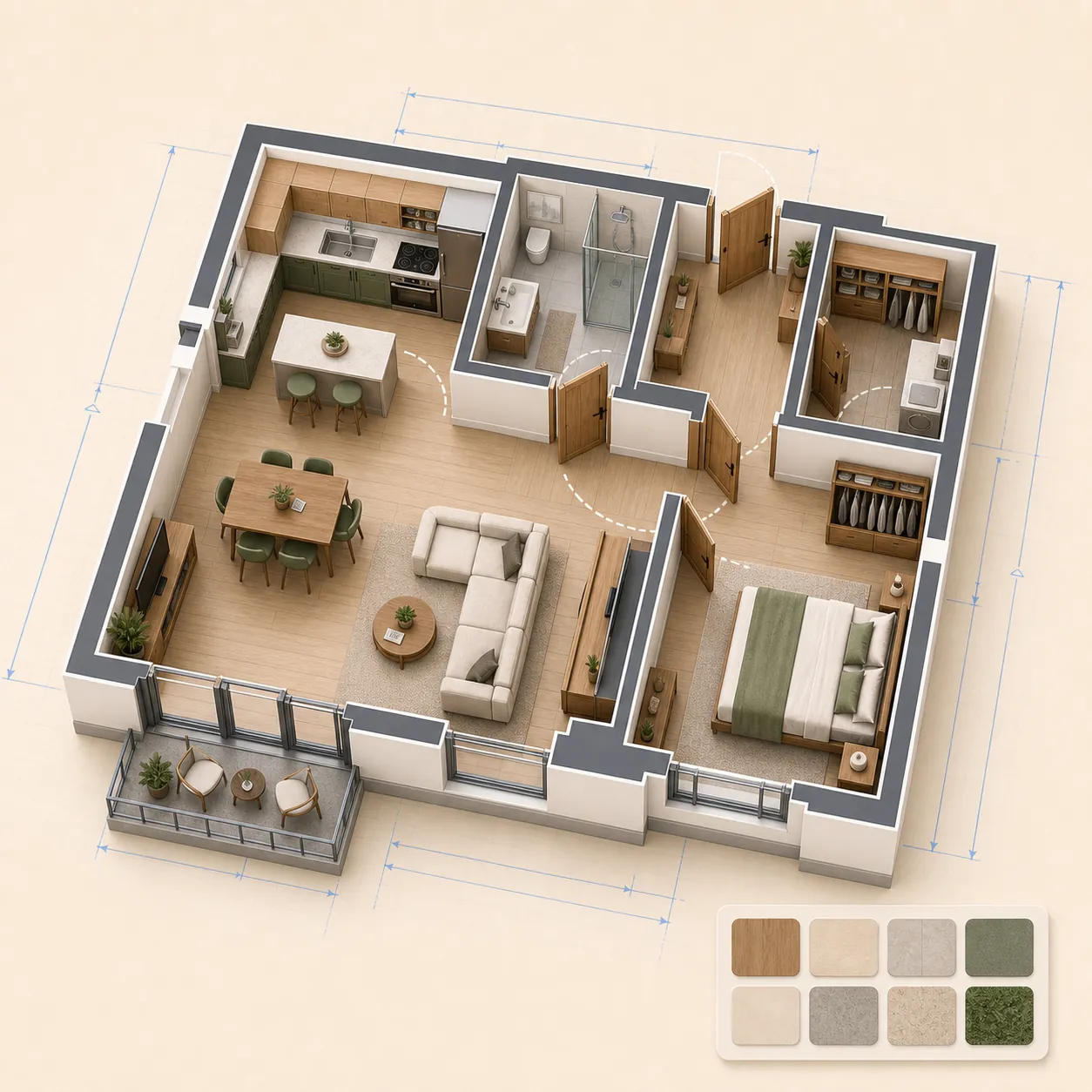
Sketch rooms, measure clearances, try furniture layouts and keep a clean plan for renovation discussions.
 gardmi 🇺🇸
Garden site planner
gardmi 🇺🇸
Garden site planner
 Free · no sign-up required
Draw a precise 2D apartment or house plan in real metres, add doors, windows and furniture, then inspect every floor in 3D and export PNG or PDF. Free in your browser with no sign-up.
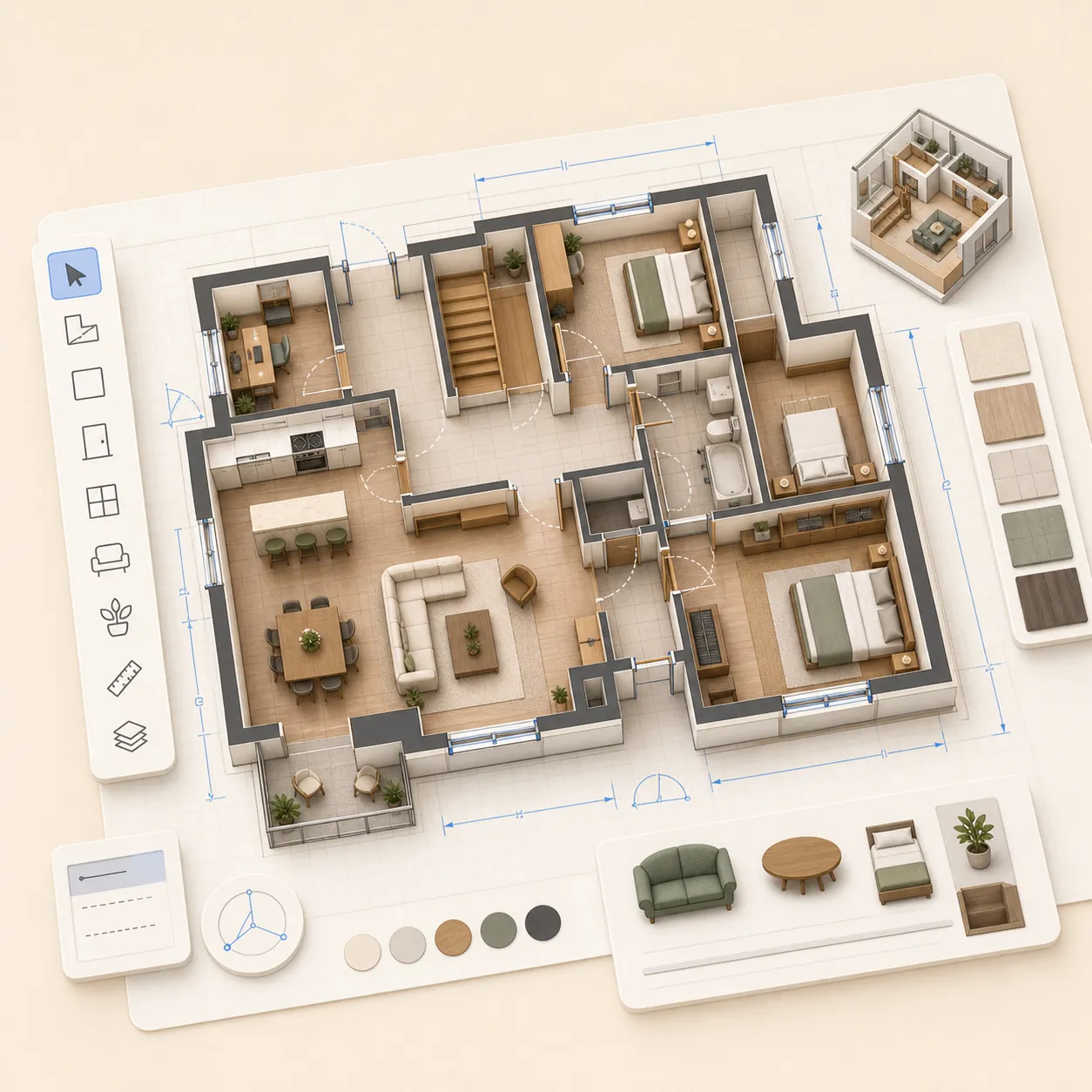
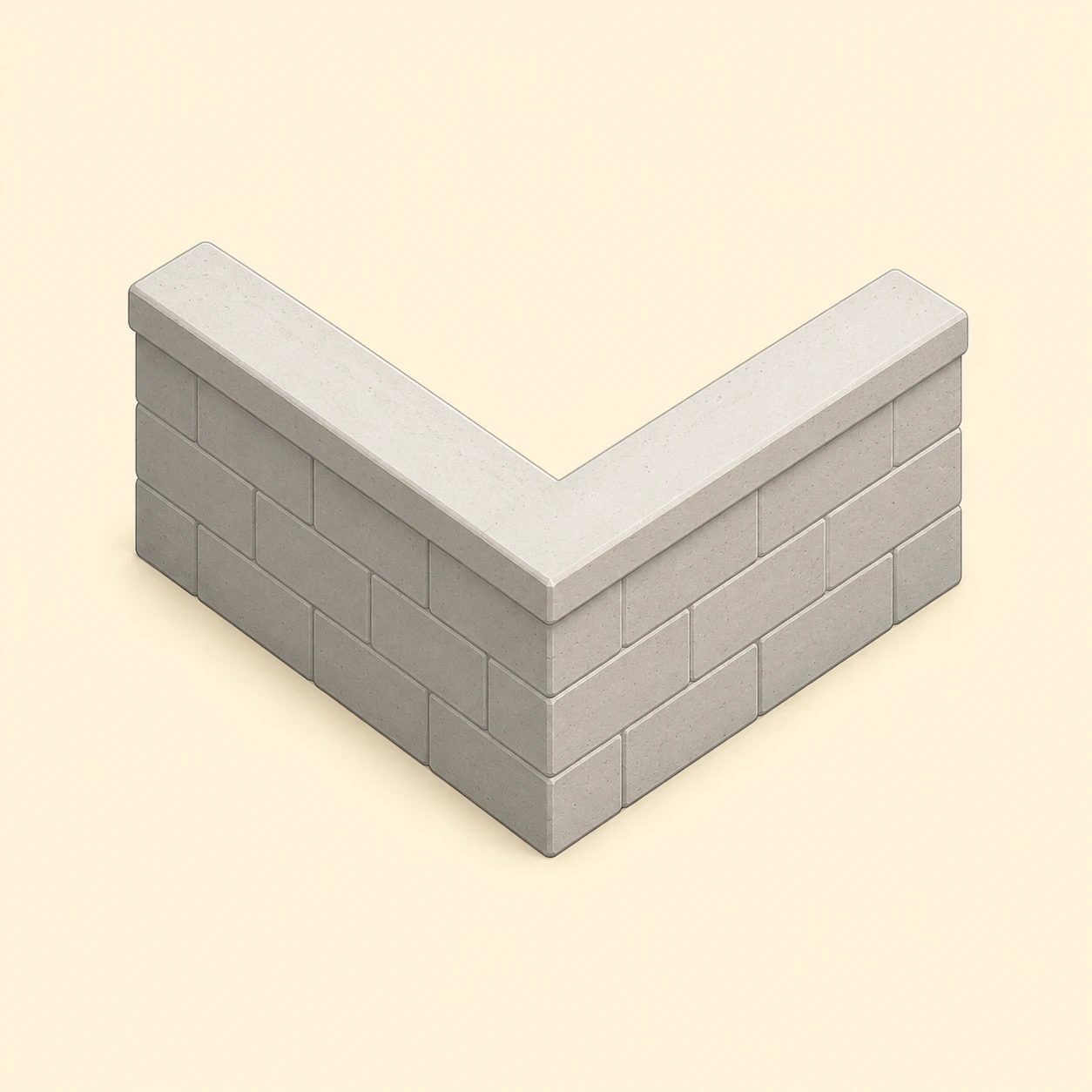
Enter measured wall lengths and thicknesses, then trace rooms in real metres with snapping, dimension labels and angles. Mark any estimated measurement so it can be checked before renovation or construction.
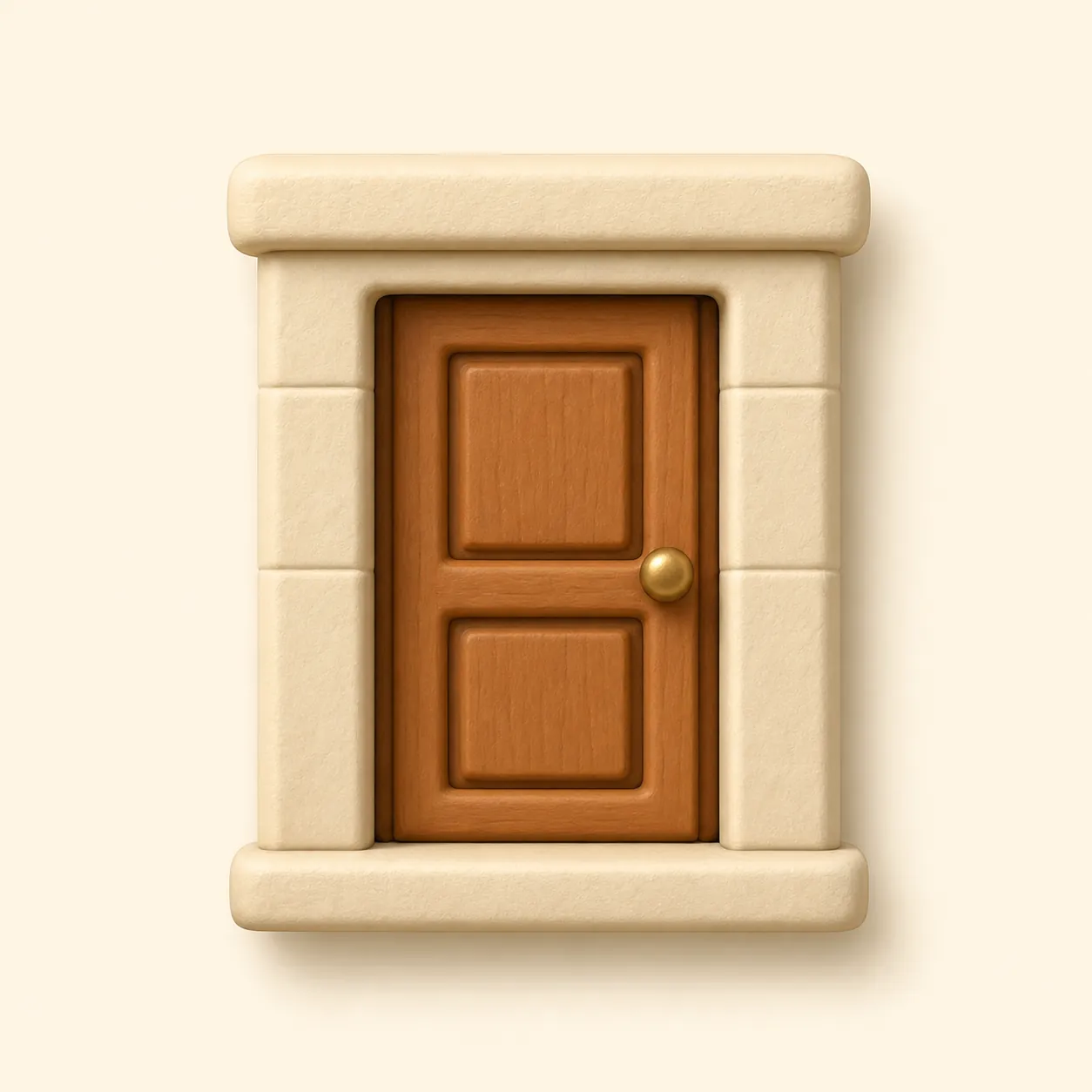
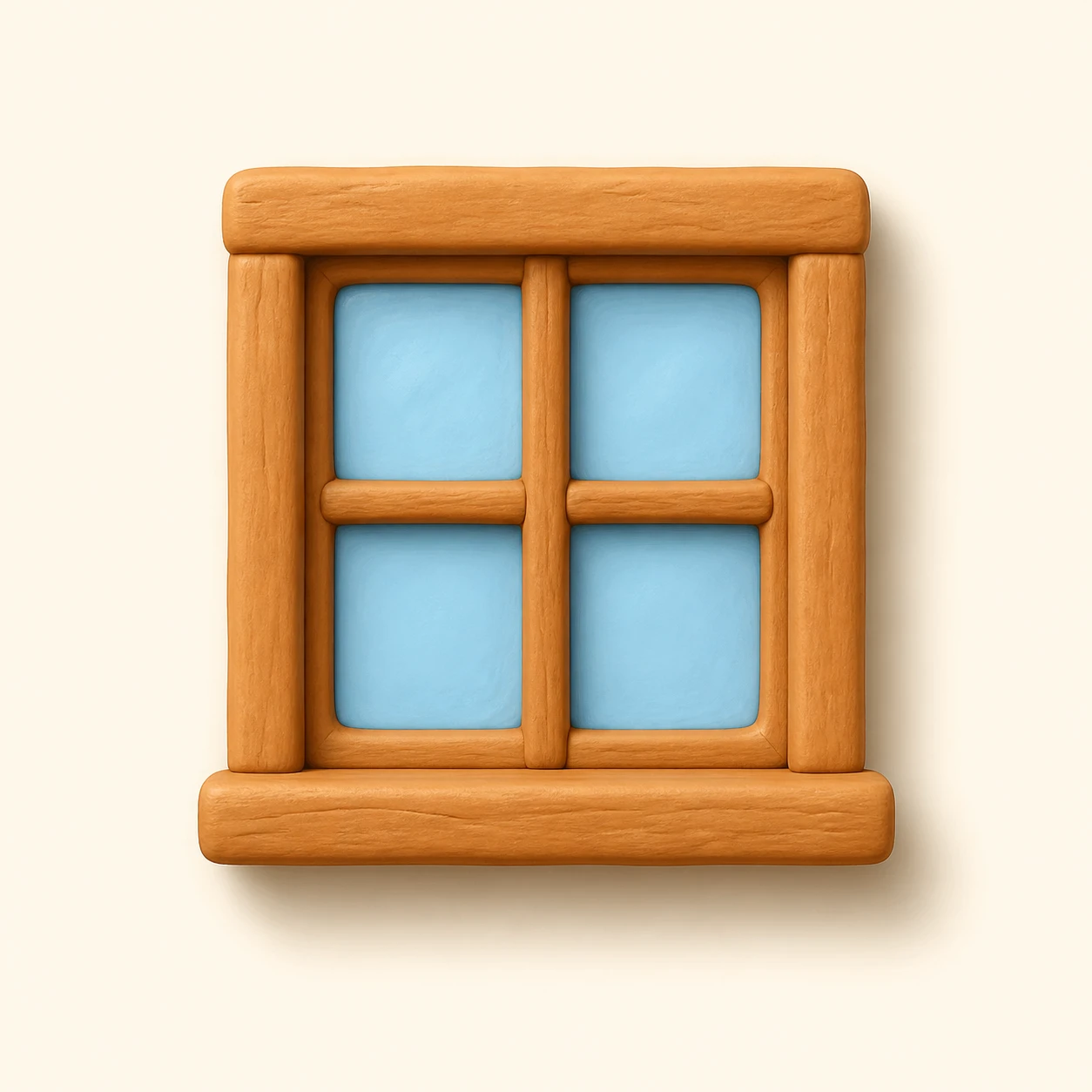
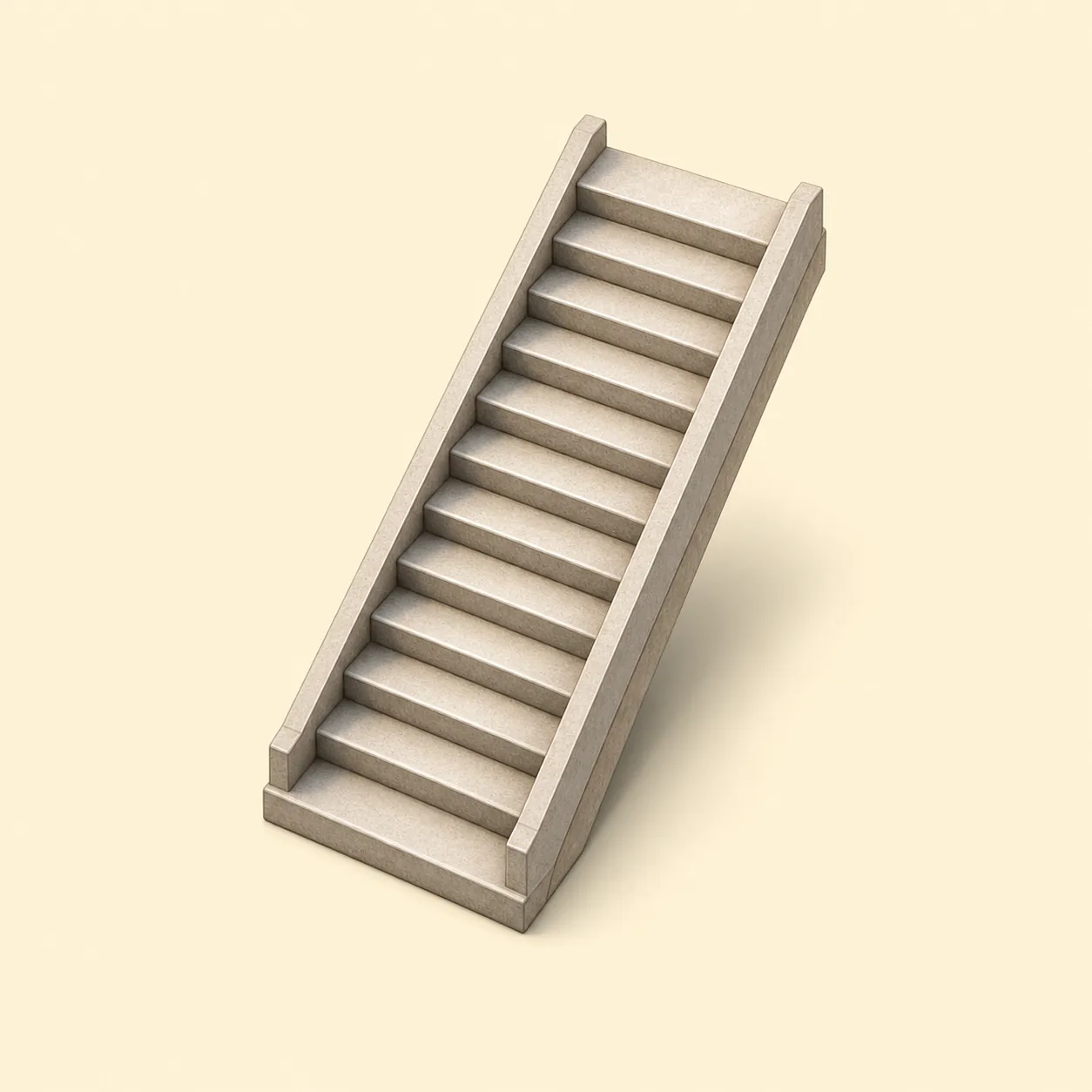
Place doors, sliding doors, windows, stairs and columns exactly on the wall instead of dragging them from a default spot.
Use real-size furniture, kitchen, bathroom fixtures, wardrobes and even a billiard table with its cue clearance zone.
Stack floors, apply materials and walk through the apartment or house at eye level before you share or export.
The same drawing stays useful from a quick apartment layout to a multi-storey house model.
Sketch rooms, measure clearances, try furniture layouts and keep a clean plan for renovation discussions.
Separate the ground floor, second floor, basement, roof and document boards, then view the whole building stacked in 3D.
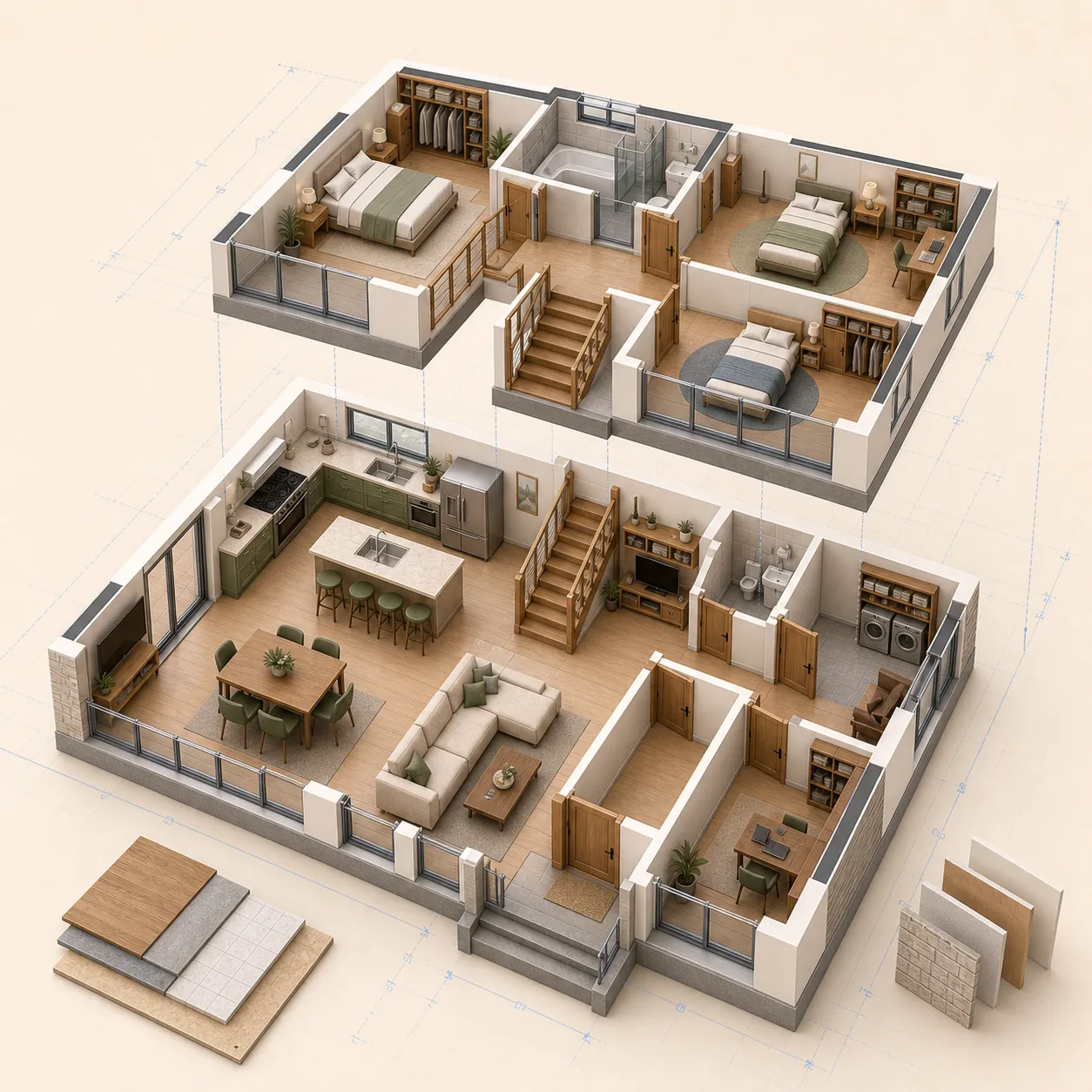
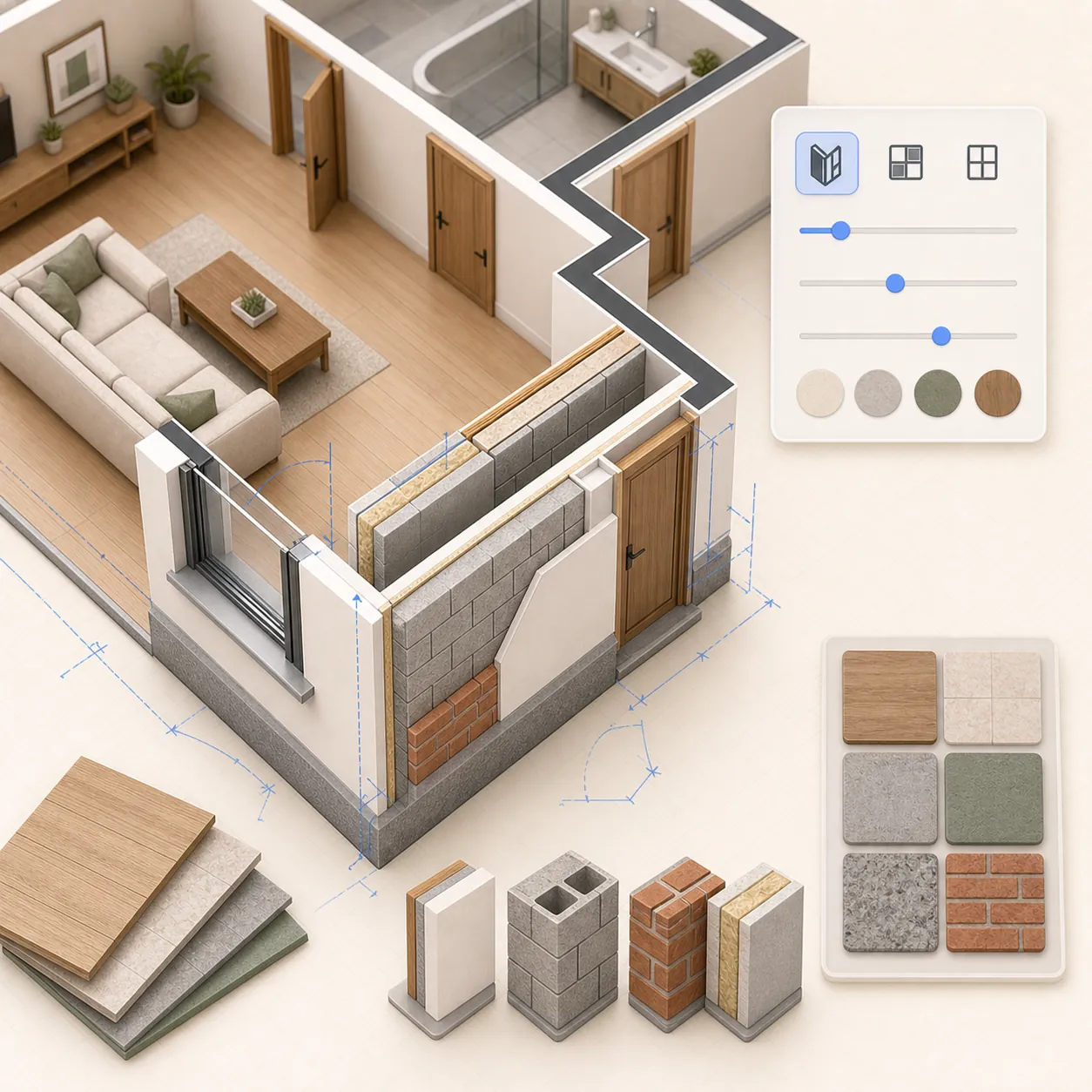
Set wall thickness, room floors, finishes and object heights. Materials stay consistent between the 2D plan and the 3D scene.
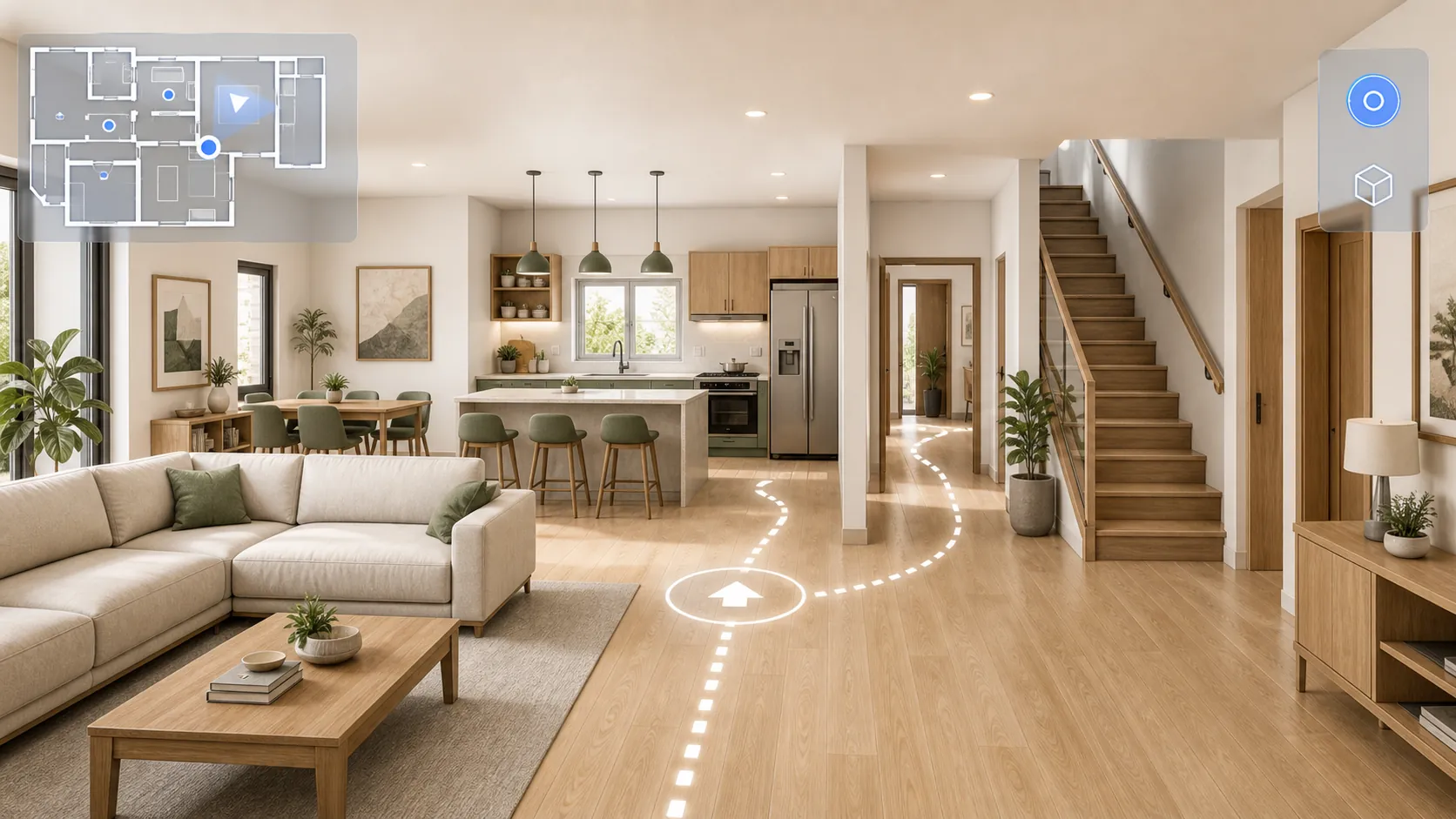
Walk through the plan in the browser without a headset: use the keyboard on desktop or a mobile joystick, climb stairs and open doors with a click.
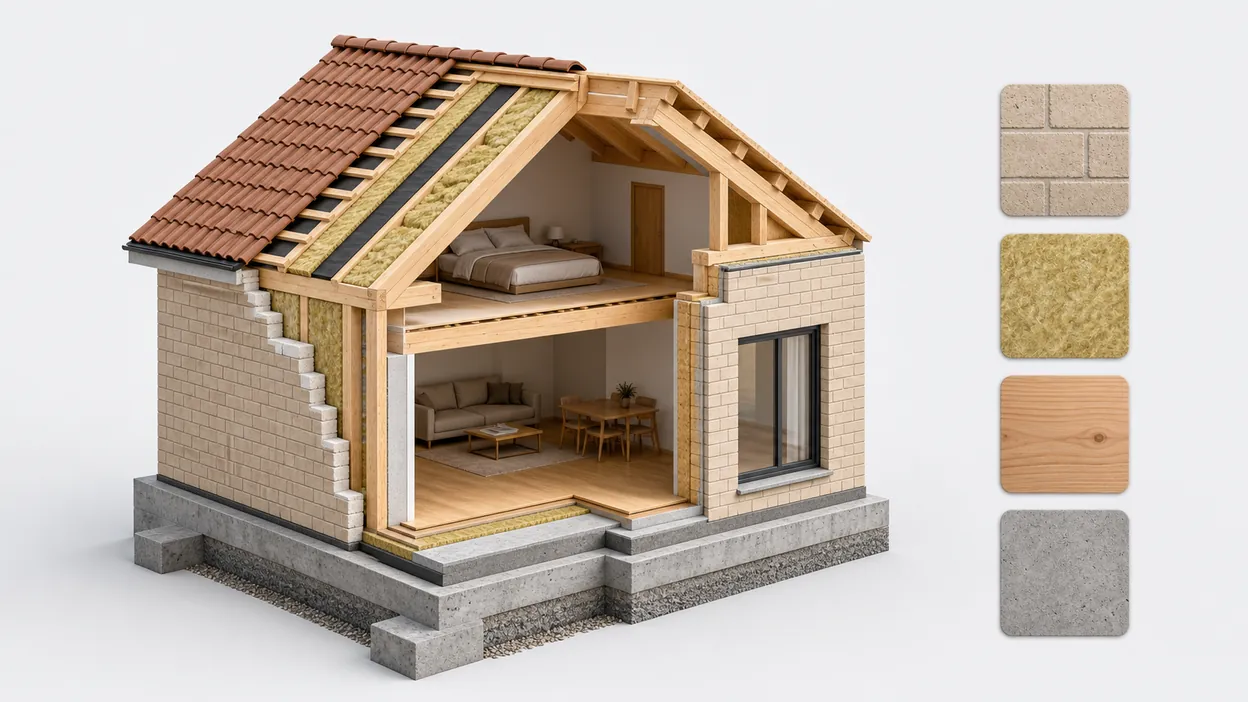
As you draw, the quantity of every material is counted automatically; built-in average prices (which you can edit) turn the plan into a cost estimate, and each material has a passport with thermal conductivity, density and more.
Open the editor, set the wall thickness, draw rooms in real units, then place doors, windows and furniture. Add separate floor layers if needed, check the result in 3D, and export PNG or PDF. No download, account or credit card is required.
Yes. Drawing, cloud autosave, sharing, PNG/PDF export, 3D view and walk mode are free to use.
Yes. Use walls, doors, windows, fixtures and real-size furniture to compare layouts before renovation.
Yes. Create separate floors and boards, keep them visible or hidden, and check the stacked model in 3D.
Yes. Send a view or edit link, or export the floor plan as a clean PNG/PDF for print and discussion.
Ready when you are
No download, no account, no card. Draw, furnish, walk and share.
Open the editor