Планировка перед строительством
Сравнить варианты размещения дома, гаража, въезда и инженерных объектов.
 gardmi 🇷🇺
Планировщик участка
gardmi 🇷🇺
Планировщик участка
Начните с импорта границ участка, затем добавьте дом, скважину, септик и размеры.
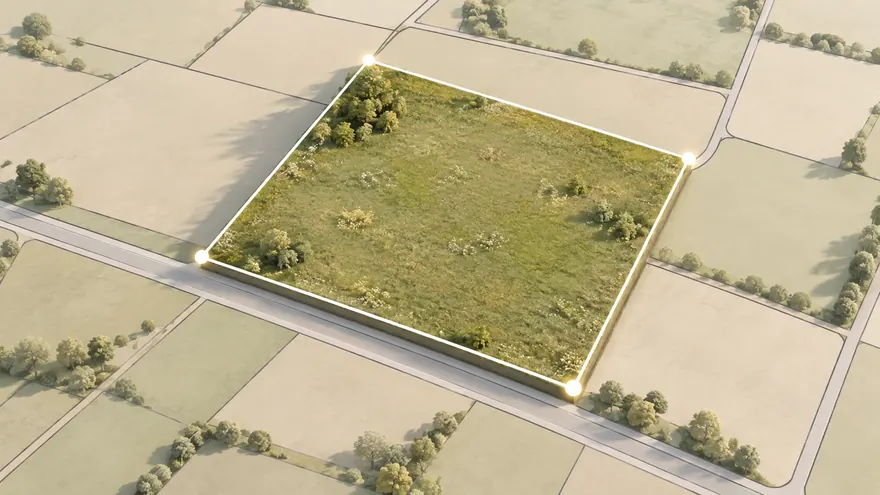 Получить контур участка
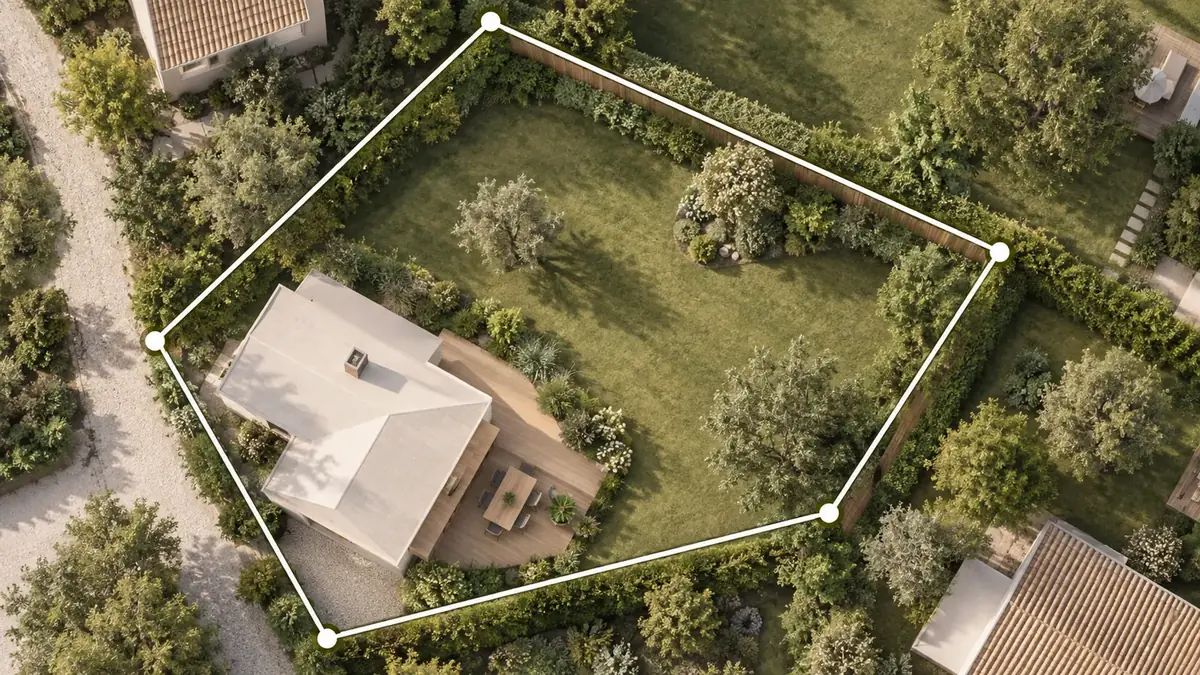
Загрузить доступные кадастровые границы по номеру без ручного переноса точек со скриншота.
Получить контур участка
Загрузить доступные кадастровые границы по номеру без ручного переноса точек со скриншота.
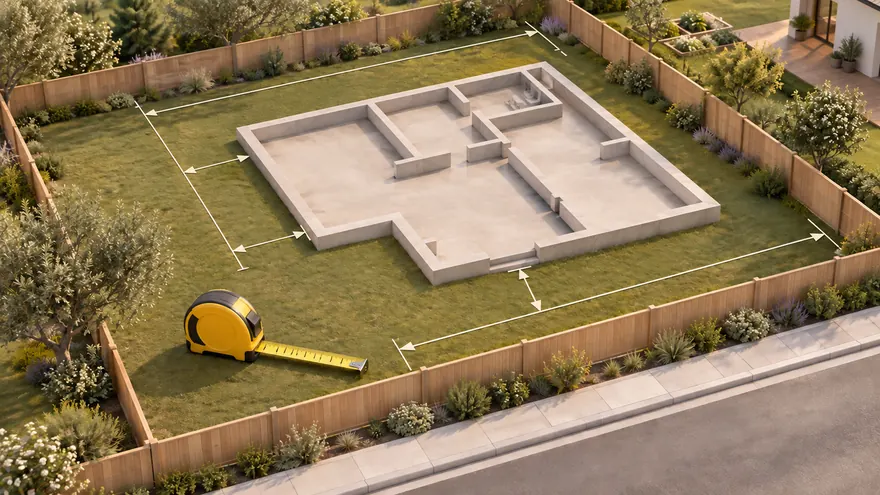 Работать в реальном масштабе
Размещать объекты и измерять расстояния в метрах относительно формы участка.
Работать в реальном масштабе
Размещать объекты и измерять расстояния в метрах относительно формы участка.
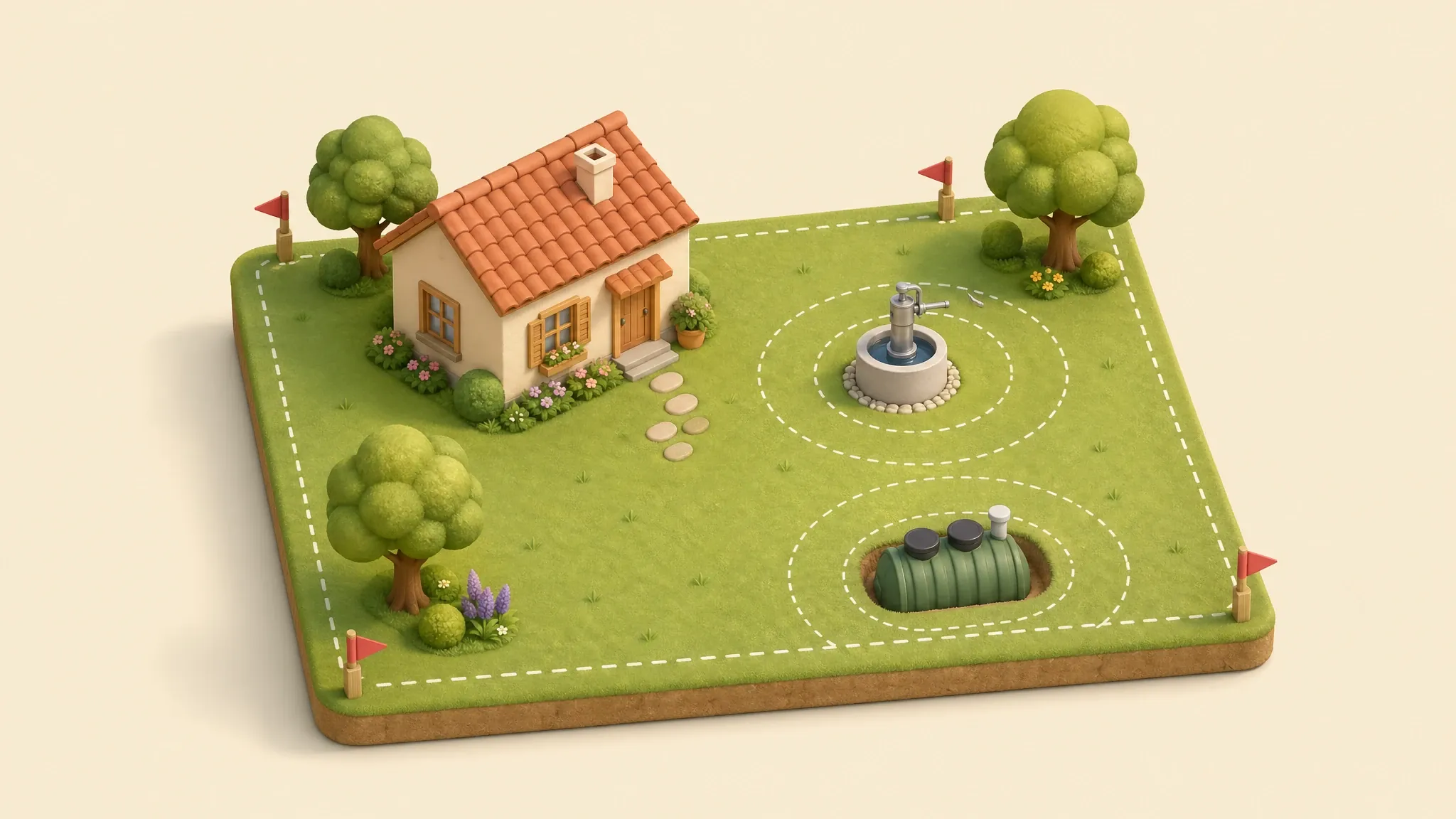
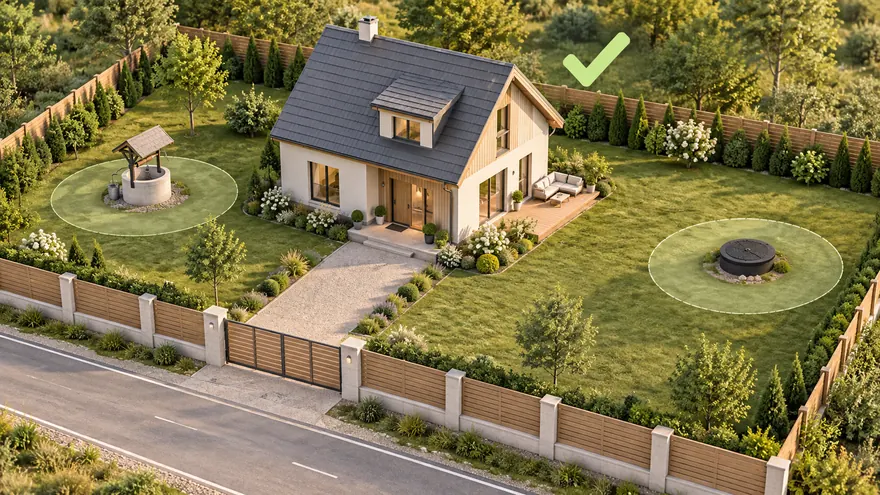 Проверить планировку
Добавить дом, забор, въезд, коммуникации и санитарные зоны на одном чертеже.
Проверить планировку
Добавить дом, забор, въезд, коммуникации и санитарные зоны на одном чертеже.
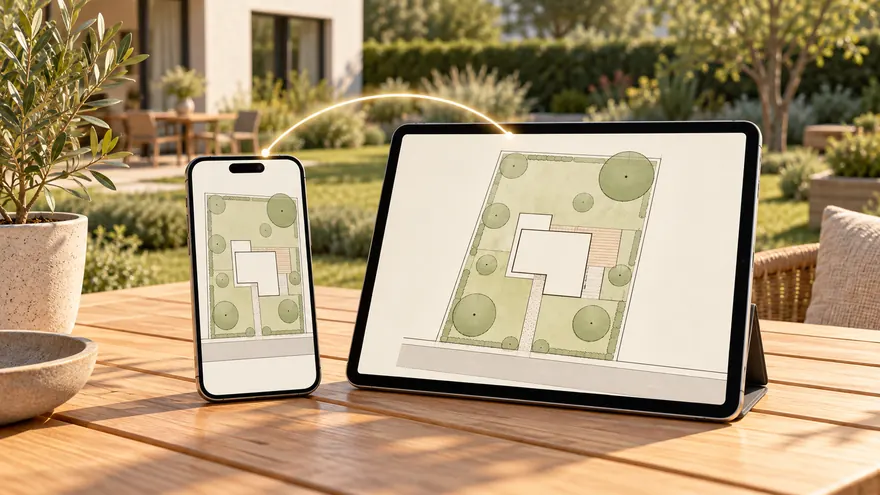 Сохранить и поделиться
Экспортировать PNG/PDF или отправить ссылку на редактируемый проект.
Сохранить и поделиться
Экспортировать PNG/PDF или отправить ссылку на редактируемый проект.
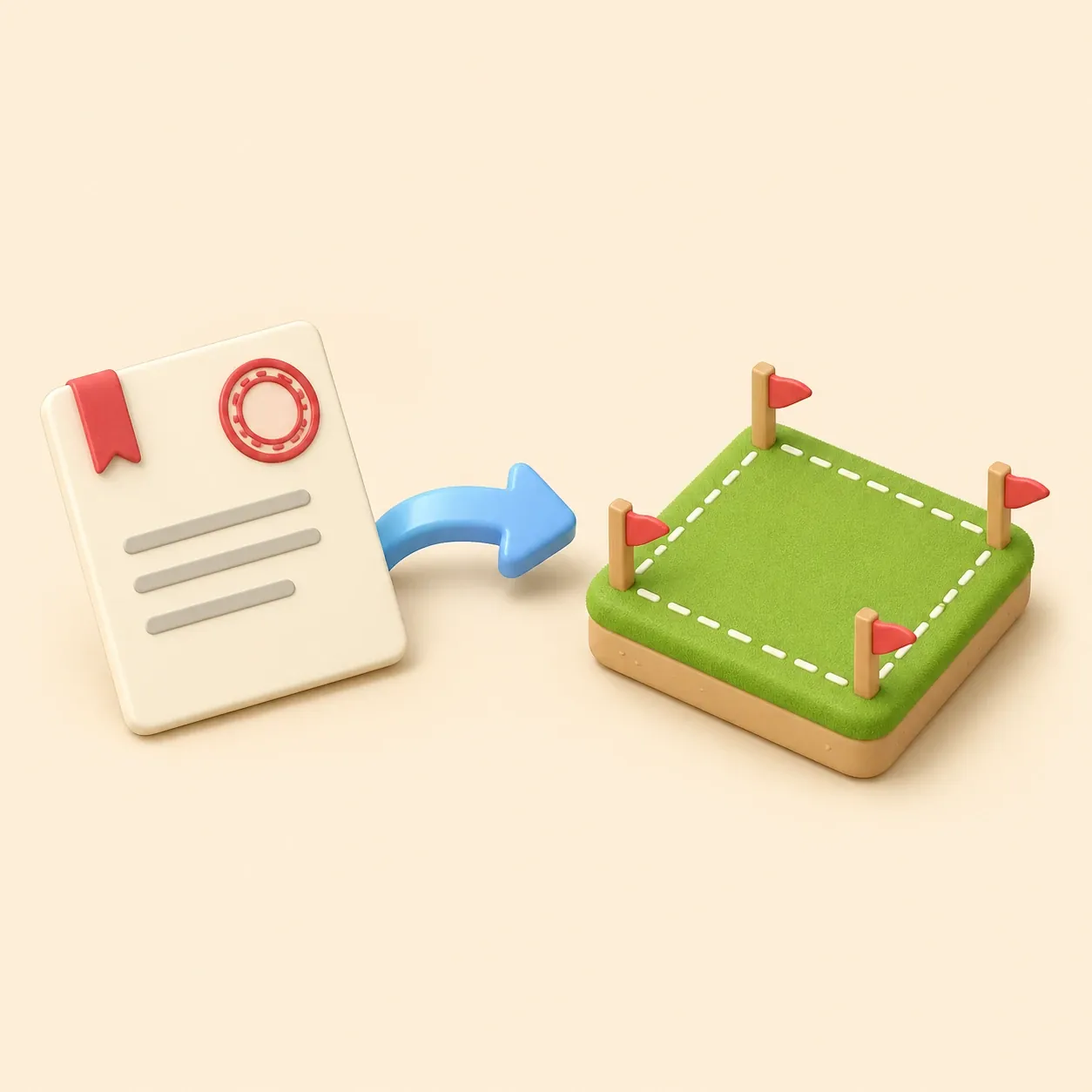
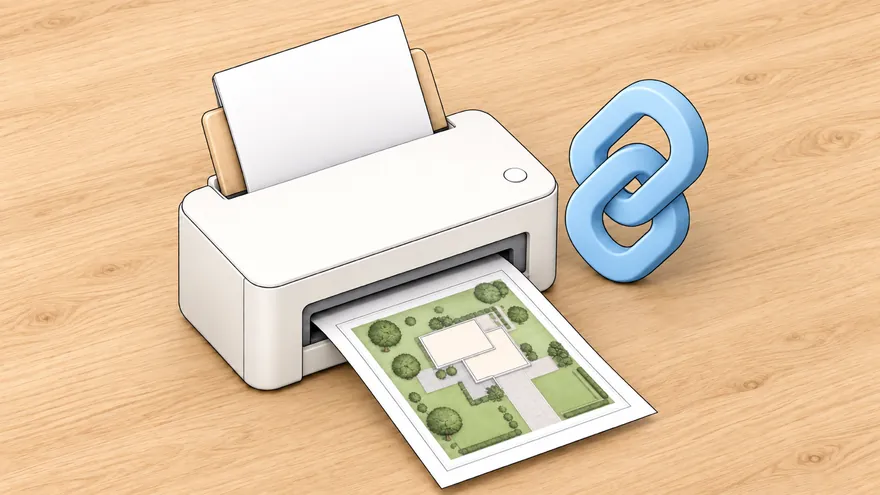 Уведомление о строительстве ИЖС
Форма, кадастровый участок, пятно застройки, отступы и лист А4 для подачи.
Уведомление о строительстве ИЖС
Форма, кадастровый участок, пятно застройки, отступы и лист А4 для подачи.
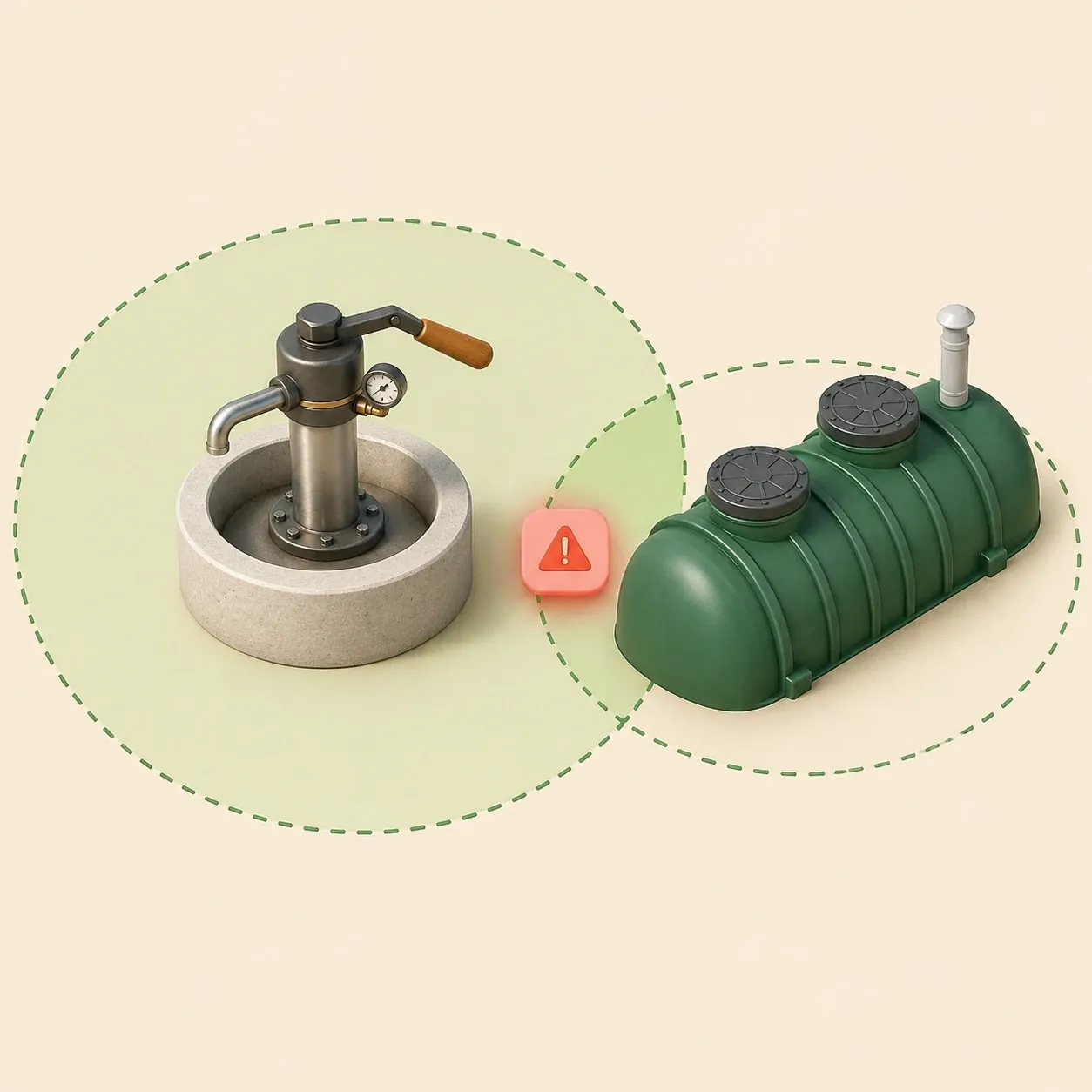
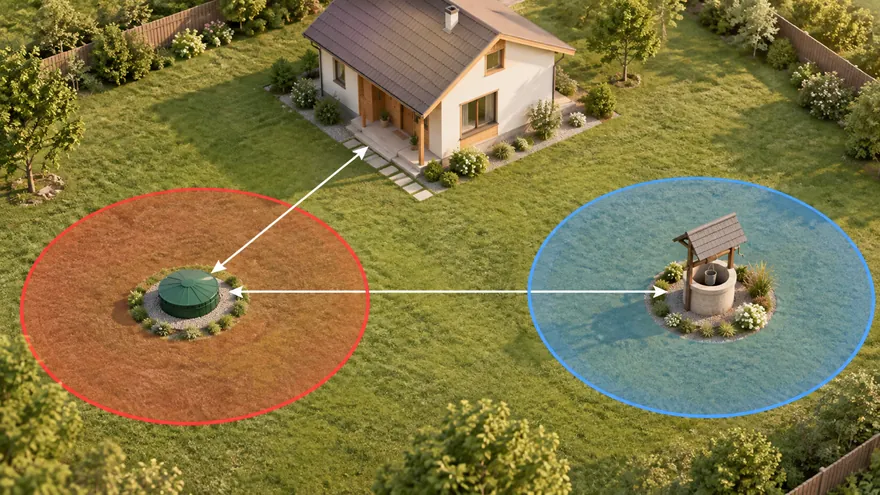 Септик и скважина по нормам
Проверьте санитарные зоны и конфликты до монтажа септика или бурения скважины.
Септик и скважина по нормам
Проверьте санитарные зоны и конфликты до монтажа септика или бурения скважины.
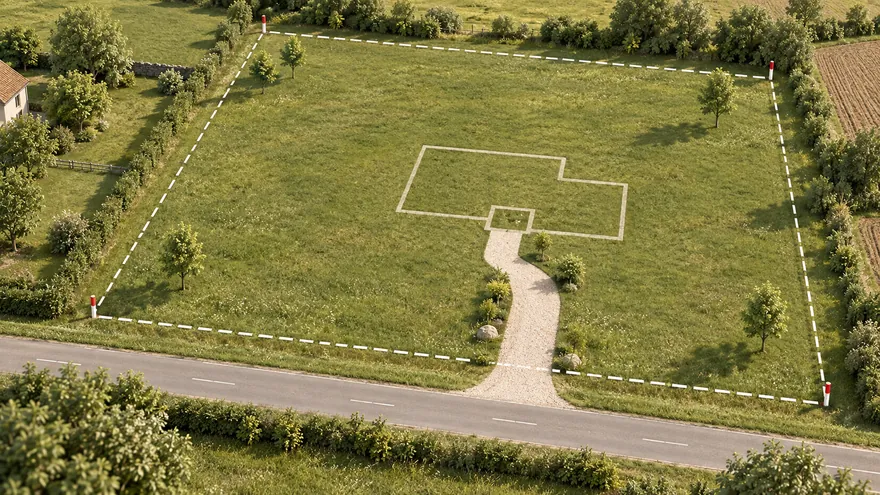 Планировщик участка
Откройте полный редактор для собственной планировки участка.
Планировщик участка
Откройте полный редактор для собственной планировки участка.
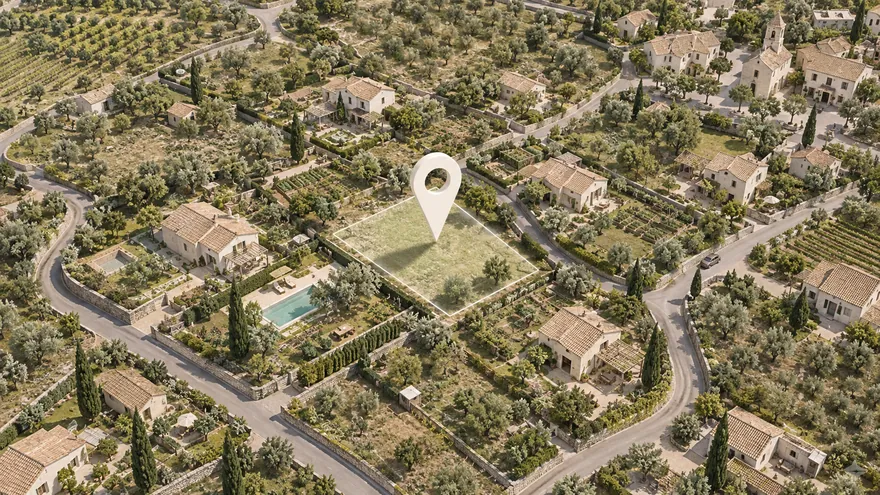 Участок на спутниковой карте
Найдите участок по адресу и планируйте прямо по снимку
Участок на спутниковой карте
Найдите участок по адресу и планируйте прямо по снимку
План участка по кадастровому номеру помогает начать проектирование с реальной формы земельного участка. Введите номер — gardmi попробует получить контур из открытых кадастровых данных и откроет его как редактируемый объект в онлайн-планировщике.
На готовых границах можно расставить дом, гараж, баню, скважину и септик, начертить забор и дорожки, проверить расстояния и выгрузить план с размерами. Если участок не найден, его можно обвести вручную по спутниковой карте.
Сравнить варианты размещения дома, гаража, въезда и инженерных объектов.
Показать форму участка, размеры и расположение будущих объектов на одном плане.
Сопоставить кадастровый контур со спутниковым снимком и фактическими ориентирами.
Добавить размерные линии к загруженному контуру и выгрузить понятную рабочую схему в PNG или PDF.

Вы уже в приложении — gardmi установлен.
Да. gardmi ставится прямо из браузера, без App Store и Google Play: на Android и в Chrome или Edge на компьютере нажмите «Установить приложение», на iPhone откройте сайт в Safari и выберите «Поделиться» → «На экран Домой». Приложение открывается на весь экран с иконки, проекты в облаке — те же.
Введите кадастровый номер в форму. Если геометрия доступна в открытых данных, gardmi загрузит границы в редактор и создаст план в реальном масштабе.
Да. В редакторе можно включить спутниковую или гибридную карту и сопоставить кадастровый контур с дорогами, заборами и строениями на местности.
Точность зависит от исходных кадастровых данных и привязки карты. Такой контур удобен для планирования, но не заменяет геодезические измерения и официальный вынос границ.
Проверьте формат номера и актуальность сведений. Если контур недоступен, откройте пустой проект, найдите место по адресу на спутниковой карте и начертите границы вручную.
Да. После импорта добавьте размерные линии и экспортируйте рабочую схему в PNG или PDF. Это наглядный план для предварительной планировки, а не официальная выписка ЕГРН или межевой план.
Нет. Gardmi создаёт редактируемую рабочую схему на основе доступного кадастрового контура. Межевой план готовит кадастровый инженер, а ситуационный план и ГПЗУ получают или оформляют по требованиям конкретной организации и муниципалитета.
Подробнее