RemPlanner .plan
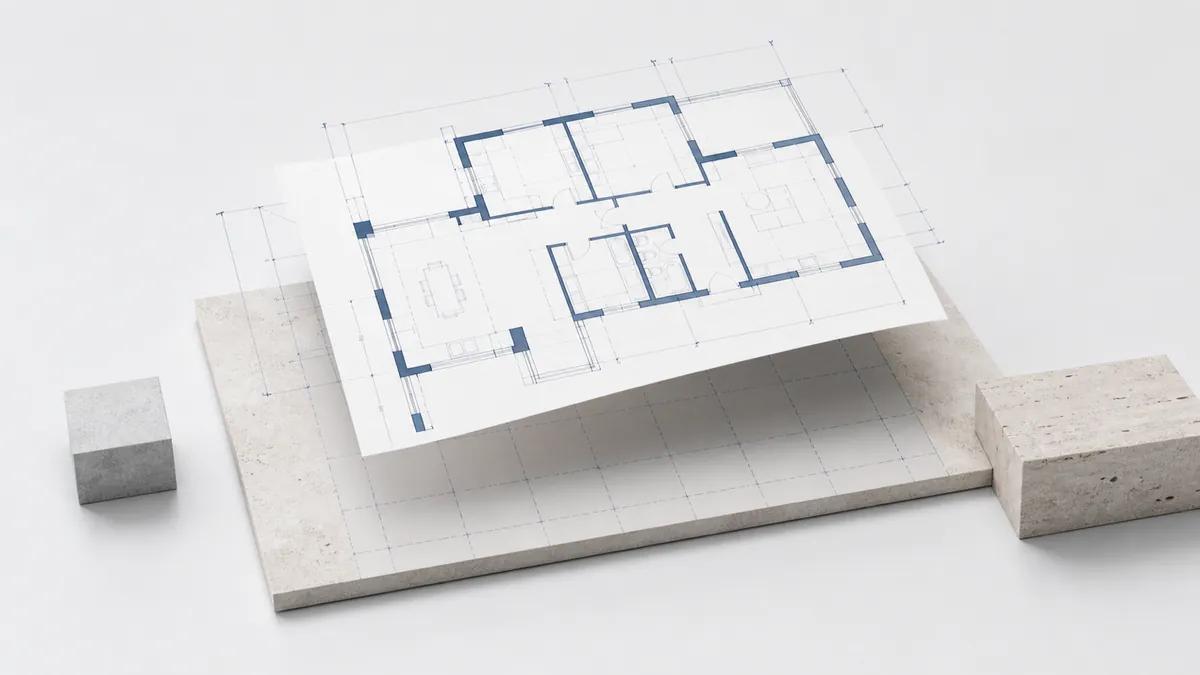
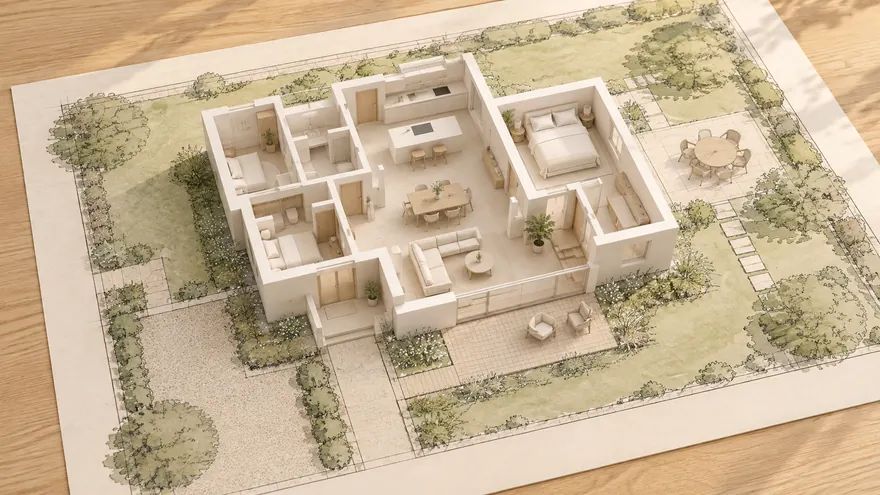
Wände mit tatsächlicher Dicke und Material, Räume, Säulen, Maße und Notizen – im ursprünglichen Meter-Maßstab. Wandverbindungen werden repariert, damit Ecken sauber aufeinandertreffen.
 gardmi 🇩🇪
Gartenplaner
gardmi 🇩🇪
Gartenplaner
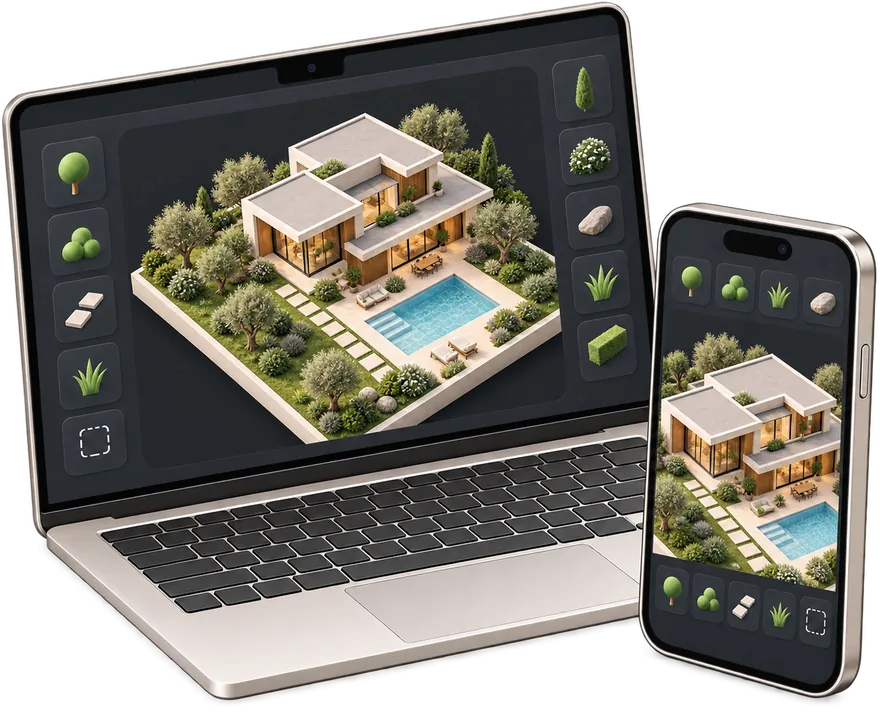
Haus in RemPlanner oder einer CAD-App entworfen? Bringen Sie die .plan-, DXF-, SVG- oder .gardmi-Datei in gardmi ein und planen Sie das gesamte Grundstück darum herum – platzieren Sie das Haus auf einer Satellitenkarte, fügen Sie Brunnen, Klärgrube, Zaun und Pflanzen hinzu und prüfen Sie die Grenzabstände.
 RemPlanner .plan
Wände, Räume, Stützen und Maße kommen fertig an
RemPlanner .plan
Wände, Räume, Stützen und Maße kommen fertig an
 DXF
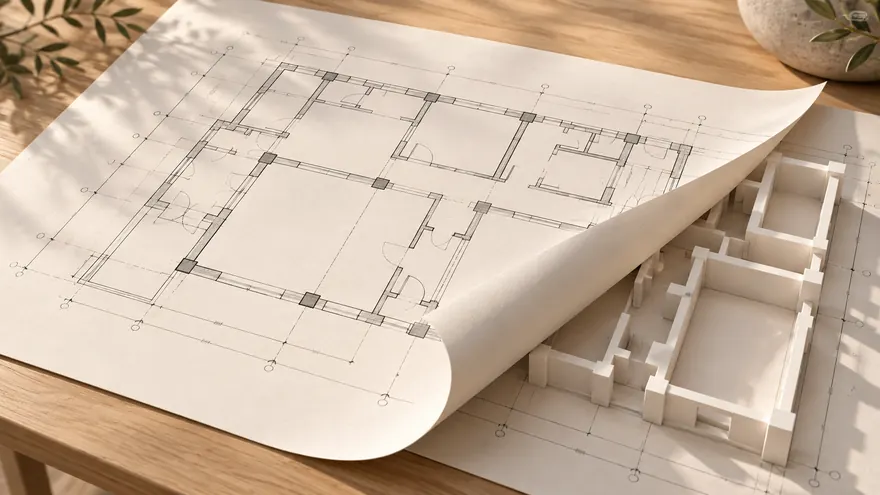
CAD-Zeichnung online im richtigen Maßstab öffnen
DXF
CAD-Zeichnung online im richtigen Maßstab öffnen
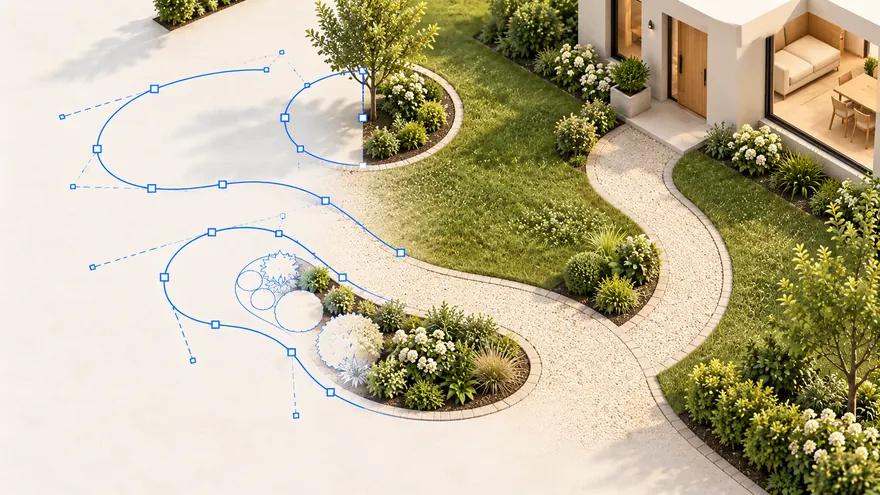 SVG
Vektorpfade und Formen werden zu bearbeitbaren Objekten
SVG
Vektorpfade und Formen werden zu bearbeitbaren Objekten
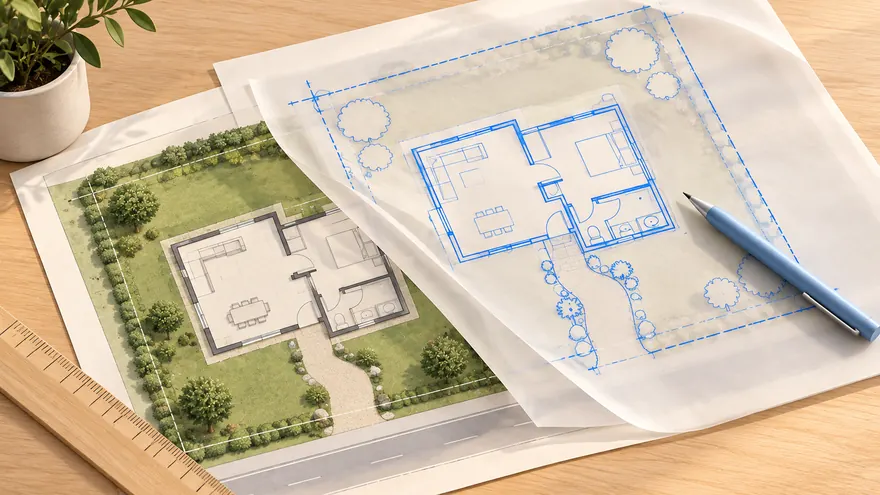 .gardmi · PDF
Projekt wieder öffnen oder über PDF und Bild nachzeichnen
.gardmi · PDF
Projekt wieder öffnen oder über PDF und Bild nachzeichnen
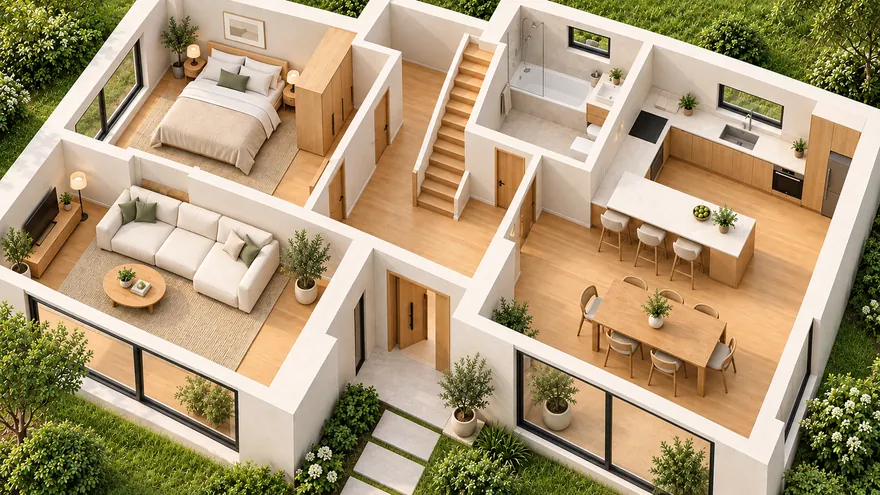 Haus und Grundriss
Wände, Türen, Fenster, Treppen, Möbel und mehrere Etagen
Haus und Grundriss
Wände, Türen, Fenster, Treppen, Möbel und mehrere Etagen
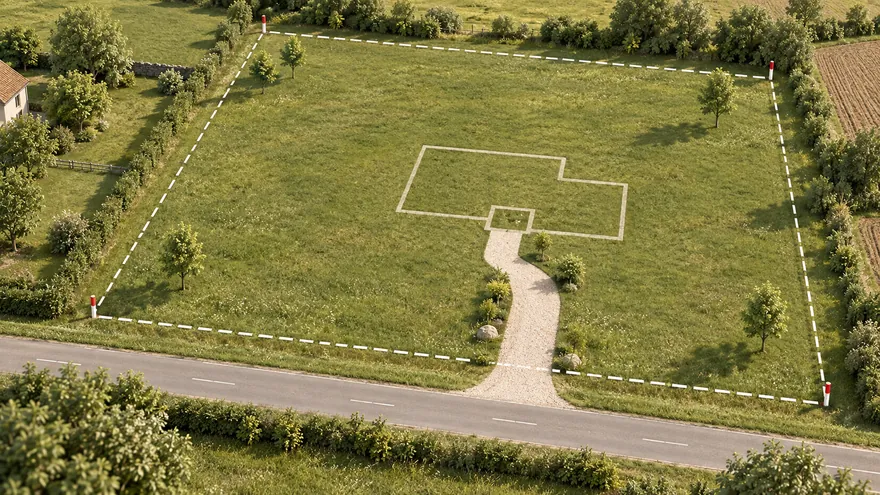 Grundstücksplan
Grenze aus dem Kataster, der Satellitenkarte oder der Vermessung — in echten Metern
Grundstücksplan
Grenze aus dem Kataster, der Satellitenkarte oder der Vermessung — in echten Metern
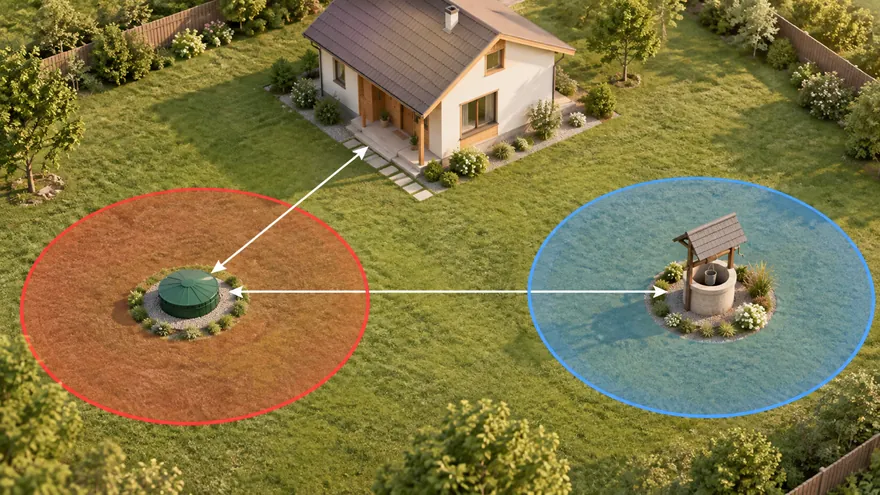 Klärgrube, Brunnen und Abstände
Schutzzonen zeichnen sich selbst, Verstöße werden rot
Klärgrube, Brunnen und Abstände
Schutzzonen zeichnen sich selbst, Verstöße werden rot
 3D und Rundgang
Vom Plan zu 3D mit einem Klick; Rundgang auf Augenhöhe oder in VR
3D und Rundgang
Vom Plan zu 3D mit einem Klick; Rundgang auf Augenhöhe oder in VR
Wände mit tatsächlicher Dicke und Material, Räume, Säulen, Maße und Notizen – im ursprünglichen Meter-Maßstab. Wandverbindungen werden repariert, damit Ecken sauber aufeinandertreffen.
DXF-CAD-Zeichnung online öffnen und bearbeiten: Linien, Polylinien, Bögen und Kreise werden zu bearbeitbaren gardmi-Formen im richtigen Maßstab.
Legen Sie einen SVG-Vektorplan ab und zeichnen Sie ihn nach oder bearbeiten Sie ihn direkt – Pfade, Rechtecke, Kreise und Gruppen werden in echte Formen konvertiert.
Öffnen Sie eine gardmi-Projektdatei (.gardmi) erneut oder ziehen Sie ein PDF oder Bild hinein, um es als nachzeichenbare Unterlage zu verwenden, während Sie darüber zeichnen.
Speichern Sie das Projekt in RemPlanner als .plan-Datei oder exportieren Sie DXF/SVG aus Ihrer CAD-App. Sie bleibt auf Ihrem Gerät.
Starten Sie ein neues Projekt, öffnen Sie das Menü „Mehr“ und wählen Sie „Importieren“ – oder ziehen Sie die Datei einfach direkt auf die Arbeitsfläche.
Der Plan landet zentriert und maßstabsgetreu in echten Metern. Verwenden Sie das Lineal, um zu bestätigen, dass eine bekannte Länge mit dem Original übereinstimmt.
Platzieren Sie das Haus auf einer Satellitenkarte, fügen Sie Brunnen, Klärgrube, Zaun, Wege und Pflanzen hinzu, überprüfen Sie Abstandsflächen und exportieren Sie dann als PNG/PDF oder öffnen Sie die 3D-Ansicht.
RemPlanner ist für das Innere gemacht; gardmi nimmt das Haus nach draußen und plant das Grundstück darum herum. Es liest die Datei, die Sie aus Ihrem eigenen RemPlanner-Projekt exportieren, und erstellt einen sauberen, editierbaren Plan neu – so müssen Sie die Wände nicht von Hand neu zeichnen.
Wandachsen behalten ihre exakten Positionen und ihre Stärke pro Wand. T- und L-Verbindungen werden repariert, sodass sich Ecken auf der Mittellinie treffen, genau wie beim Original.
Wandmaterialien (Porenbeton, Beton, Trockenbau) werden dem gardmi-Katalog zugeordnet und Räume mit ihren Flächen automatisch erkannt.
Rechteckige Stützen, Maßlinien und Textnotizen werden ebenfalls übertragen, sodass der importierte Plan genauso aussieht wie in der Quelle.
Sobald das Haus steht, platzieren Sie es auf einer Satellitenkarte, fügen Brunnen, Klärgrube, Zaun und Pflanzen hinzu und überprüfen die Sanitärabstände.
Sie sind schon in der App — gardmi ist installiert.
Ja. gardmi wird direkt aus dem Browser installiert, ohne App Store oder Google Play: Auf Android und in Chrome oder Edge am Computer wählen Sie „App installieren“, auf dem iPhone öffnen Sie die Website in Safari und wählen Teilen → Zum Home-Bildschirm. Die App startet im Vollbild über ihr Symbol und nutzt dieselben Cloud-Projekte.
RemPlanner eignet sich hervorragend für das Innere eines Hauses oder einer Wohnung; gardmi entwirft das Grundstück darum herum. Importieren Sie das Haus einmal, platzieren Sie es dann auf einer Satellitenkarte und legen Sie Brunnen, Klärgrube, Zaun, Wege und Pflanzen mit Abstands-Prüfungen an.
Wände mit ihrer realen Stärke und ihrem Material, Räume, Stützen, Maßlinien und Notizen – im Originalmaßstab in Metern.
DXF- und SVG-CAD-Zeichnungen, gardmi-Projektdateien (.gardmi) sowie PDF oder Bilder als nachzeichenbare Unterlage.
Nein – es ergänzt es. Gestalten Sie das Interieur weiterhin in RemPlanner; nutzen Sie gardmi für das Grundstück rund um das Haus. gardmi ist unabhängig und steht in keiner Verbindung zu RemPlanner und wird von diesen nicht unterstützt. Es liest ausschließlich die Datei, die Sie selbst exportieren; Produktnamen gehören ihren jeweiligen Eigentümern.
Nein. gardmi ist ein unabhängiger Editor und ist weder mit RemPlanner verbunden noch von diesem unterstützt. Wir lesen nur die Datei, die Sie aus Ihrem eigenen Konto exportieren.
gardmi ist nicht mit RemPlanner verbunden. RemPlanner, DXF und SVG sind Namen ihrer jeweiligen Eigentümer und werden nur zur Beschreibung der Dateikompatibilität verwendet.