RemPlanner .plan
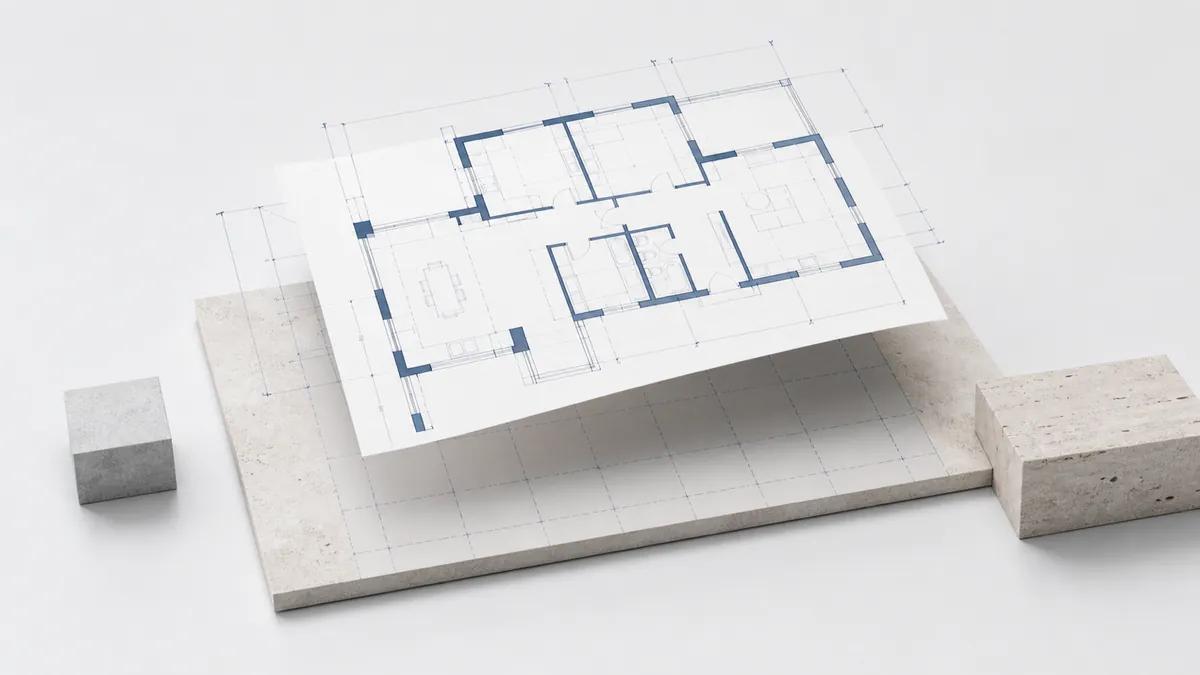
Нақты қалыңдығы мен материалы бар қабырғалар, бөлмелер, бағаналар, өлшемдер мен жазбалар — бастапқы метрлік масштабта. Қабырға қосылыстары жөнделеді, сондықтан бұрыштар таза түйіседі.
 gardmi 🇰🇿
Бақша учаскесін жоспарлаушы
gardmi 🇰🇿
Бақша учаскесін жоспарлаушы
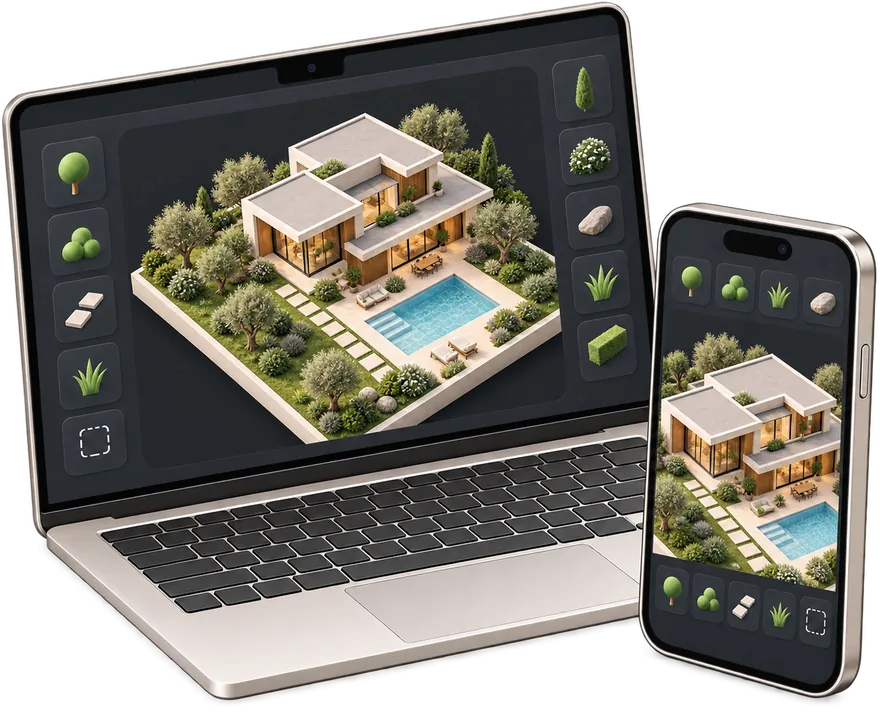
Үйді RemPlanner-де немесе CAD қосымшасында жобаладыңыз ба? .plan, DXF, SVG немесе .gardmi файлдарын gardmi-ге енгізіп, оның айналасындағы бүкіл учаскені жоспарлаңыз — үйді спутниктік картаға орналастырыңыз, құдық, септик, қоршау мен өсімдіктерді қосыңыз және шегініс қашықтықтарын тексеріңіз.
 RemPlanner .plan
Қабырғалар, бөлмелер, бағаналар мен өлшемдер дайын келеді
RemPlanner .plan
Қабырғалар, бөлмелер, бағаналар мен өлшемдер дайын келеді
 DXF
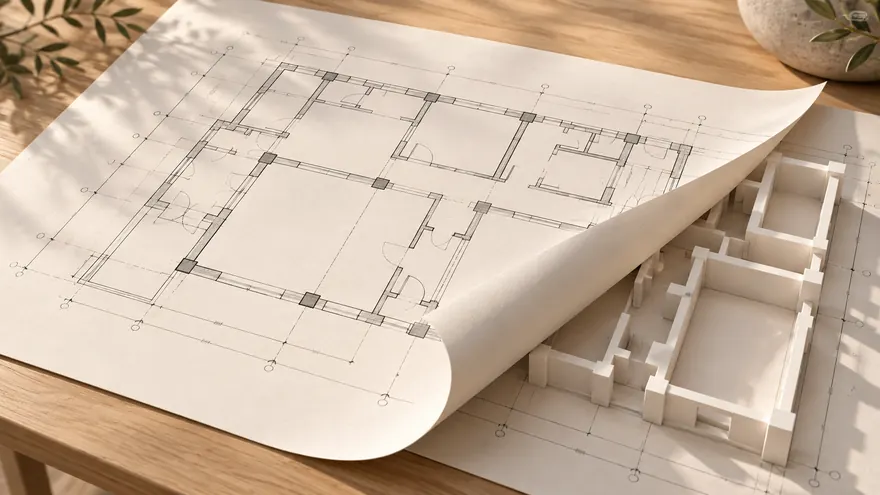
CAD сызбасын онлайн дұрыс масштабта ашыңыз
DXF
CAD сызбасын онлайн дұрыс масштабта ашыңыз
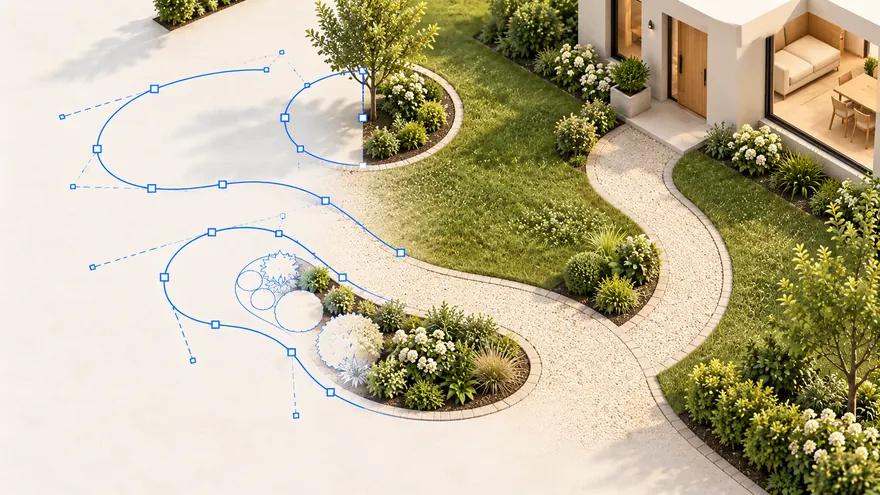 SVG
Векторлық контурлар өңделетін нысандарға айналады
SVG
Векторлық контурлар өңделетін нысандарға айналады
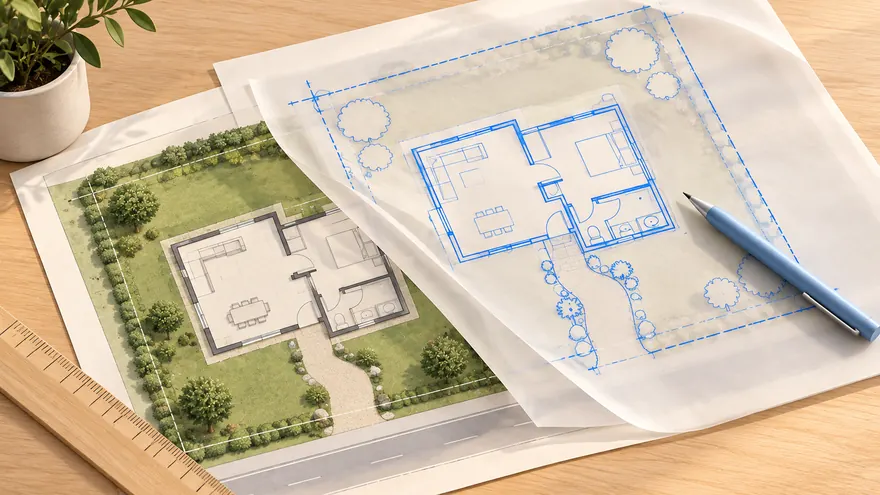 .gardmi · PDF
Жобаны қайта ашыңыз немесе PDF пен суретті сызып шығыңыз
.gardmi · PDF
Жобаны қайта ашыңыз немесе PDF пен суретті сызып шығыңыз
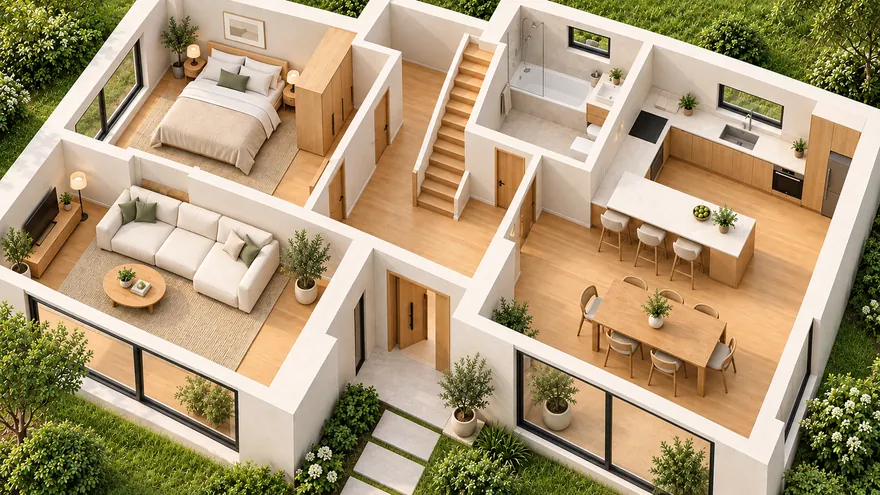 Үй және жоспарлау
Қабырғалар, есіктер, терезелер, баспалдақтар, жиһаз және бірнеше қабат
Үй және жоспарлау
Қабырғалар, есіктер, терезелер, баспалдақтар, жиһаз және бірнеше қабат
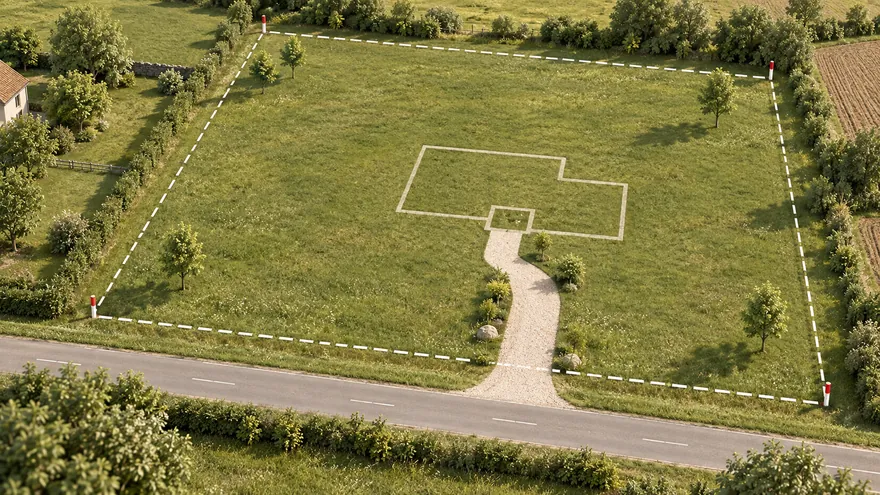 Учаске жоспары
Шекара кадастр, спутник картасы немесе топографиялық түсірілім бойынша — нақты метрмен
Учаске жоспары
Шекара кадастр, спутник картасы немесе топографиялық түсірілім бойынша — нақты метрмен
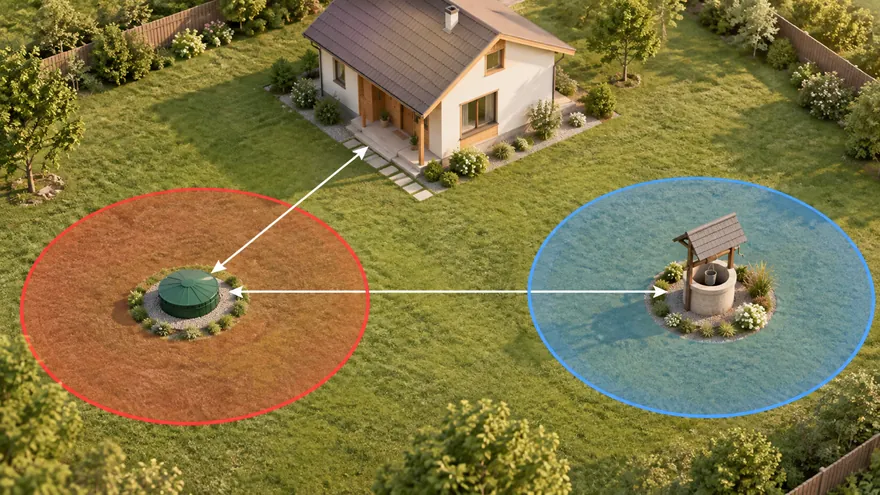 Септик, ұңғыма және нормалар
Санитарлық аймақтар өздігінен сызылады, бұзушылықтар қызылмен көрсетіледі
Септик, ұңғыма және нормалар
Санитарлық аймақтар өздігінен сызылады, бұзушылықтар қызылмен көрсетіледі
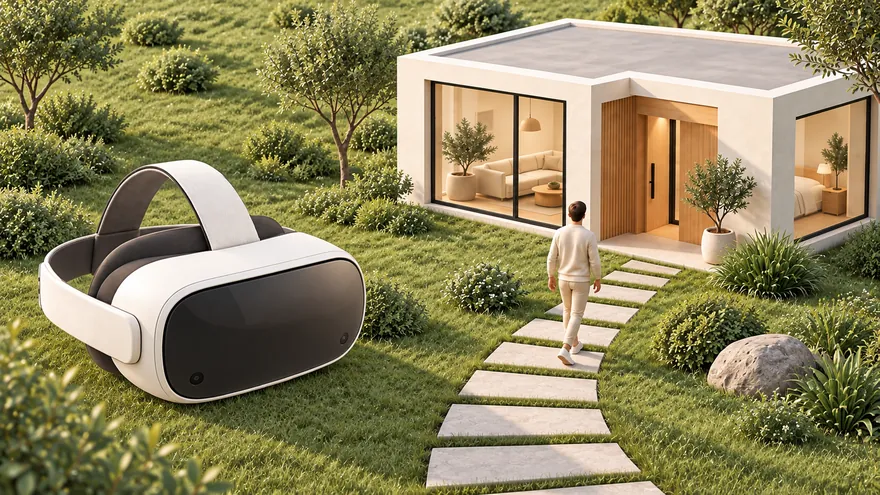 3D және серуен
Жоспардан 3D-ге бір басумен; көз деңгейінде немесе VR-да серуендеңіз
3D және серуен
Жоспардан 3D-ге бір басумен; көз деңгейінде немесе VR-да серуендеңіз
Нақты қалыңдығы мен материалы бар қабырғалар, бөлмелер, бағаналар, өлшемдер мен жазбалар — бастапқы метрлік масштабта. Қабырға қосылыстары жөнделеді, сондықтан бұрыштар таза түйіседі.
DXF CAD сызбасын онлайн ашыңыз және өңдеңіз: сызықтар, полисызықтар, доғалар мен шеңберлер дұрыс масштабтағы өңделетін gardmi пішіндеріне айналады.
SVG векторлық жоспарын тастап, оны тікелей сызыңыз немесе өңдеңіз — жолдар, тіктөртбұрыштар, шеңберлер және топтар нақты пішіндерге түрлендіріледі.
gardmi жобалық файлын (.gardmi) қайта ашыңыз немесе үстінен сызу үшін негіз ретінде пайдалану үшін PDF немесе кескінді сүйреп апарыңыз.
RemPlanner-де жобаны .plan файлы ретінде сақтаңыз немесе CAD қолданбасынан DXF/SVG экспорттаңыз. Ол құрылғыңызда қалады.
Жаңа жобаны бастаңыз, «Қосымша» мәзірін ашып, «Импорттау» тармағын таңдаңыз — немесе файлды жай ғана кенепке сүйреп апарыңыз.
Жоспар ортаға түседі және нақты метрмен масштабталады. Белгілі бір ұзындықтың түпнұсқаға сәйкес келетінін растау үшін сызғышты пайдаланыңыз.
Үйді спутниктік картаға орналастырыңыз, құдық, септик, қоршау, жолдар мен өсімдіктерді қосыңыз, шегініс қашықтығын тексеріңіз, содан кейін PNG/PDF форматына экспорттаңыз немесе 3D көрінісін ашыңыз.
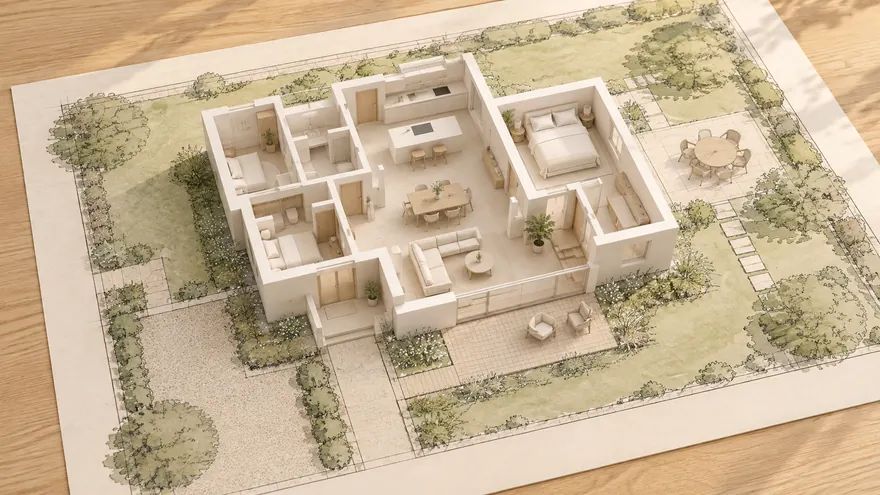
RemPlanner интерьерге арналған; gardmi үйді сыртқа шығарып, оның айналасындағы учаскені жоспарлайды. Ол RemPlanner жобаңыздан экспортталған файлды оқып, таза әрі өңдеуге болатын жоспарды қайта құрады — сондықтан қабырғаларды қолмен қайта сызудың қажеті жоқ.
Қабырға осьтері өздерінің нақты орнын және қалыңдығын сақтайды. T- және L-тәрізді түйіспелер түзетіледі, соның арқасында бұрыштар түпнұсқадағыдай орталық сызықта түйіседі.
Қабырға материалдары (газоблок, бетон, гипсокартон) gardmi каталогына сәйкестендіріледі, ал бөлмелер мен олардың аудандары автоматты түрде анықталады.
Төртбұрышты бағандар, өлшем сызықтары және мәтіндік жазбалар да тасымалданады, сондықтан импортталған жоспар бастапқы дереккөздегідей көрінеді.
Үйді орналастырғаннан кейін, оны спутниктік картаға қойып, құдық, септик, қоршау және өсімдіктерді қосыңыз, сондай-ақ санитарлық қашықтықтарды тексеріңіз.
Сіз қолданбадасыз — gardmi орнатылған.
Иә. gardmi App Store мен Google Play-сіз тікелей браузерден орнатылады: Android-те және компьютердегі Chrome немесе Edge-де «Қолданбаны орнату» түймесін басыңыз, iPhone-да сайтты Safari-де ашып, «Бөлісу» → «Басты экранға қосу» тармағын таңдаңыз. Қолданба белгішесінен толық экранда ашылады, бұлттағы жобалар сол күйінде қалады.
RemPlanner үйдің немесе пәтердің ішкі көрінісі үшін өте қолайлы; gardmi учаскені оның айналасында жобалайды. Үйді бір рет импорттап, оны спутниктік картаға орналастырыңыз, содан кейін құдық, септик, қоршау, жолдар мен өсімдіктерді қашықтықтарды тексере отырып орналастырыңыз.
Нақты қалыңдығы мен материалы бар қабырғалар, бөлмелер, бағандар, өлшем сызықтары мен жазбалар — метрмен берілген бастапқы масштабта.
DXF және SVG CAD сызбалары, gardmi жобалық файлдары (.gardmi), сондай-ақ сызуға арналған негіз ретінде PDF немесе кескіндер.
Жоқ — ол оны толықтырады. Интерьерді RemPlanner-де жобалауды жалғастырыңыз; gardmi-ді үйдің айналасындағы учаске үшін қолданыңыз. gardmi тәуелсіз және RemPlanner-мен үлестес емес немесе онымен мақұлданбаған, тек сіз өзіңіз экспорттаған файлды оқиды; өнім атаулары иелеріне тиесілі.
Жоқ. gardmi — тәуелсіз редактор және RemPlanner-мен байланысты емес немесе оның қолдауына ие емес. Біз тек сіздің жеке аккаунтыңыздан экспорттаған файлды оқимыз.
gardmi RemPlanner-мен үлестес емес. RemPlanner, DXF және SVG — олардың тиісті иелерінің атаулары және тек файлдың үйлесімділігін сипаттау үшін қолданылады.