Early site planning
Check how a house, driveway and service zones fit before detailed design starts.
 gardmi 🇦🇪
مخطط قطعة الأرض
gardmi 🇦🇪
مخطط قطعة الأرض
Import a supported cadastral reference or leave it blank to draw property lines manually, then add buildings, zones and dimensions.
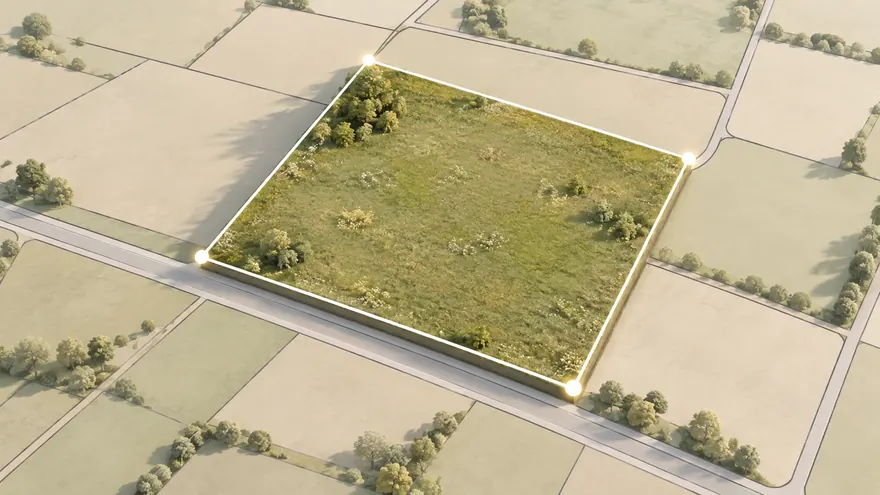 Two boundary workflows
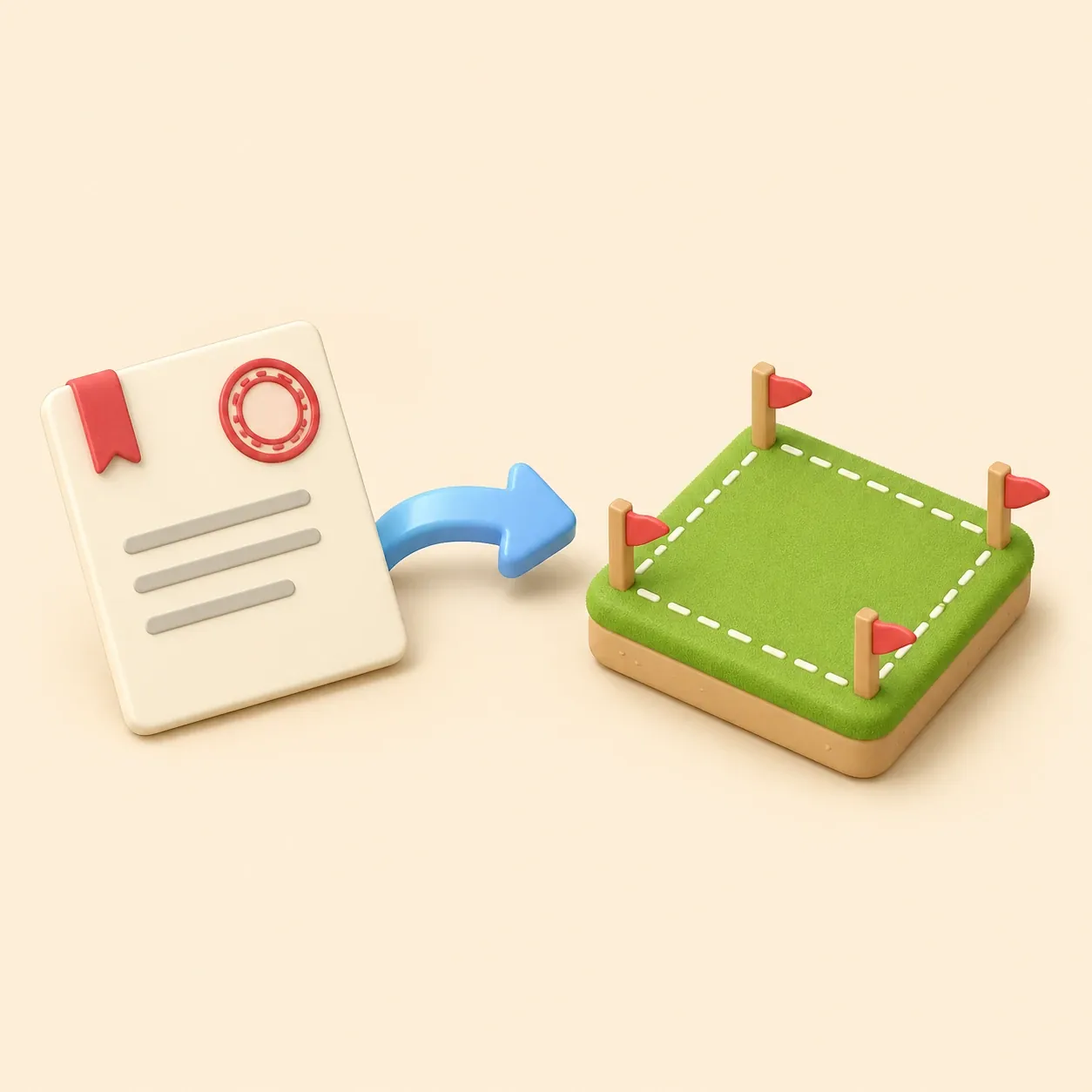
Import a supported cadastral reference or draw the property lines manually from a reliable source.
Two boundary workflows
Import a supported cadastral reference or draw the property lines manually from a reliable source.
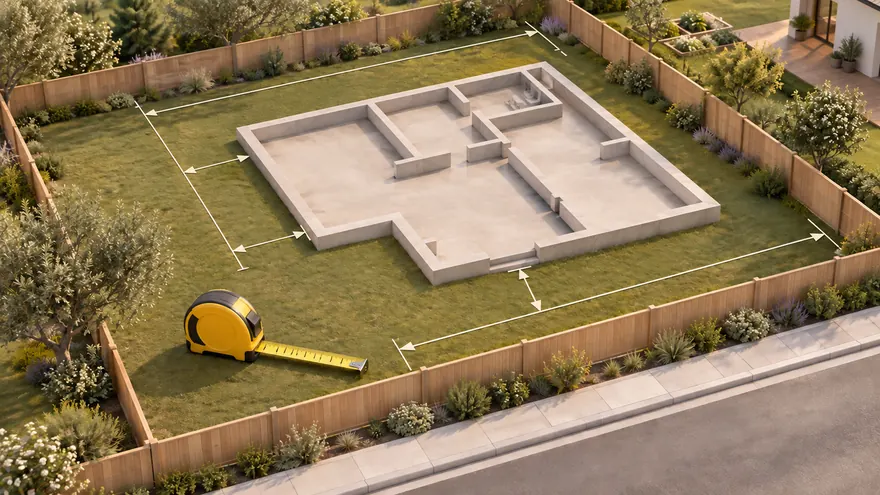 Editable after import
Move, label and measure objects after the property line map is created.
Editable after import
Move, label and measure objects after the property line map is created.
 Planning context
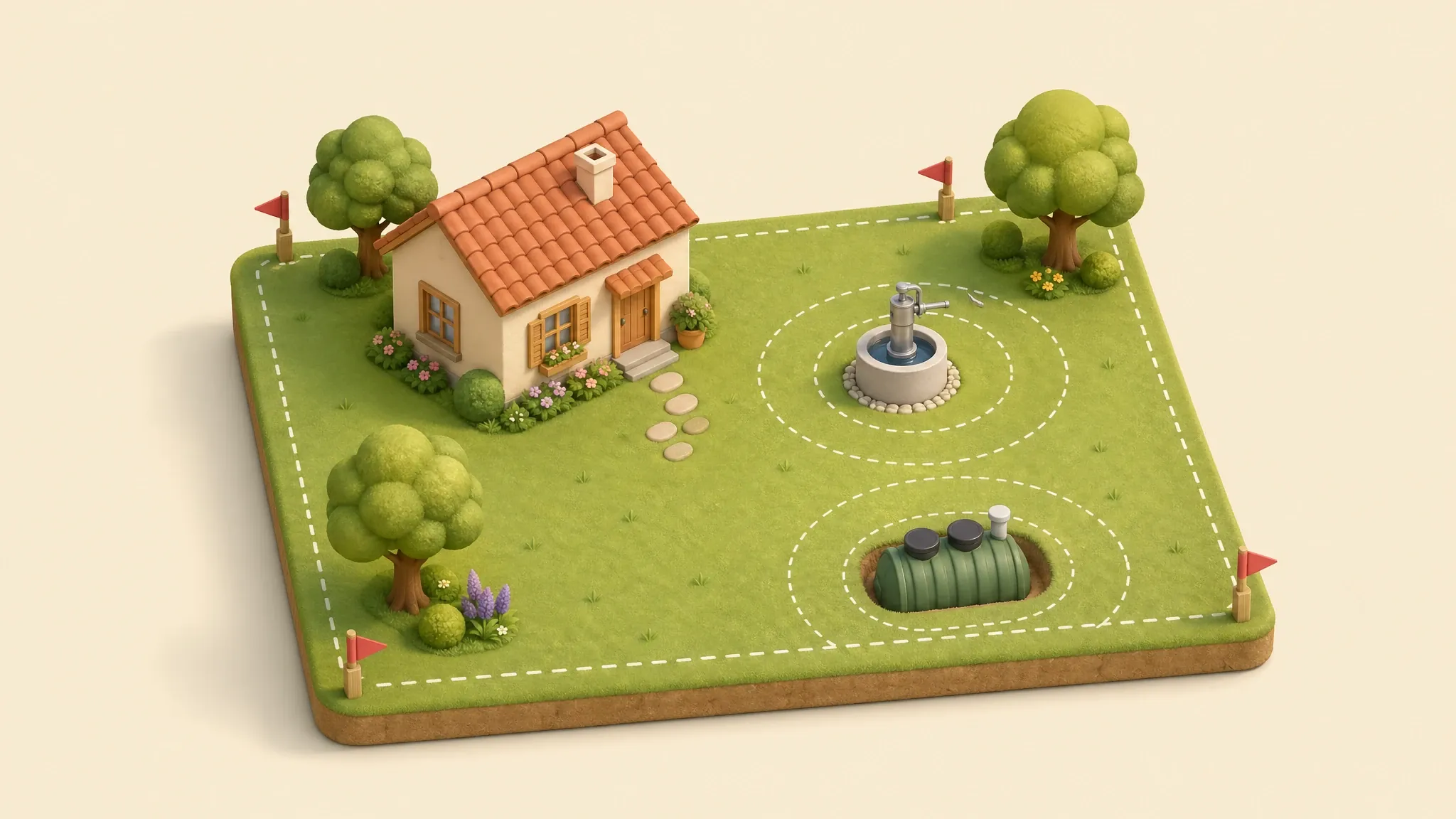
Add buildings, utilities, zones and notes on top of the same parcel outline.
Planning context
Add buildings, utilities, zones and notes on top of the same parcel outline.
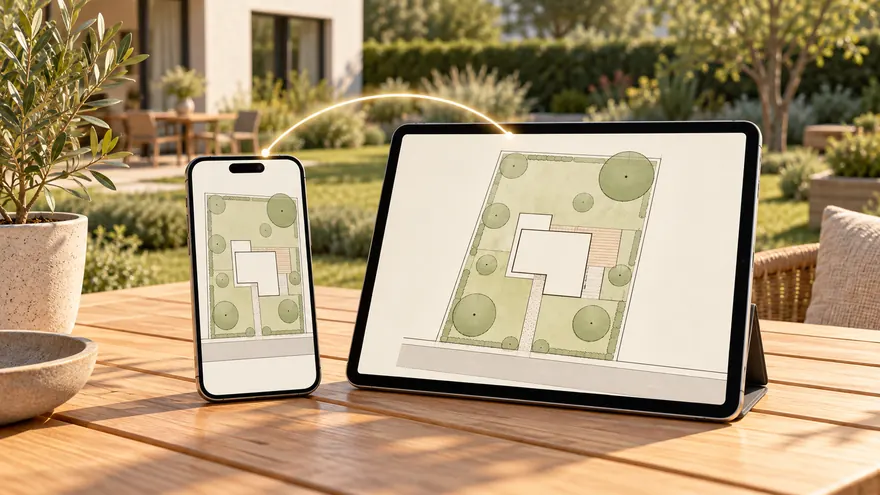 Shareable project
Keep the plan online and share a link instead of sending static screenshots back and forth.
Shareable project
Keep the plan online and share a link instead of sending static screenshots back and forth.
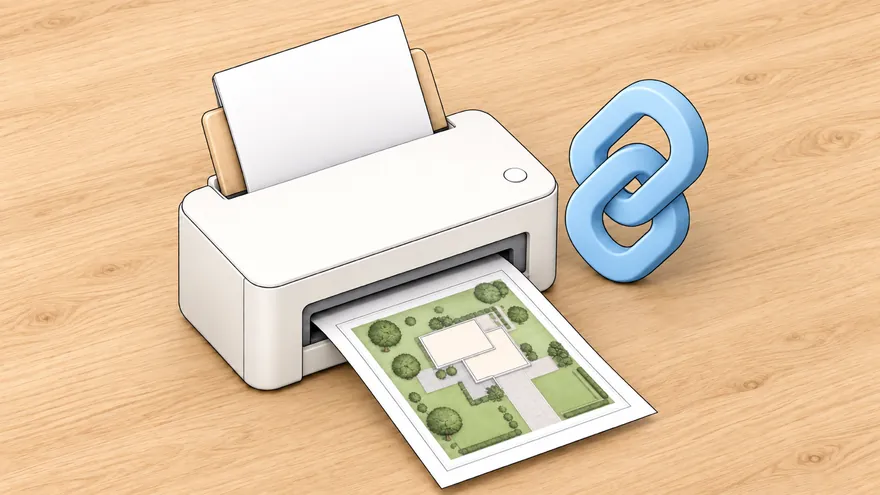 Site plan for building permit
Create a permit-ready plot plan with property data, building footprint, setbacks and an A4 printable sheet.
Site plan for building permit
Create a permit-ready plot plan with property data, building footprint, setbacks and an A4 printable sheet.
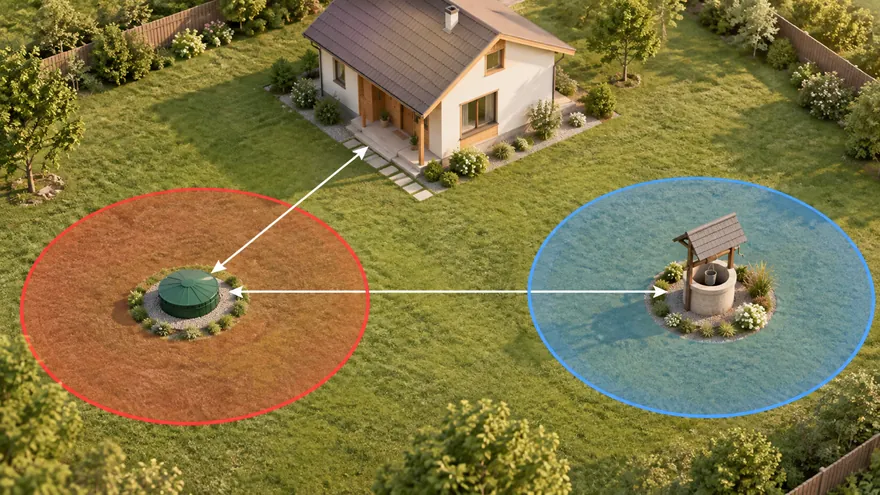 Septic and well distances
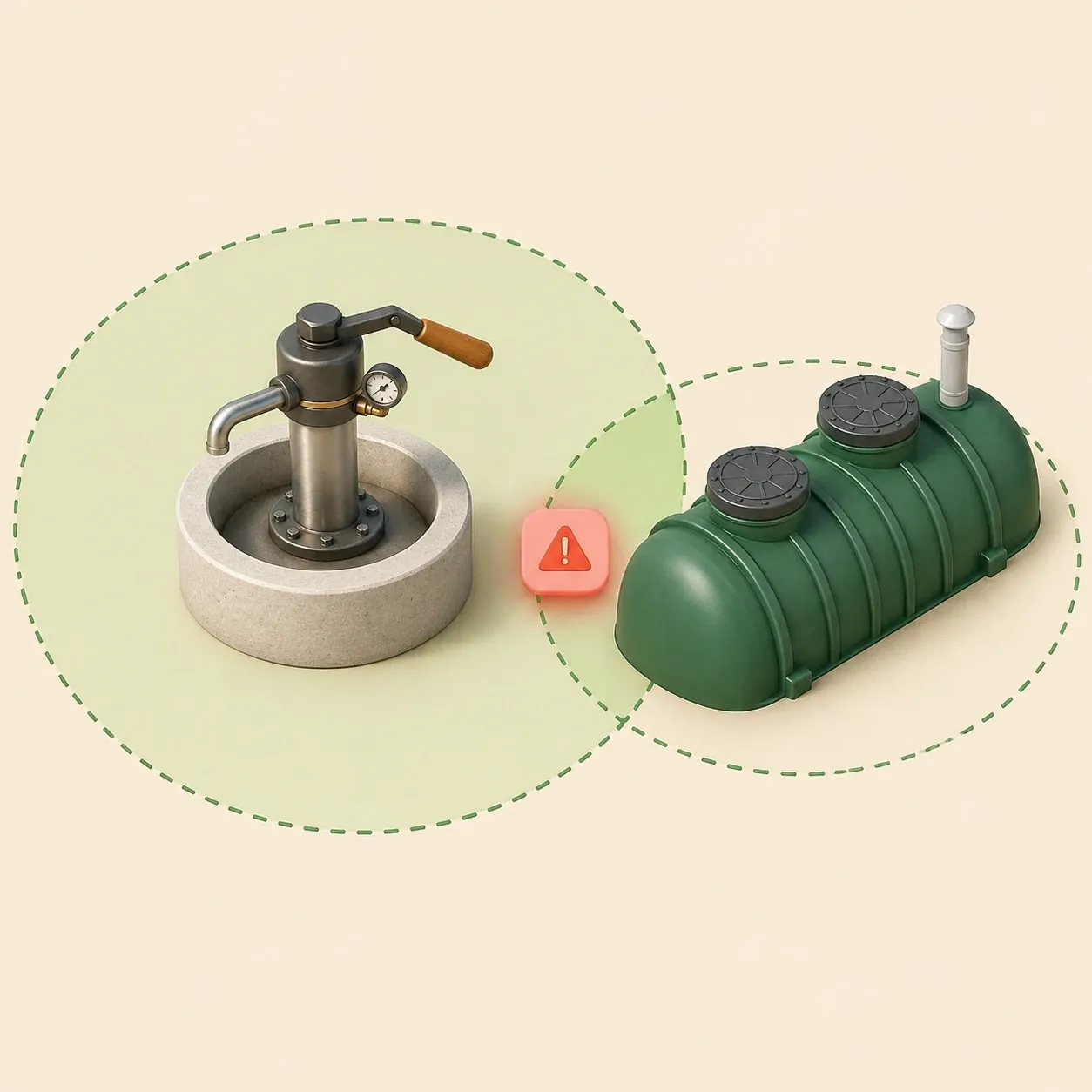
Check sanitary zones and conflicts before septic installation or well drilling.
Septic and well distances
Check sanitary zones and conflicts before septic installation or well drilling.
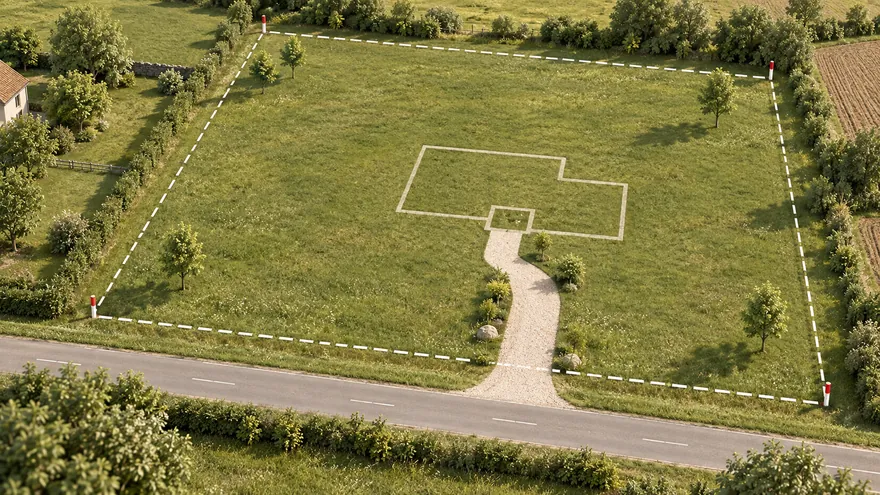 مخطط قطعة الأرض
افتح المحرر الكامل لتخطيط قطعة الأرض بنفسك.
مخطط قطعة الأرض
افتح المحرر الكامل لتخطيط قطعة الأرض بنفسك.
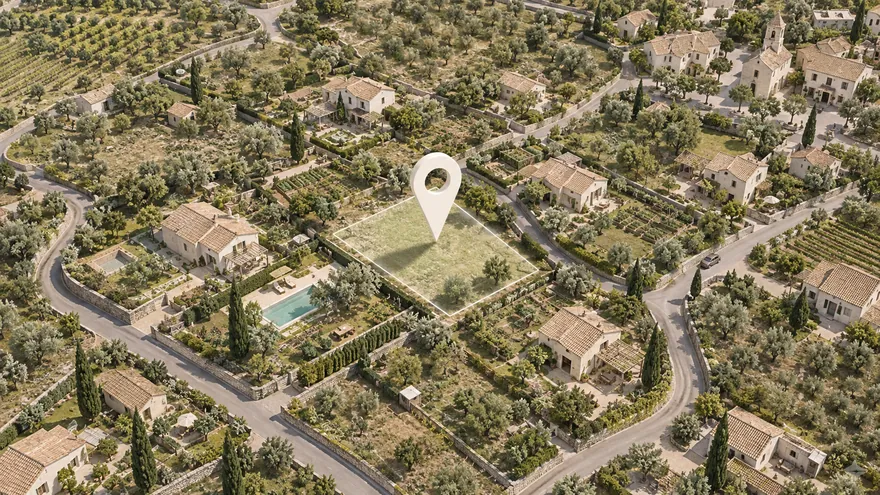 قطعة أرض على خريطة الأقمار الصناعية
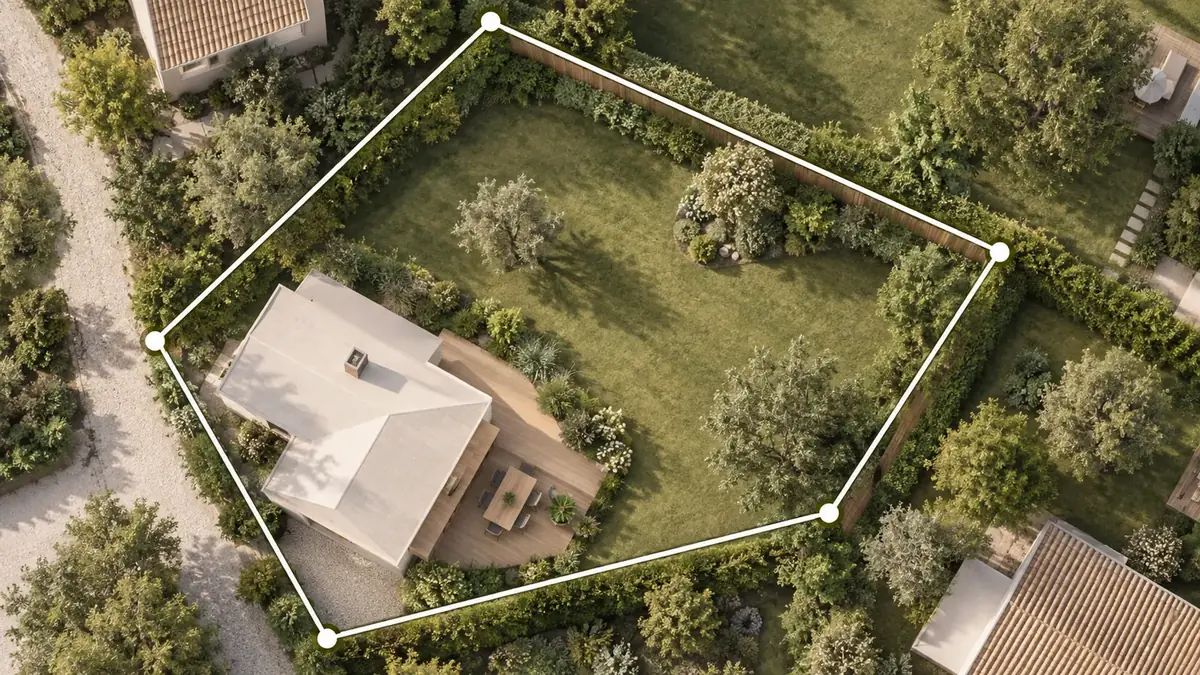
اعثر على قطعة الأرض بالعنوان وخطّط مباشرة فوق الصورة
قطعة أرض على خريطة الأقمار الصناعية
اعثر على قطعة الأرض بالعنوان وخطّط مباشرة فوق الصورة
A property line map is most useful when it begins with a boundary source you can identify. Gardmi can import supported cadastral references from Russia, France, Spain, Germany, Türkiye and Poland. For a property elsewhere, leave the reference blank and draw the boundary from an official record or measured survey.
Use the result as an editable planning map before placing a house, well, septic system, fence, paths and garden zones. Parcel overlays and imported geometry are reference data, not proof of a legal boundary.
Check how a house, driveway and service zones fit before detailed design starts.
Plan planting beds, paths and fences while seeing the actual parcel shape.
Share a simple property line map so contractors understand the site context faster.

أنت بالفعل داخل التطبيق — gardmi مثبّت.
نعم. يُثبَّت gardmi مباشرة من المتصفح، دون App Store أو Google Play: على Android وفي Chrome أو Edge على الكمبيوتر اضغط «تثبيت التطبيق»، وعلى iPhone افتح الموقع في Safari واختر «مشاركة» ← «إضافة إلى الشاشة الرئيسية». يفتح التطبيق بملء الشاشة من أيقونته، ومشاريعك في السحابة هي نفسها.
Gardmi can import supported cadastral references from Russia, France, Spain, Germany, Türkiye and Poland. In other countries, leave the field blank and draw the boundary from an official record or measured survey.
No. It is useful for planning and communication, but it does not replace an official survey or legal boundary determination.
You can add buildings, fences, wells, septic systems, distance labels, notes, zones and printable frames.
You can still create a blank plan and draw the plot manually, then continue with the same editor tools.
المزيد عن المخطِّط