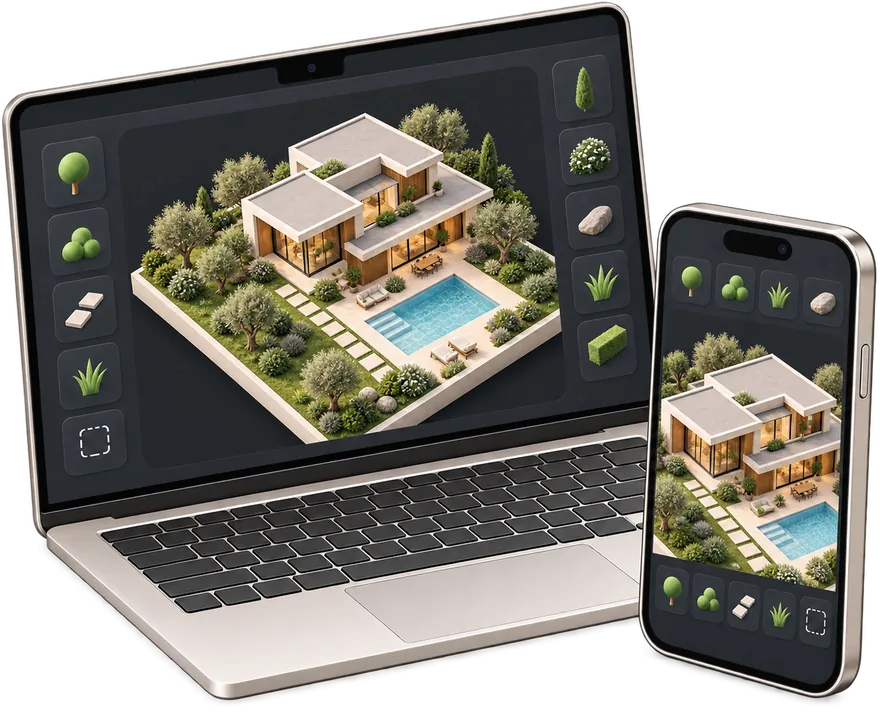
Site plan for building permit
Create a permit-ready plot plan with property data, building footprint, setbacks and an A4 printable sheet.
Create permit site plan → gardmi 🇫🇷
Garden site planner
gardmi 🇫🇷
Garden site planner
Draw your plot and house, see them in 3D and check setback distances. Simple, easy and free — and Bo, the AI assistant, helps at every step.

A simple program for designing a house and a plot: the house, the plot, the utilities and the estimate live on one plan.
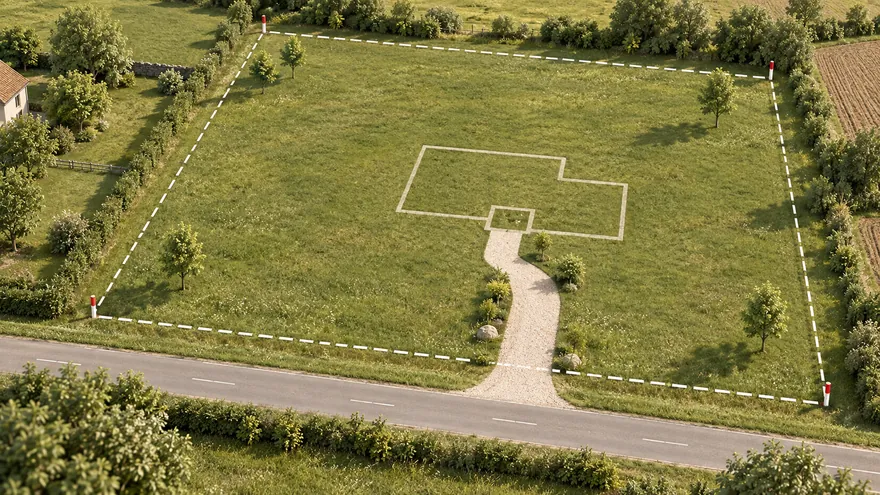 Plot plan
Boundary from the cadastre, a satellite map or a survey — in real metres
Plot plan
Boundary from the cadastre, a satellite map or a survey — in real metres
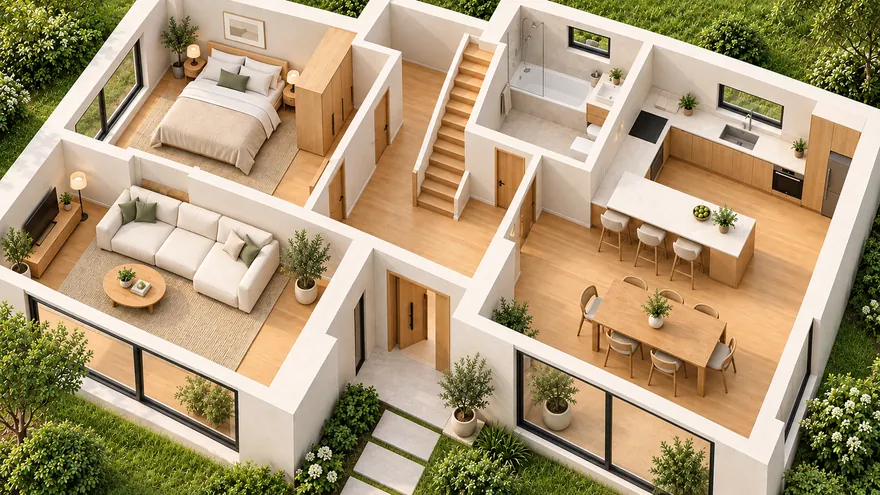 House and floor plan
Walls, doors, windows, stairs, furniture and several floors
House and floor plan
Walls, doors, windows, stairs, furniture and several floors
 3D and walkthrough
From plan to 3D in one click; walk at eye level or in VR
3D and walkthrough
From plan to 3D in one click; walk at eye level or in VR
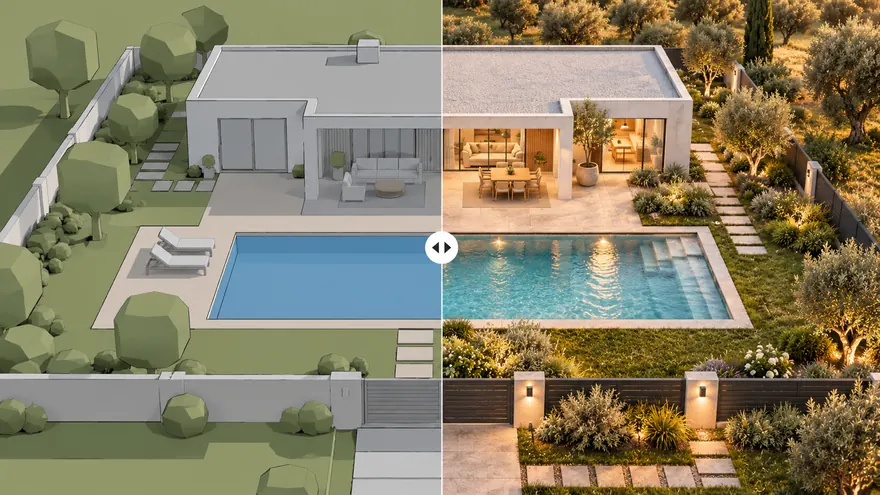 AI photo
Your 3D view becomes a photo — any season, light or style
AI photo
Your 3D view becomes a photo — any season, light or style
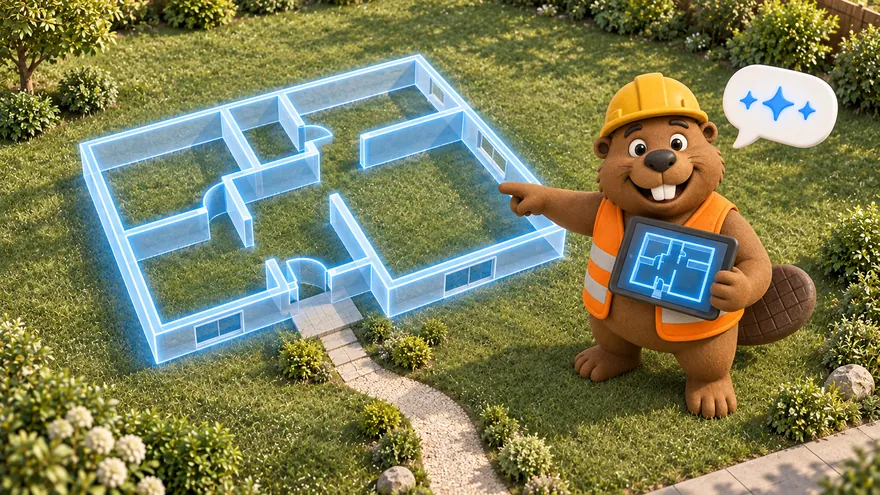 AI assistant
Describe the plot in words — Bo draws an editable plan
AI assistant
Describe the plot in words — Bo draws an editable plan
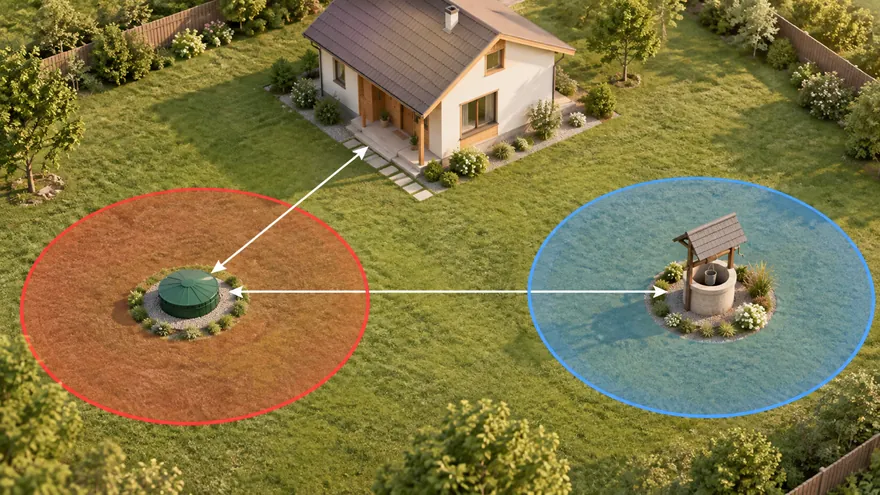 Septic, well and setbacks
Sanitary zones draw themselves, violations turn red
Septic, well and setbacks
Sanitary zones draw themselves, violations turn red
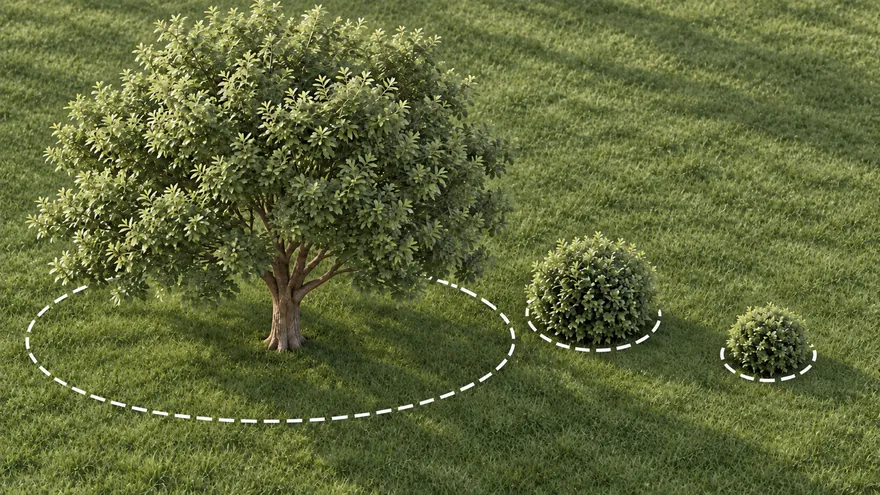 Plants
Trees and shrubs with their real crown, light and watering needs
Plants
Trees and shrubs with their real crown, light and watering needs
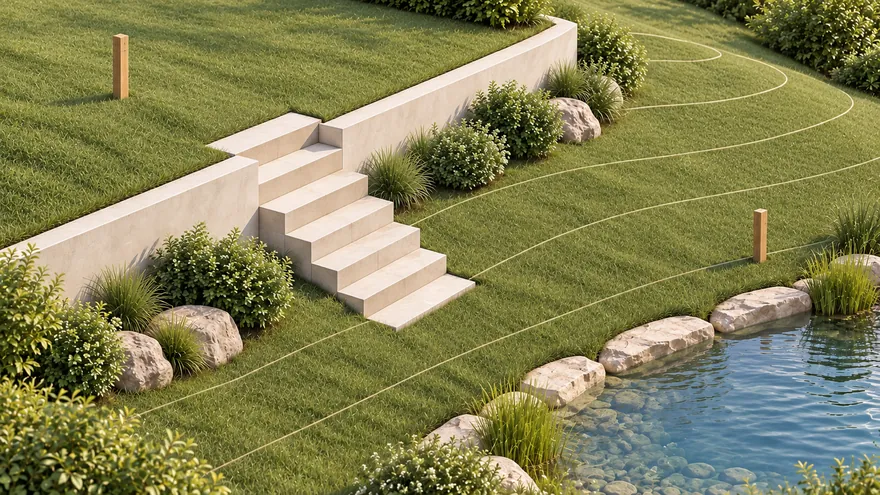 Terrain and water
Survey elevations become real ground; flooding and waterfront
Terrain and water
Survey elevations become real ground; flooding and waterfront
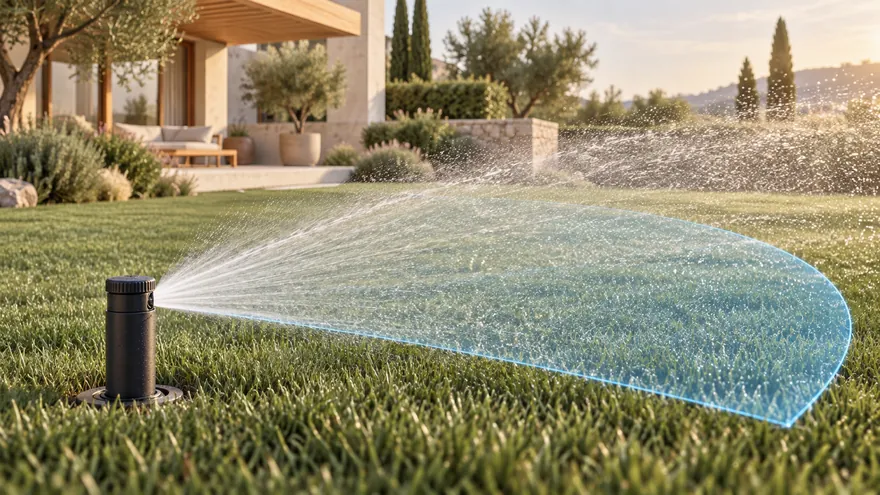 Irrigation
Sprinkler coverage, pipe sizes, zones and a pump
Irrigation
Sprinkler coverage, pipe sizes, zones and a pump
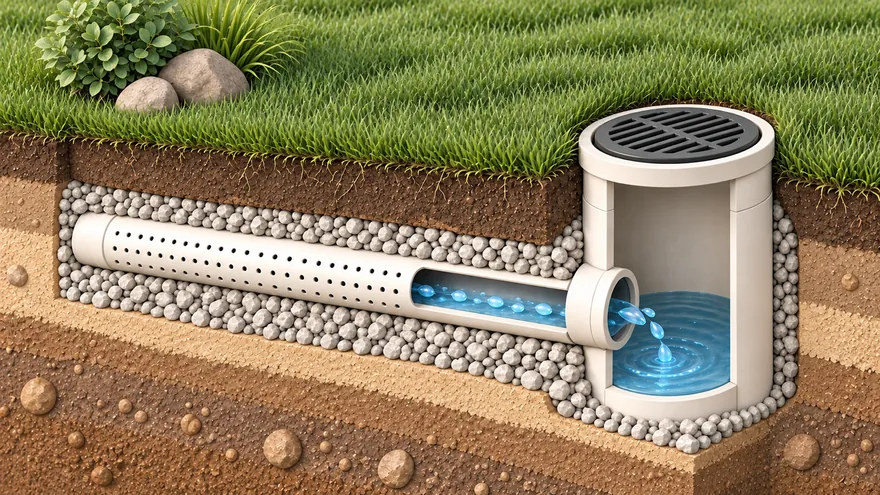 Drainage
Slopes, depths and the outlet checked for you
Drainage
Slopes, depths and the outlet checked for you
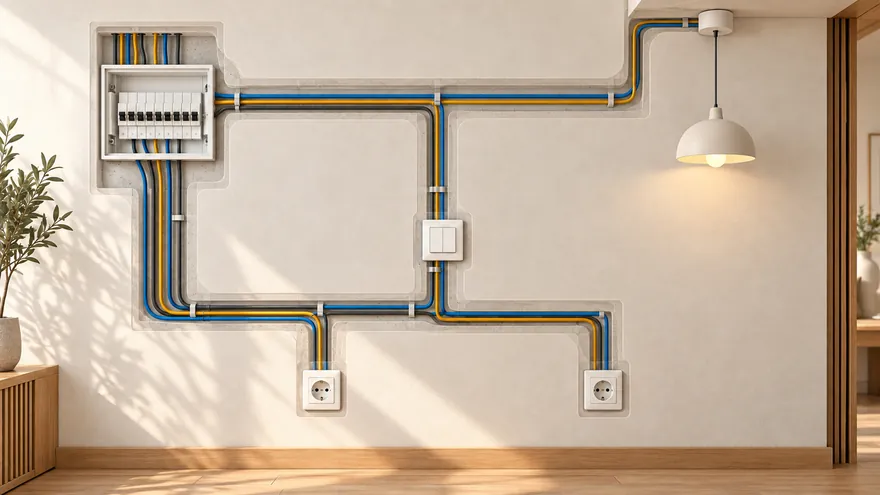 Electrical and lighting
Lights, sockets and cables; breakers picked by load
Electrical and lighting
Lights, sockets and cables; breakers picked by load
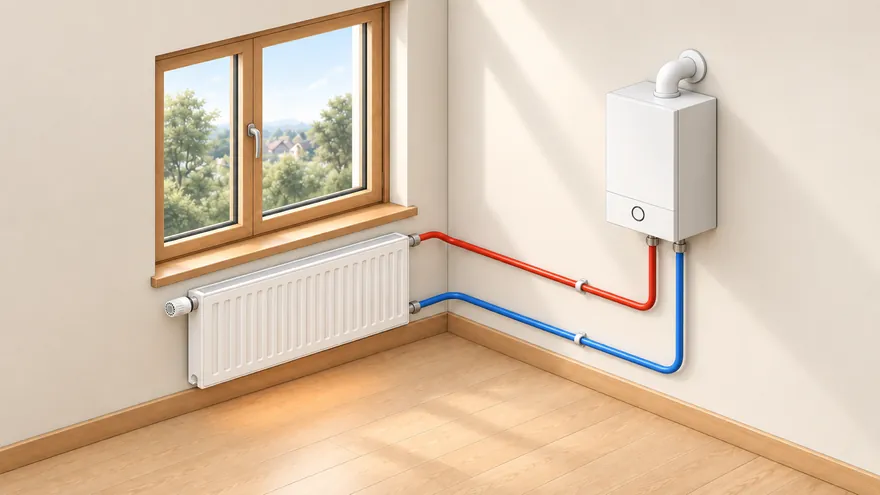 Heating
Heat loss per room, radiators, underfloor heating, boiler
Heating
Heat loss per room, radiators, underfloor heating, boiler
 Security cameras
Real field of view with shadows; a camera on every gate
Security cameras
Real field of view with shadows; a camera on every gate
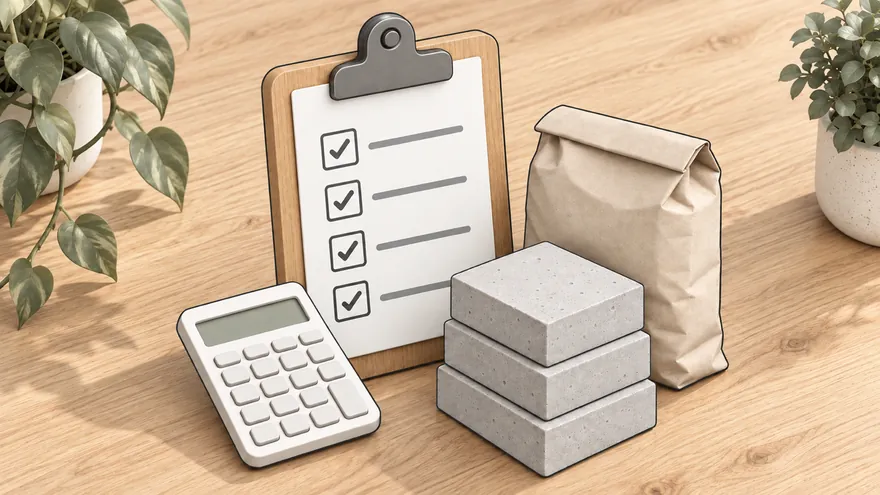 Estimate and materials
Materials with prices — the estimate counts itself
Estimate and materials
Materials with prices — the estimate counts itself
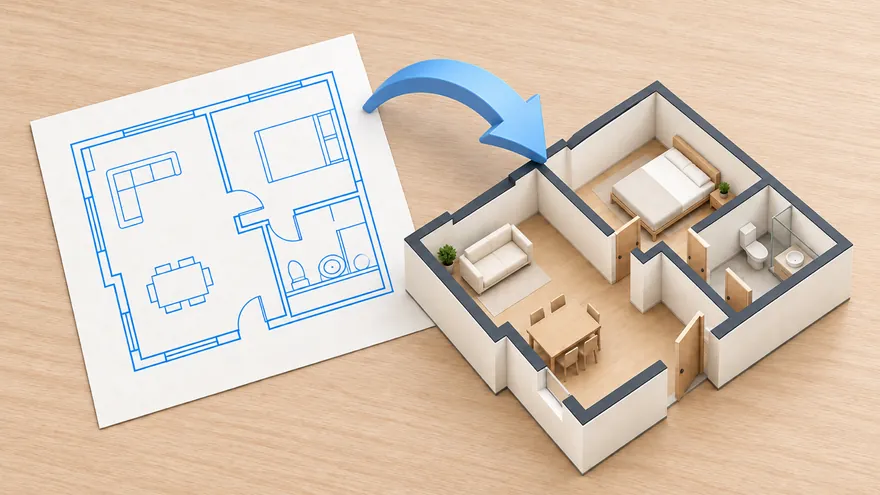 Import DXF and RemPlanner
Bring a floor plan from CAD or RemPlanner
Import DXF and RemPlanner
Bring a floor plan from CAD or RemPlanner
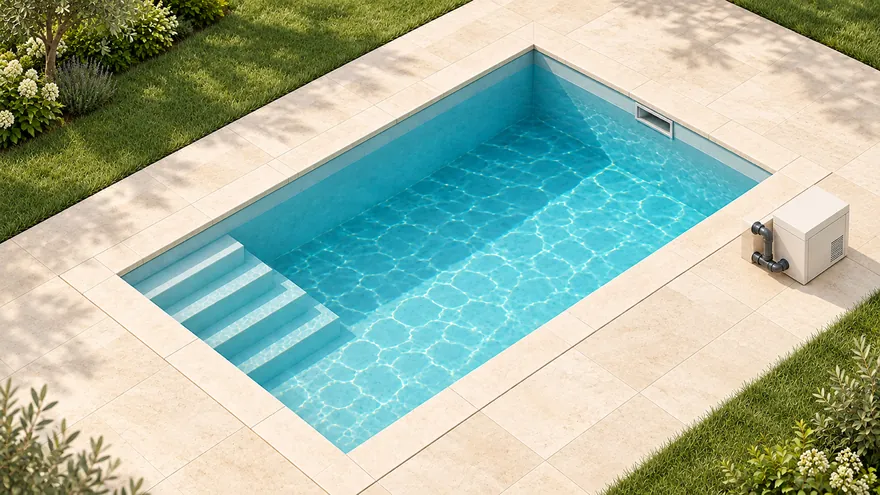 Pool
Shell, steps and equipment; volume and pump computed
Pool
Shell, steps and equipment; volume and pump computed
Open a finished project and change anything — the original stays intact.

You are already in the app — gardmi is installed.
Yes. gardmi installs straight from the browser, without App Store or Google Play: on Android and in Chrome or Edge on a computer press “Install the app”, on iPhone open the site in Safari and choose Share → Add to Home Screen. The app opens full-screen from its icon and keeps the same cloud projects.
Yes. The full editor — drawing, sanitary zones, autosave, sharing, PNG/PDF export — is free to use. No paywall, no trial timer.
No. You can start drawing immediately; your project is saved to the cloud and tied to your browser. Sign in only if you want to access projects from another device.
When a supported local data source is available, gardmi can use a cadastral or parcel reference as an editable planning start. Otherwise, draw the boundary or import a reference file. Always confirm legal boundaries against official records or a land survey.
Place the septic and well on the plan — sanitary radii draw automatically and violations turn red so you fix layout before construction.
More about the planner
Drop a JPG or PDF of the topographic survey. It becomes a calibrated background layer.
Click two points with a known real distance. From now on every ruler shows real metres.
Drop the house, well, septic and utilities. Sanitary radii update live so you see violations early.
Send a link to your contractor, or download a clean PNG/PDF ready to print.
Create a permit-ready plot plan with property data, building footprint, setbacks and an A4 printable sheet.
Create permit site plan →Import a supported cadastral reference or leave it blank to draw property lines manually, then add buildings, zones and dimensions.
Open property line planner →Check sanitary zones and conflicts before septic installation or well drilling.
Check distances →Describe your site in plain words — Bo draws an editable plot, house, garden and drainage plan. Add setback zones, verify them against local requirements, and adjust every object by hand.
Wells, septics and utilities draw their sanitary radius automatically. Violations are highlighted in red so you spot them while planning, not after building.
Use a supported cadastral or parcel reference as an editable planning base. If local data is unavailable, draw the boundary or import a reference file, then verify it against official records or a land survey.
Print-ready PNG/PDF, one-click share links for view or edit, and cloud autosave with version history.
Draw walls, doors, windows, furniture and stairs in real metres. Keep apartment layouts, house floors, basement, roof and document boards separate, then stack everything in 3D.
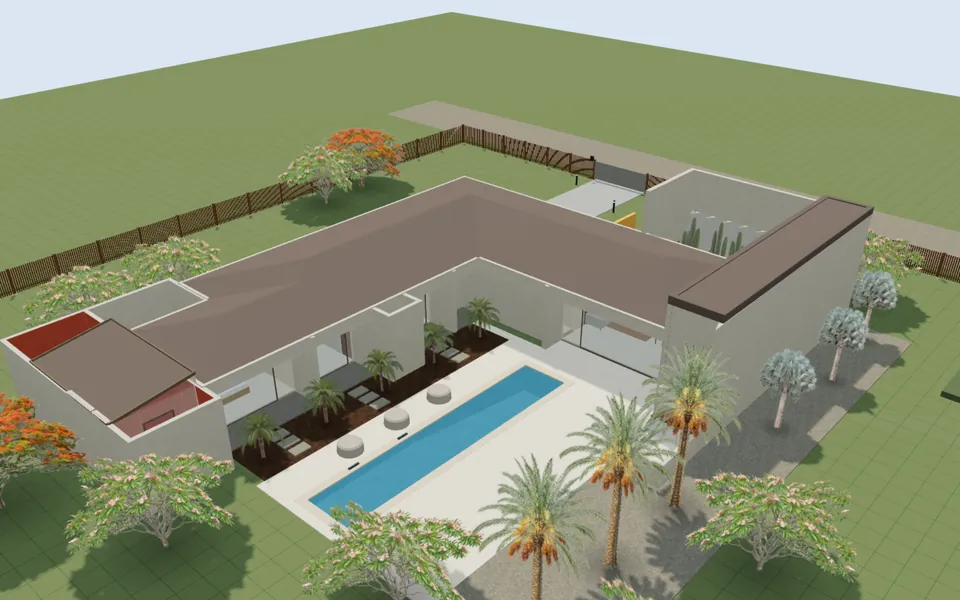
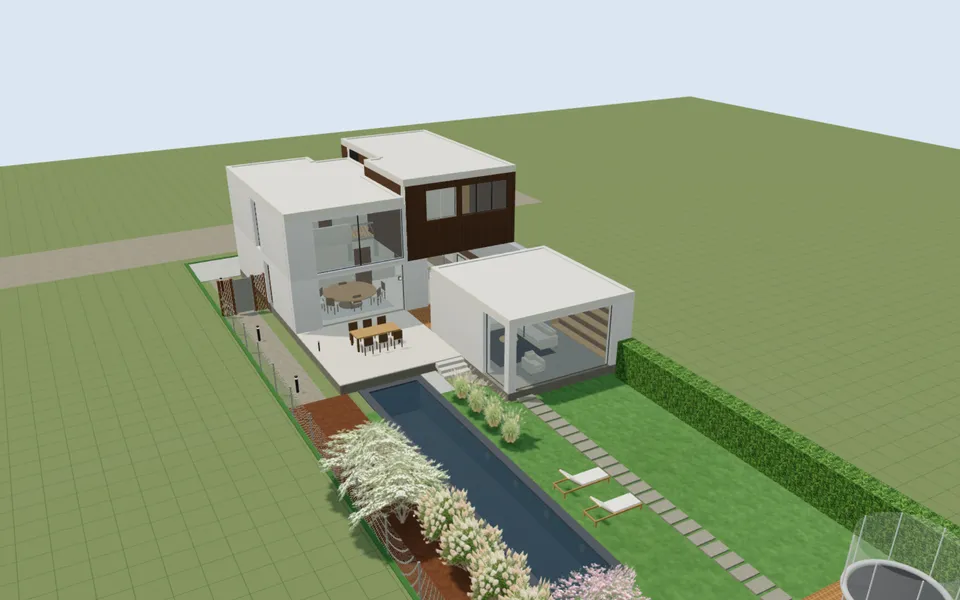
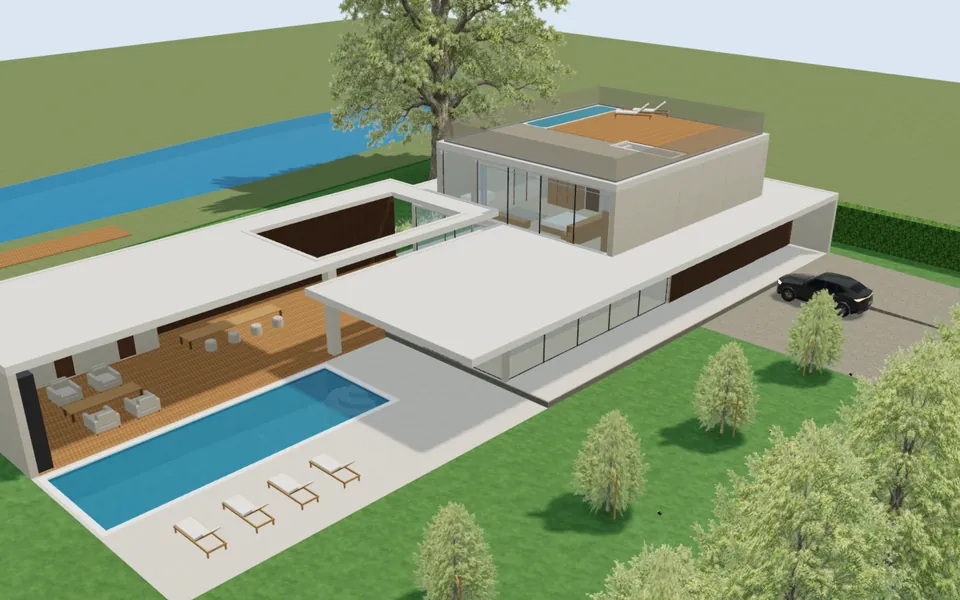
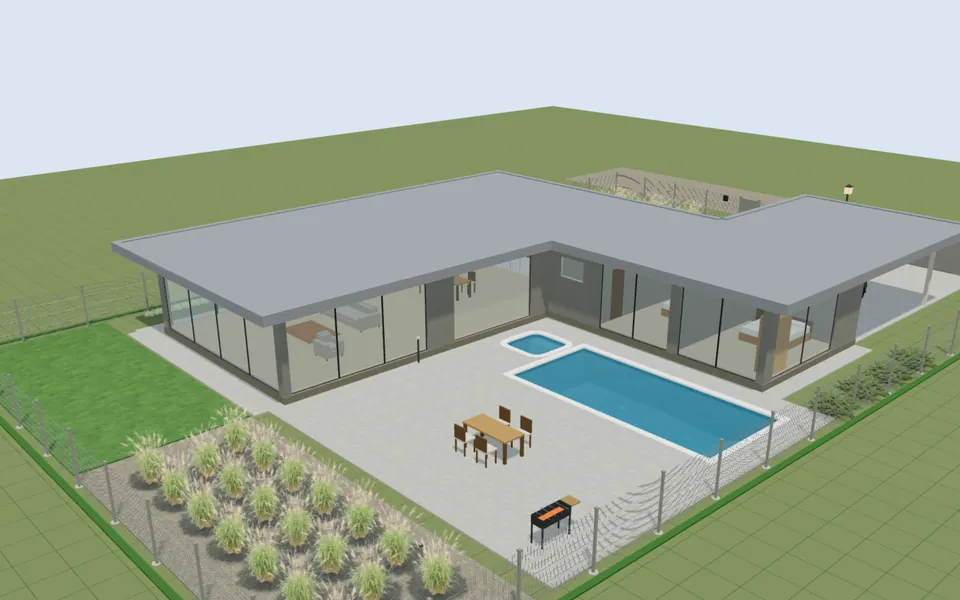
Switch the plan from 2D to a real 3D view in one click. Walk through the plot or house at eye level in the browser — with keyboard on desktop, a joystick on mobile, or a supported VR headset.
Place survey spot elevations and the 3D view builds the real ground relief through them. Set the construction zero mark and a water level — to simulate flooding, plan a house by a lake or design piers and footbridges over water.
Draw pipes, sprinklers and drip lines — gardmi shows each sprinkler's coverage, sums the water flow, picks pipe diameters, splits the system into zones and recommends a pump. Drainage checks the slope, depth and outlet the same way. Both end in a cost estimate.
Place lights and see the area each one really lights, snap sockets and switches to the walls, draw cables from the distribution board — gardmi sums the load of every circuit, picks breakers and cable sections, checks the voltage drop and exports a panel schedule, an estimate and a PDF album with a legend.
gardmi computes the heat loss of every room from your climate and insulation and colours the plan: green — enough heat, red — short. One click puts radiators under the windows, underfloor heating where it is needed, the boiler, manifolds and pipes — and exports a heating schedule and an estimate.
Pick a ready construction — skimmer, overflow, infinity, Roman-end, lap or plunge pool — and gardmi draws the shell with its bottom profile and coping stone, places the skimmers, return inlets, lights and the entry steps, and computes the water volume, the wetted area for the finish and the pump flow.
Turn on a live satellite, hybrid or scheme map under the drawing, find your plot by address, and design seeing the real surroundings — forest, water, fields, neighbours, roads and views.
Designed the house in RemPlanner or a CAD app? Drop a .plan, DXF, SVG or JSON file onto gardmi — walls with real thickness and materials, rooms, columns and dimensions arrive ready, so you can place the house on the plot and plan everything around it.
Place a camera by a wall or on the fence and gardmi draws its real field of view: shadows behind the house and trees, the blind spot below it and the zones where a face is identified or recognised. One click covers every gate and door, adds a recorder and the cables — and you can look through each camera in 3D.
The catalog shows mature height, crown diameter, root zone, watering, light and soil requirements — so plants on the plan stay tied to real planting constraints.
Open plant catalogEvery material in the editor has a catalog page: average prices per country, density, thermal conductivity and other passport values — the same data powers the project cost estimate.
Open the material catalog