Home addition
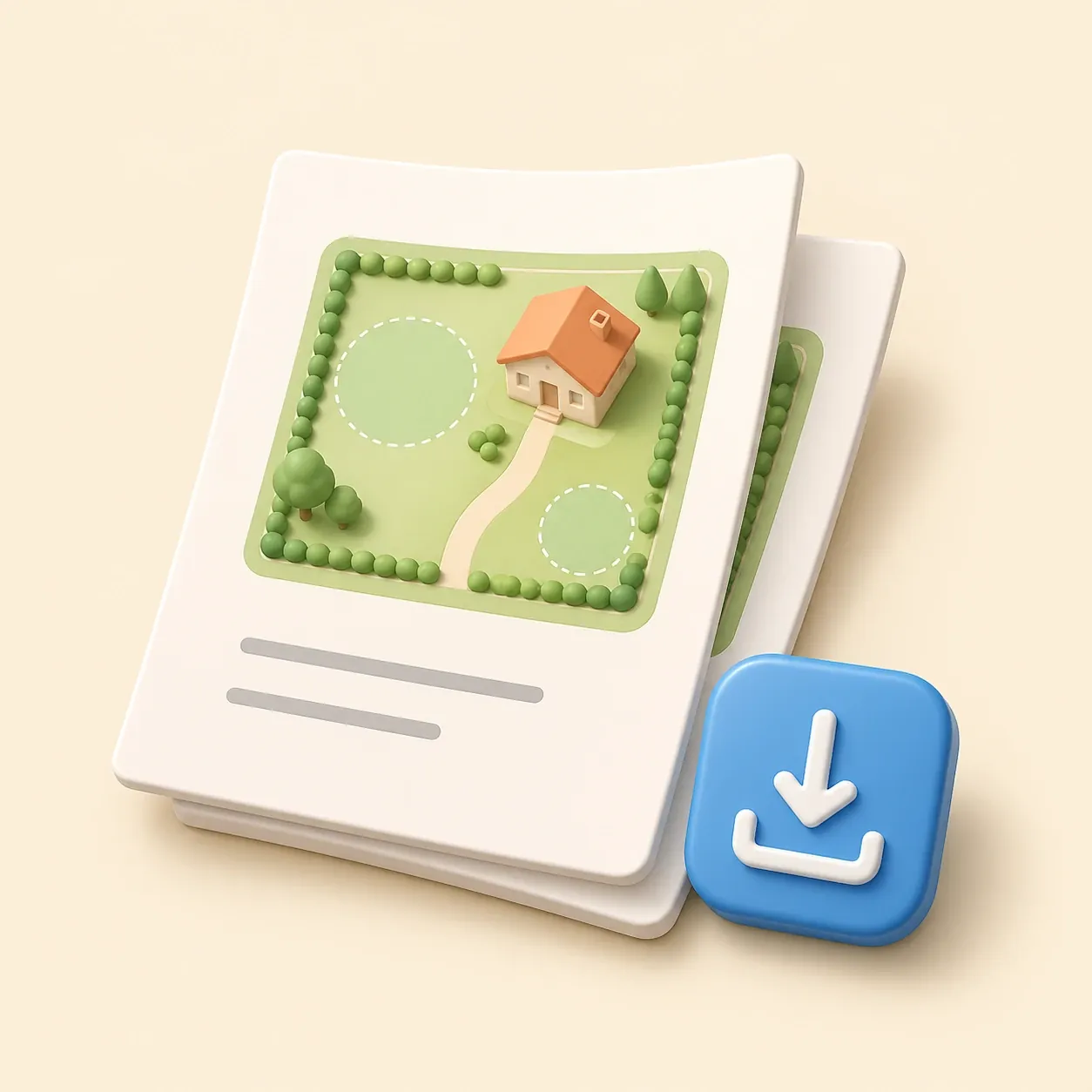
Show where an addition sits relative to lot lines and the existing house.
 gardmi 🇹🇷
Bahçe alanı planlayıcısı
gardmi 🇹🇷
Bahçe alanı planlayıcısı
Create a permit-ready plot plan with property data, building footprint, setbacks and an A4 printable sheet.
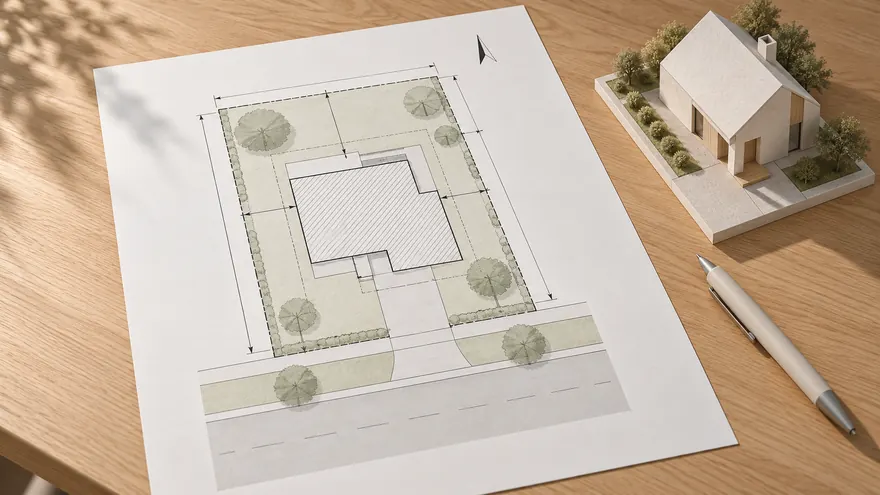 Permit-focused layout
The page is designed around a building permit site plan, not a decorative garden mockup.
Permit-focused layout
The page is designed around a building permit site plan, not a decorative garden mockup.
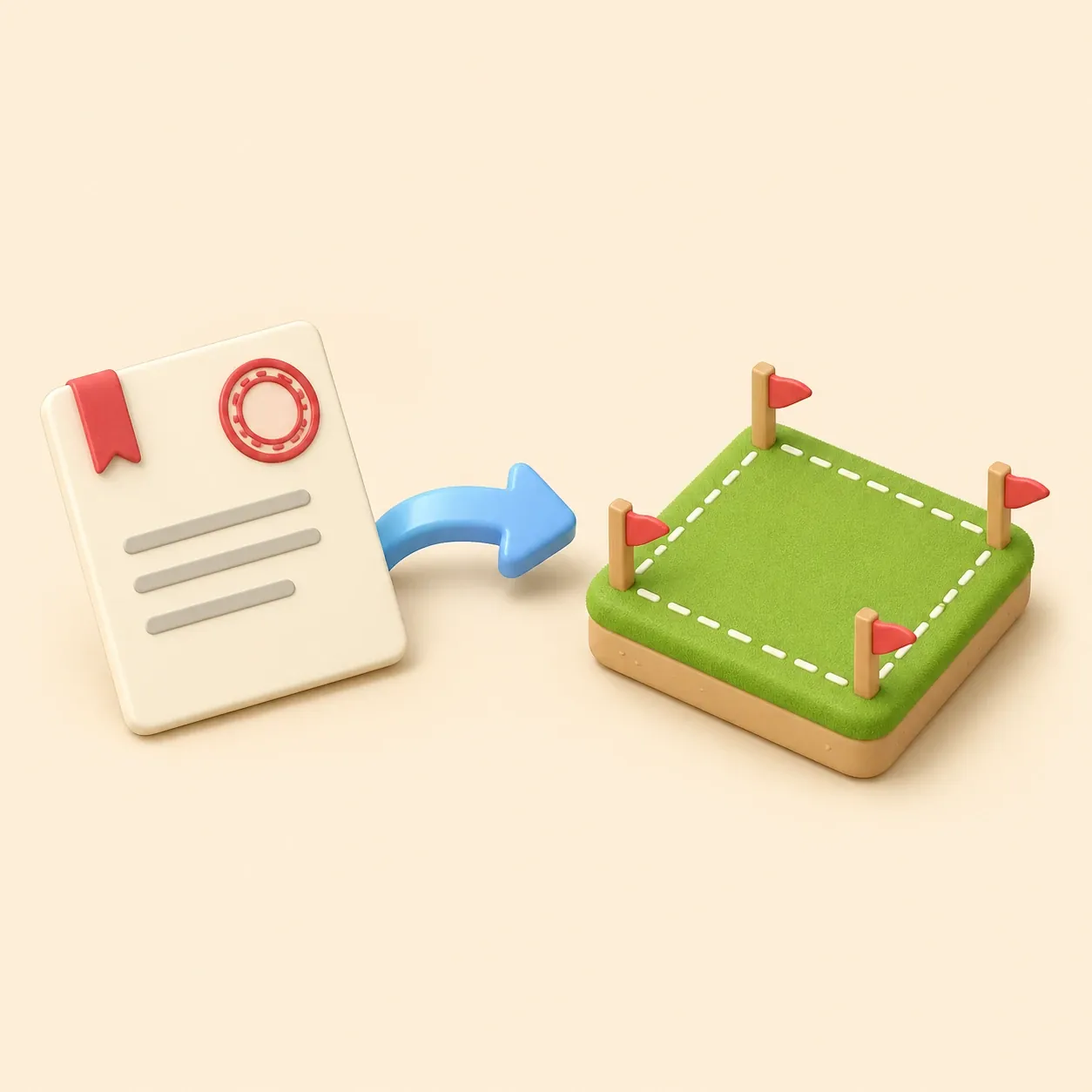
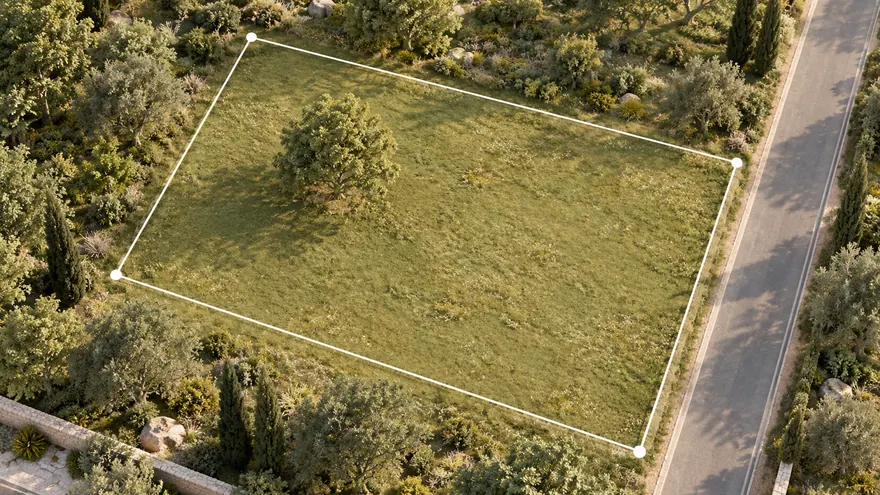 Property boundary first
Use a cadastral or parcel reference when available, or draw the lot boundary manually.
Property boundary first
Use a cadastral or parcel reference when available, or draw the lot boundary manually.
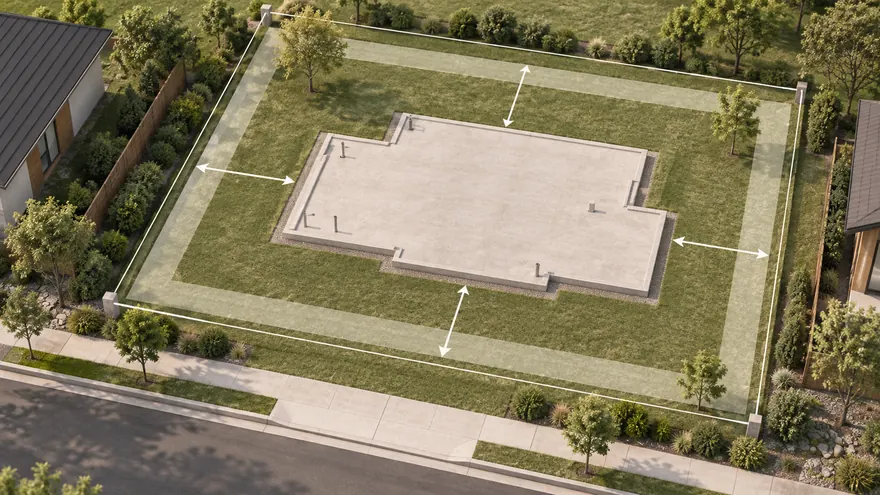 Footprint and setbacks
Place the proposed building and add clear distance labels to lot lines.
Footprint and setbacks
Place the proposed building and add clear distance labels to lot lines.
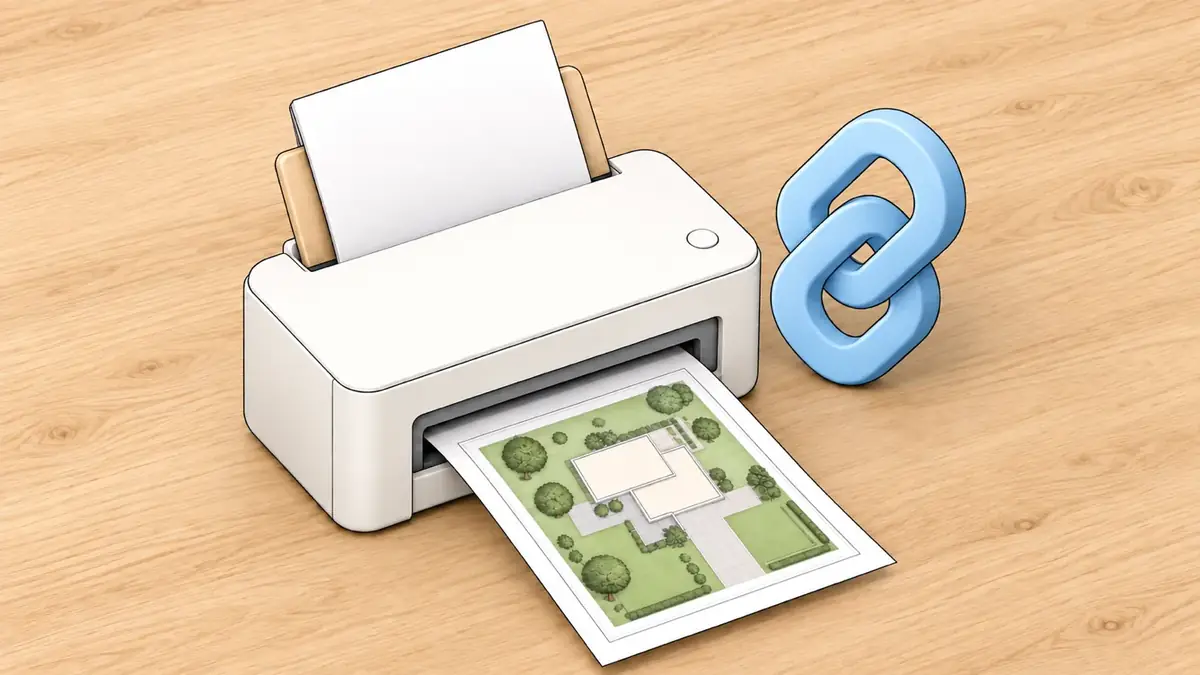
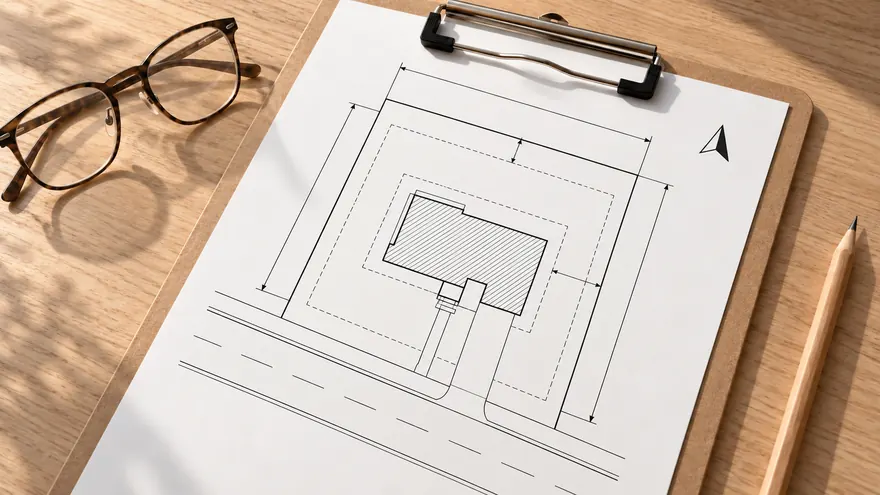 Printable PDF
Export a clean A4 sheet for review, email or printing without UI clutter.
Printable PDF
Export a clean A4 sheet for review, email or printing without UI clutter.
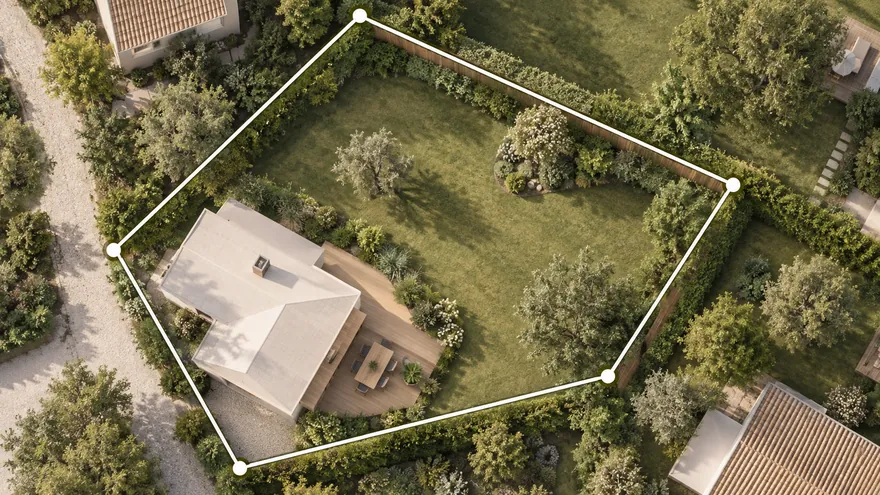 Property line map by parcel number
Import a supported cadastral reference or leave it blank to draw property lines manually, then add buildings, zones and dimensions.
Property line map by parcel number
Import a supported cadastral reference or leave it blank to draw property lines manually, then add buildings, zones and dimensions.
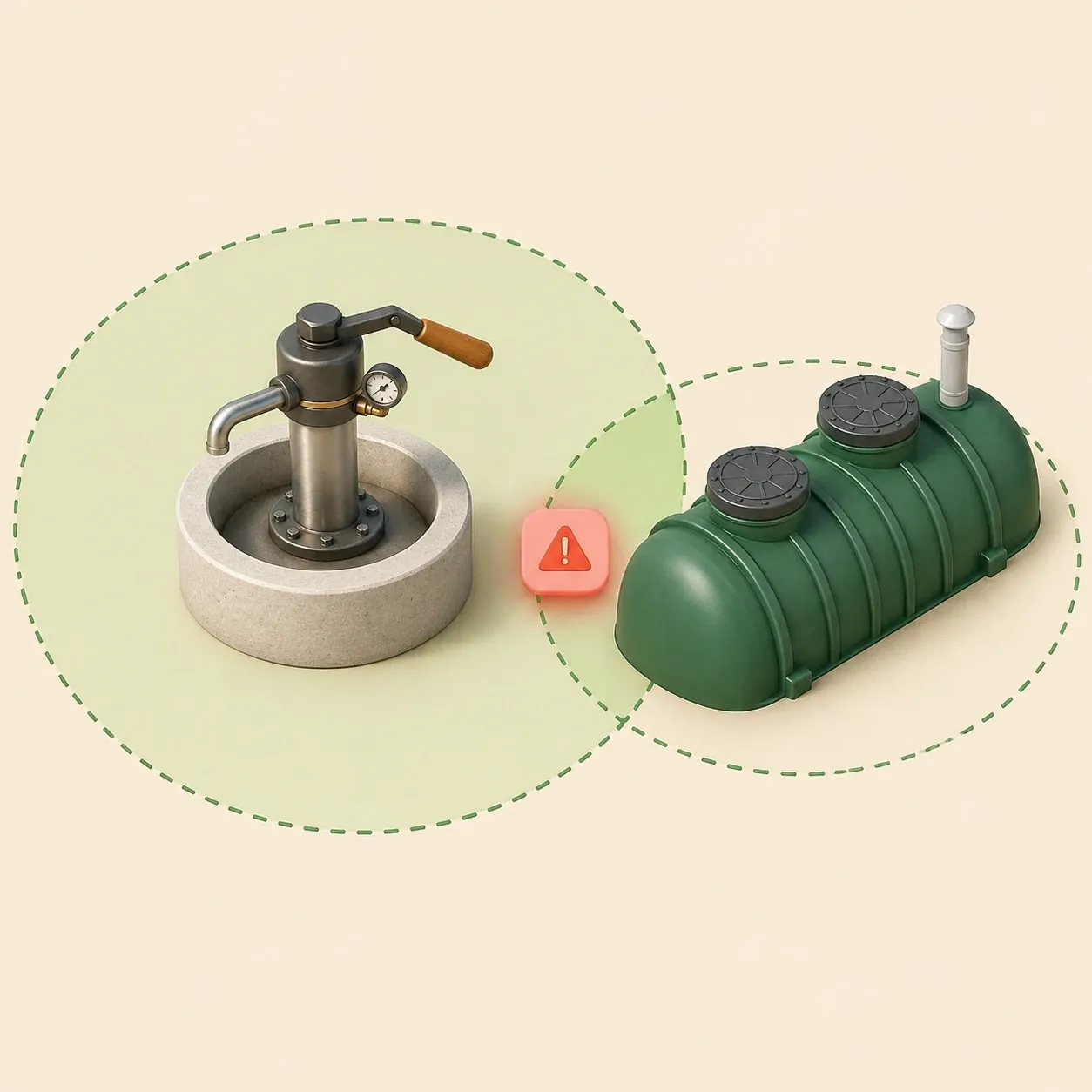
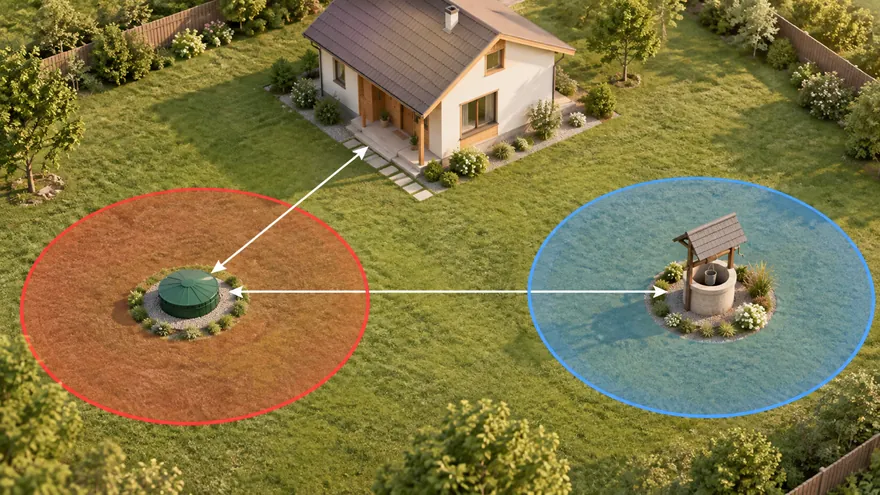 Septic and well distances
Check sanitary zones and conflicts before septic installation or well drilling.
Septic and well distances
Check sanitary zones and conflicts before septic installation or well drilling.
 Bahçe alanı planlayıcısı
Arsanızı kendiniz planlamak için tam düzenleyiciyi açın.
Bahçe alanı planlayıcısı
Arsanızı kendiniz planlamak için tam düzenleyiciyi açın.
 Uydu haritasında arsa
Arsayı adresle bulun, doğrudan uydu görüntüsü üzerinde planlayın
Uydu haritasında arsa
Arsayı adresle bulun, doğrudan uydu görüntüsü üzerinde planlayın
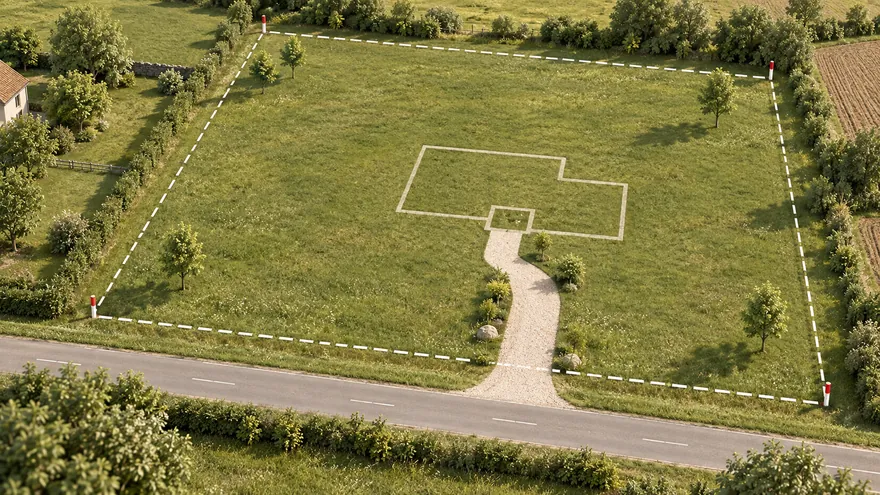
Site plans for permits should be clear, scaled drawings of the lot. A site plan for a building permit normally shows the property boundary, the proposed building footprint, setback distances, access, north arrow and labels that help the building department understand the project location.
Gardmi turns this into a focused browser workflow: enter a cadastral or parcel reference if you have one, open the preset, place the building footprint and export a clean PDF. It is built for owners who need a readable plot plan before talking to a contractor, architect or reviewer.
Show where an addition sits relative to lot lines and the existing house.
Draft a plot plan before confirming setbacks with the local office.
Send a readable plan link so everyone discusses the same footprint.

Zaten uygulamadasınız — gardmi yüklü.
Evet. gardmi, App Store veya Google Play olmadan doğrudan tarayıcıdan yüklenir: Android’de ve bilgisayarda Chrome veya Edge’de “Uygulamayı yükle”ye basın, iPhone’da siteyi Safari’de açıp Paylaş → Ana Ekrana Ekle’yi seçin. Uygulama simgesinden tam ekran açılır ve buluttaki projeleriniz aynı kalır.
Most reviewers expect the lot boundary, proposed structure, setbacks, labels, north arrow and enough dimensions to understand the location. Requirements vary by city and county.
No. A survey is an official measurement document. Gardmi helps create a readable plot plan, but some permits still require a licensed surveyor.
Yes. The objects stay editable in Gardmi, so you can move the footprint, update labels and export the PDF again.
You can use it to prepare the visual site-plan part of the application. Always check the exact form and drawing rules in your local jurisdiction.
Planlayıcı hakkında daha fazlası