
Free AI Landscape Design Online
Meet Bo — the AI assistant inside gardmi. Describe your plot and wishes, and it draws an editable plan with the house, garden, paths and drainage. Add setback zones and verify them against local requirements.
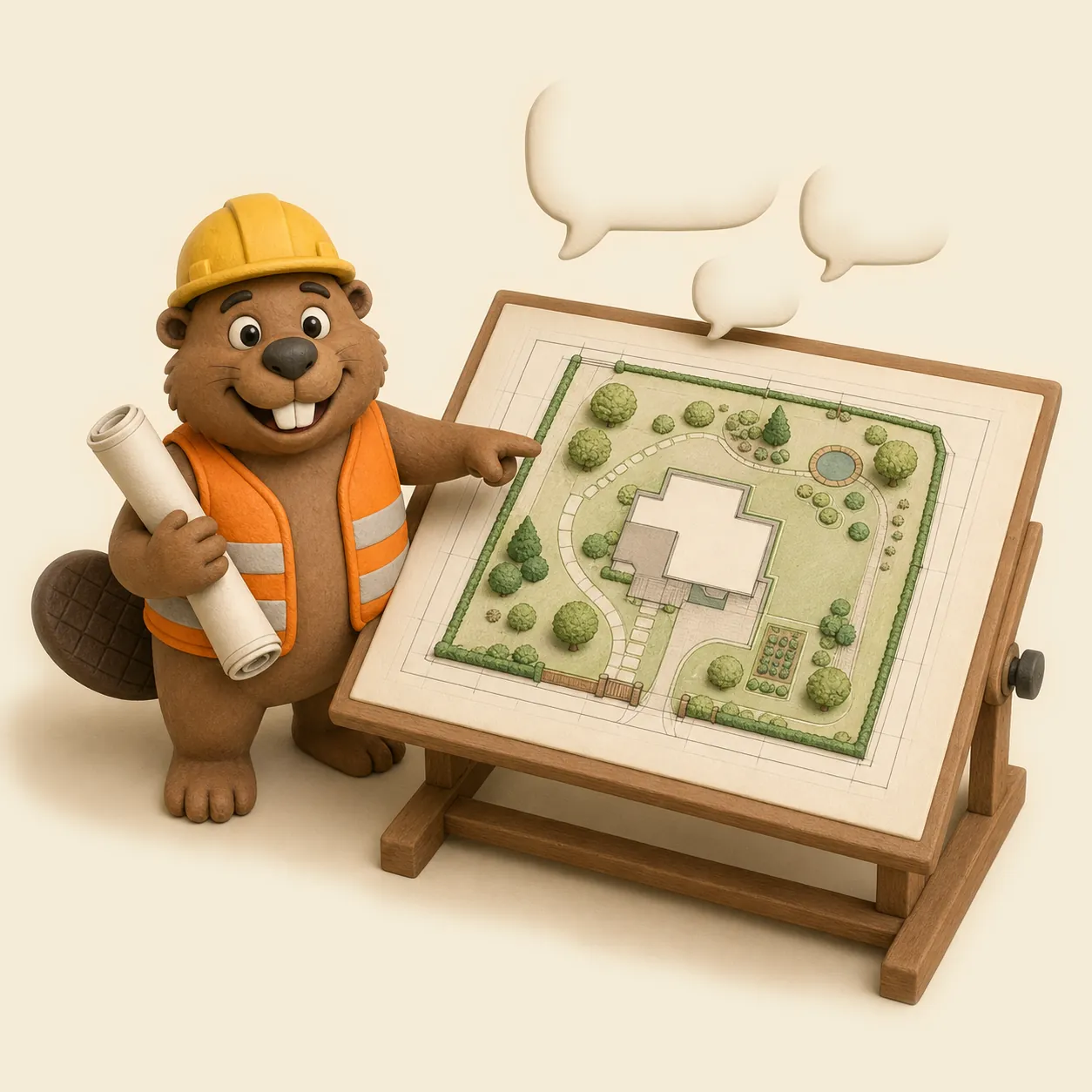
Site planning with AI, not just pictures
Image generators produce a pretty render you cannot edit. gardmi creates real measurable objects on a real plan — every tree, wall and pipe stays editable.
-
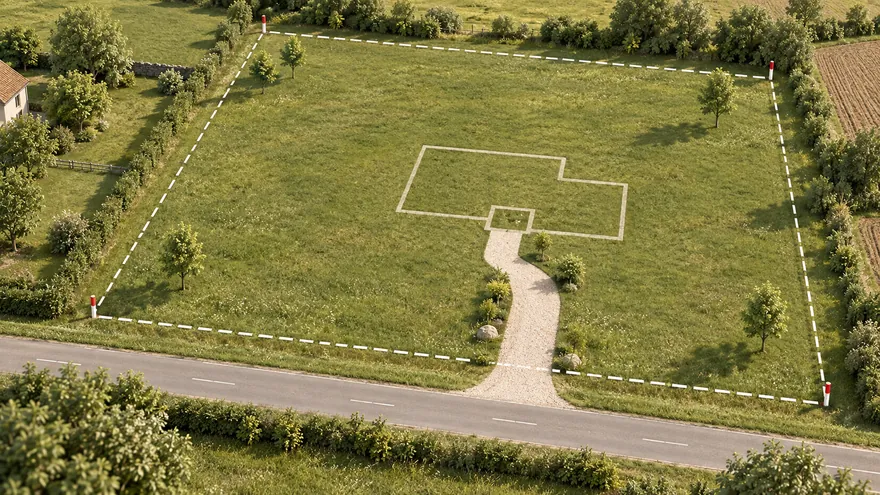 Design a site from scratch
Zoning, sun and walking routes for the whole plot
Design a site from scratch
Zoning, sun and walking routes for the whole plot
-
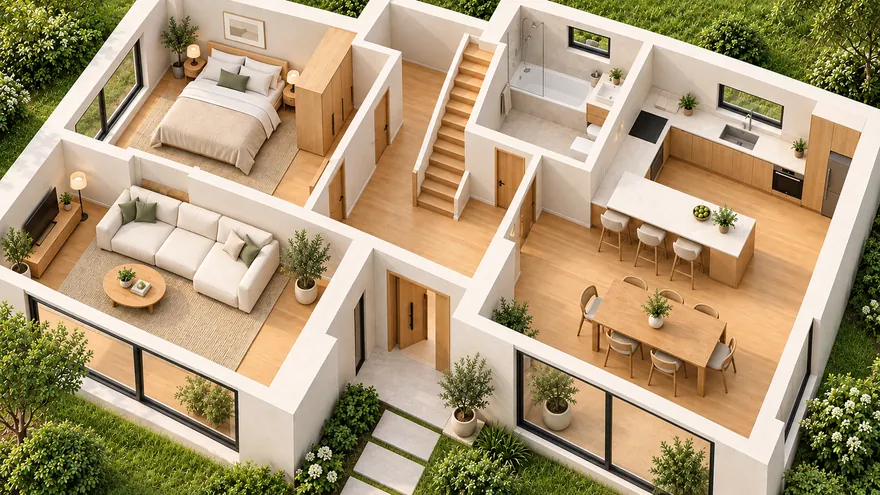 Draw a house with rooms and furniture
Walls, doors, windows and furniture on request
Draw a house with rooms and furniture
Walls, doors, windows and furniture on request
-
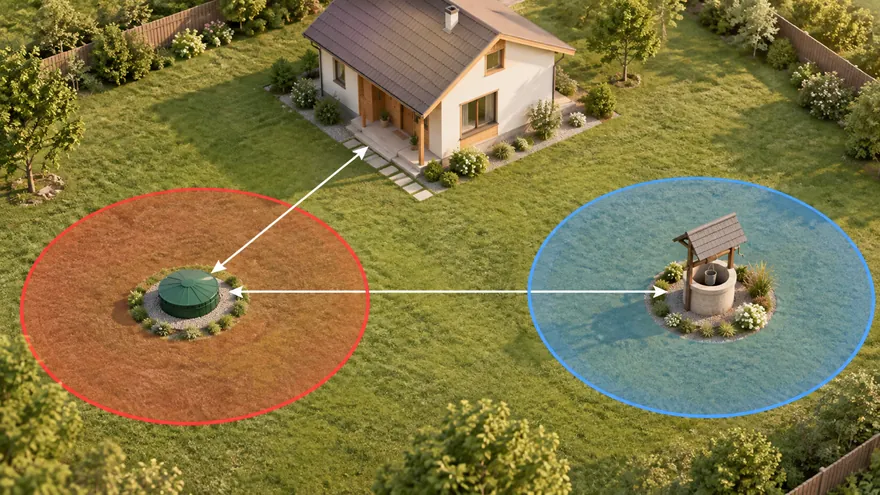 Consult on building rules
Reference distances and overlaps highlighted in red
Consult on building rules
Reference distances and overlaps highlighted in red
-
 Tidy up an existing project
Align, move and clean up objects in one request
Tidy up an existing project
Align, move and clean up objects in one request
-
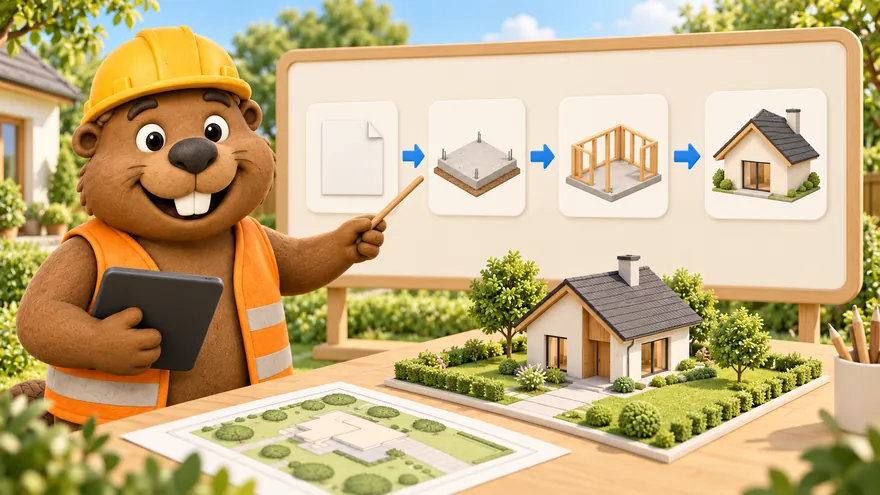 Build action plans as flowcharts
A construction roadmap of cards and arrows
Build action plans as flowcharts
A construction roadmap of cards and arrows
-
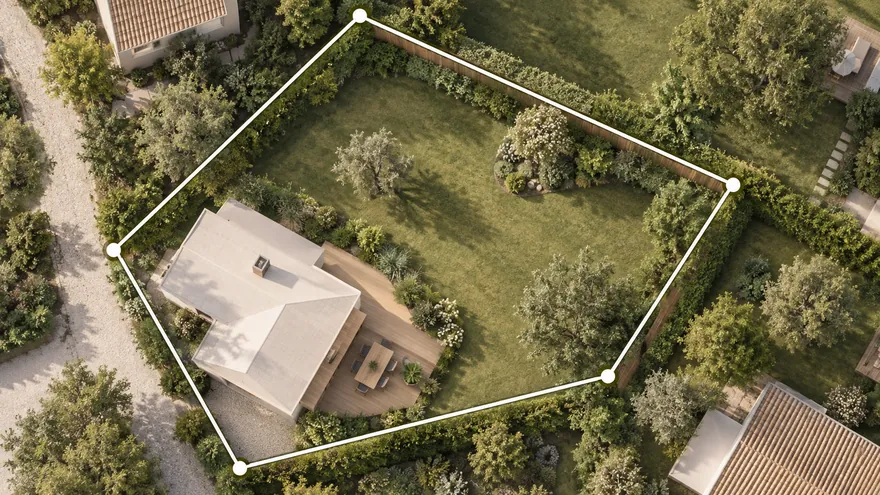 Load parcel data when locally available
Send the cadastral number in the chat
Load parcel data when locally available
Send the cadastral number in the chat
-
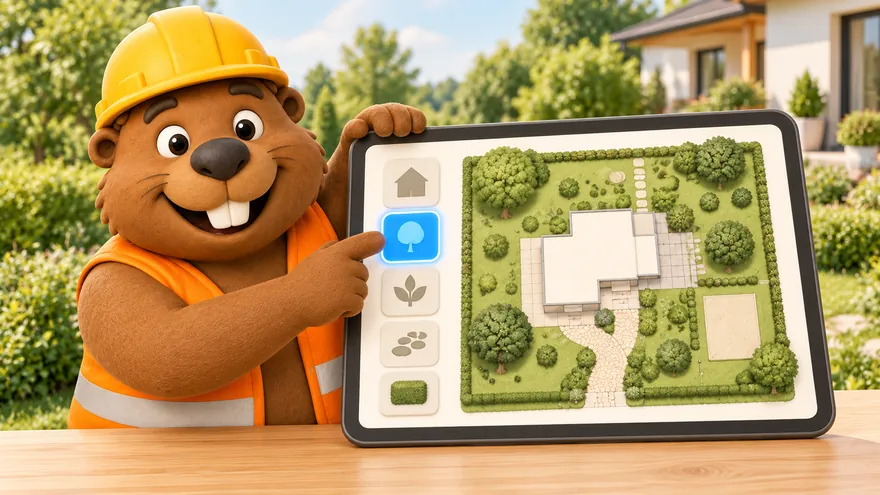 It also teaches you the editor
Ask how to share, export or restore — Bo answers and does it
It also teaches you the editor
Ask how to share, export or restore — Bo answers and does it
-
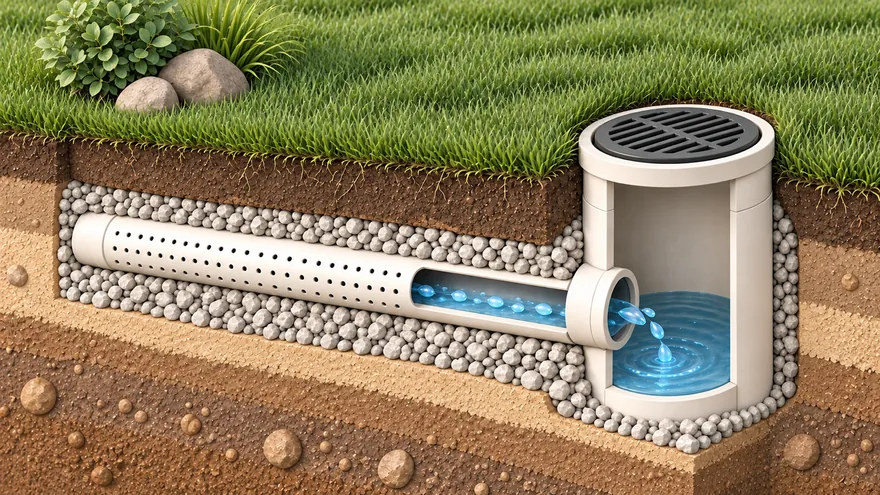 Drainage, utilities and engineering
Pipes and gutters with the right flow direction
Drainage, utilities and engineering
Pipes and gutters with the right flow direction
What the AI garden design assistant can do
-
1
Design a site from scratch
“Plan a 12-acre plot with a house, banya, garden and a rest area” — the assistant lays out the whole site with sensible zoning, sun orientation and walking routes.
-
2
Draw a house with rooms and furniture
Walls, doors, windows, furniture, a second floor — ask for a layout and refine it by hand or in the 3D walkthrough.
-
3
Consult on building rules
Ask how far the septic tank should be from the well. The assistant can show catalog reference distances and move objects to resolve highlighted overlaps; verify the result against current local requirements.
-
4
Tidy up an existing project
“Move the sheds along the fence, align the garden beds, delete the old drafts” — bulk edits by a single request, with Ctrl+Z always available.
-
5
Build action plans as flowcharts
Ask for a construction roadmap — permit, foundation, walls, roof — and the assistant builds a flowchart of cards and arrows right on a document board.
-
6
Load parcel data when locally available
When a supported local source is available, send the cadastral or parcel reference in the chat to load an editable planning boundary. Otherwise, draw the boundary or import a reference file. Always verify legal boundaries against official records or a survey.
Garden planner app for phone and computer
- An icon on the home screen — back to your plot in one tap
- Full screen without the address bar — more room for the plan
- The same projects on phone and computer — cloud autosave
You are already in the app — gardmi is installed.

FAQ
Can I install gardmi as an app on my phone?
Yes. gardmi installs straight from the browser, without App Store or Google Play: on Android and in Chrome or Edge on a computer press “Install the app”, on iPhone open the site in Safari and choose Share → Add to Home Screen. The app opens full-screen from its icon and keeps the same cloud projects.
Is the AI landscape design assistant free?
Yes. The AI assistant is part of the free gardmi editor: describe what you need in the chat and it creates the objects on your plan. No card, no trial timer.
Does the AI respect building regulations?
The assistant can add reference setback and sanitary zones from the gardmi catalog, and the editor highlights overlaps in red. Catalog values are planning references: verify current local rules and site data before building.
Can the AI draw a house with a room layout?
Yes. Ask for a house with rooms and the assistant draws the walls, places doors, windows and furniture, and can add a second floor — then you fine-tune everything by hand or in 3D.
Can it load my plot from a cadastral or parcel reference?
When a supported local data source is available, send the cadastral or parcel reference in the chat to load an editable planning boundary. Otherwise, draw the boundary or import a reference file. Always verify legal boundaries against official records or a survey.
How is this different from AI image generators?
A picture cannot be measured or edited. gardmi creates parametric objects in real metres on a CAD canvas: you can move a wall, resize the pool, export a to-scale PDF or walk through the plan in 3D.
The Bo AI assistant can make mistakes. Verify measurements, distances and legal requirements before building — the plan is a draft, not a construction permit.