Apartment floor planner
Sketch rooms, measure clearances, try furniture layouts and keep a clean plan for renovation discussions.
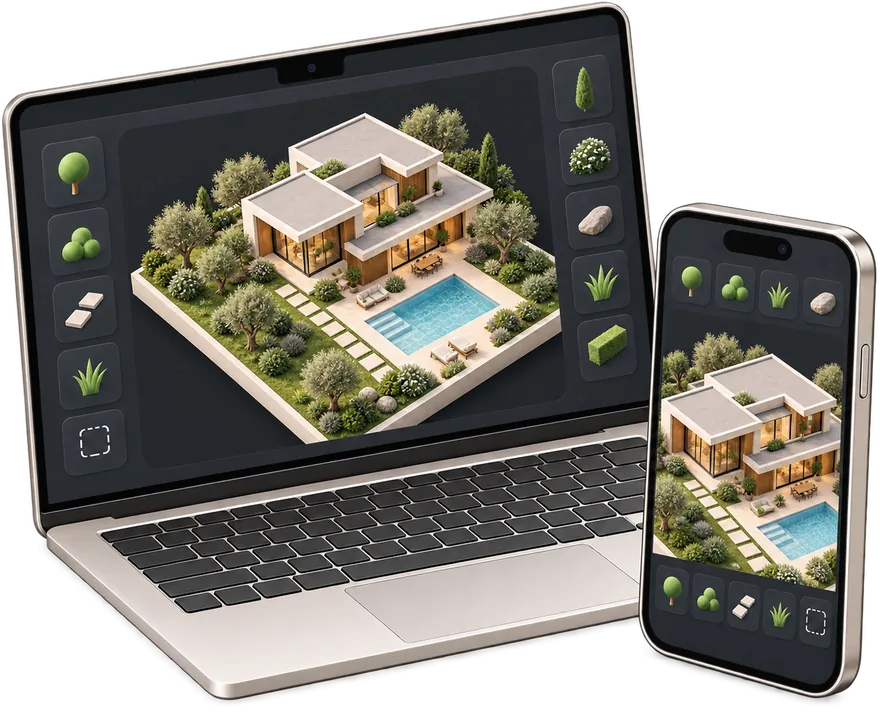
 gardmi 🇦🇪
Garden site planner
gardmi 🇦🇪
Garden site planner
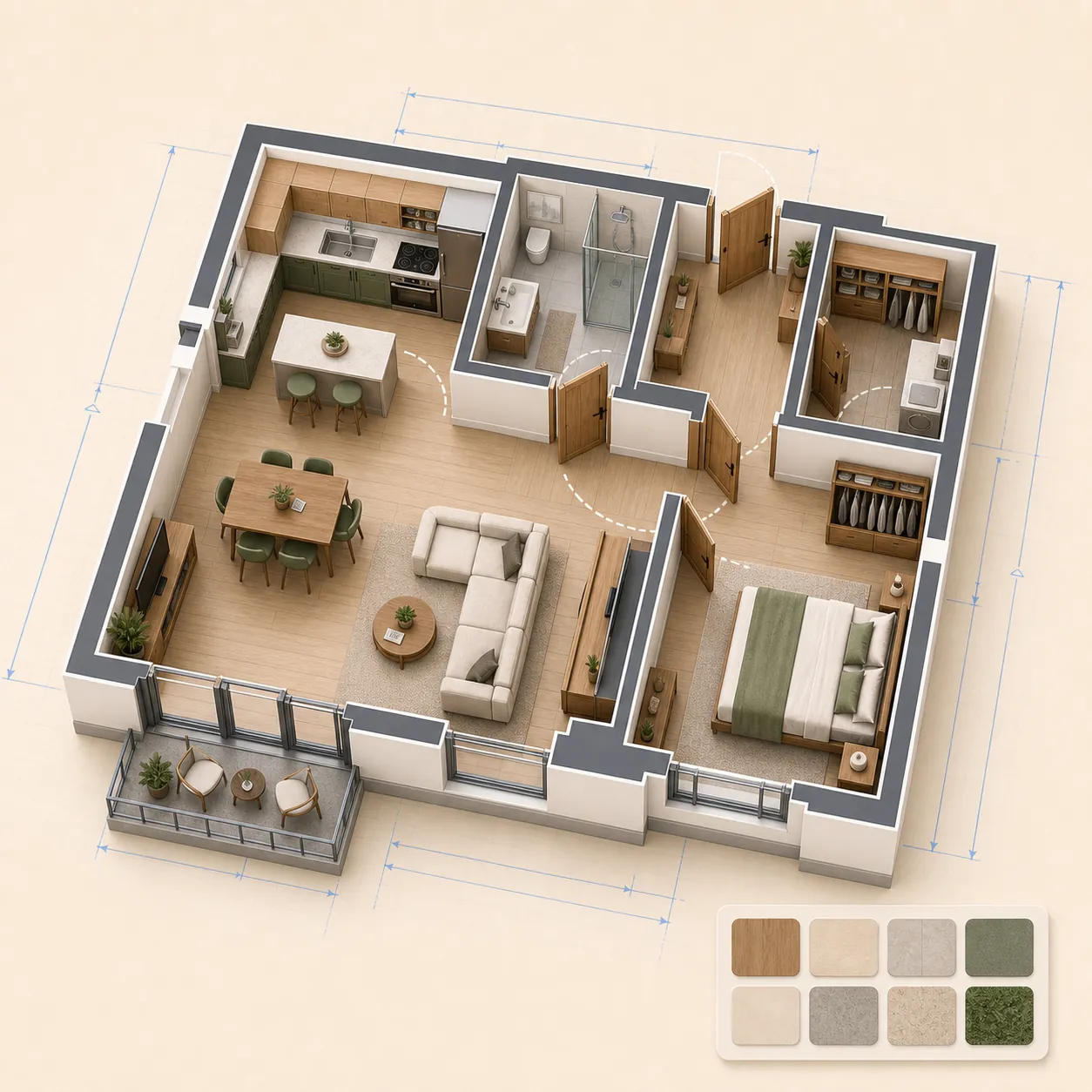
Draw a precise 2D apartment or house plan in real metres, add doors, windows and furniture, then inspect every floor in 3D and export PNG or PDF. Free in your browser with no sign-up.
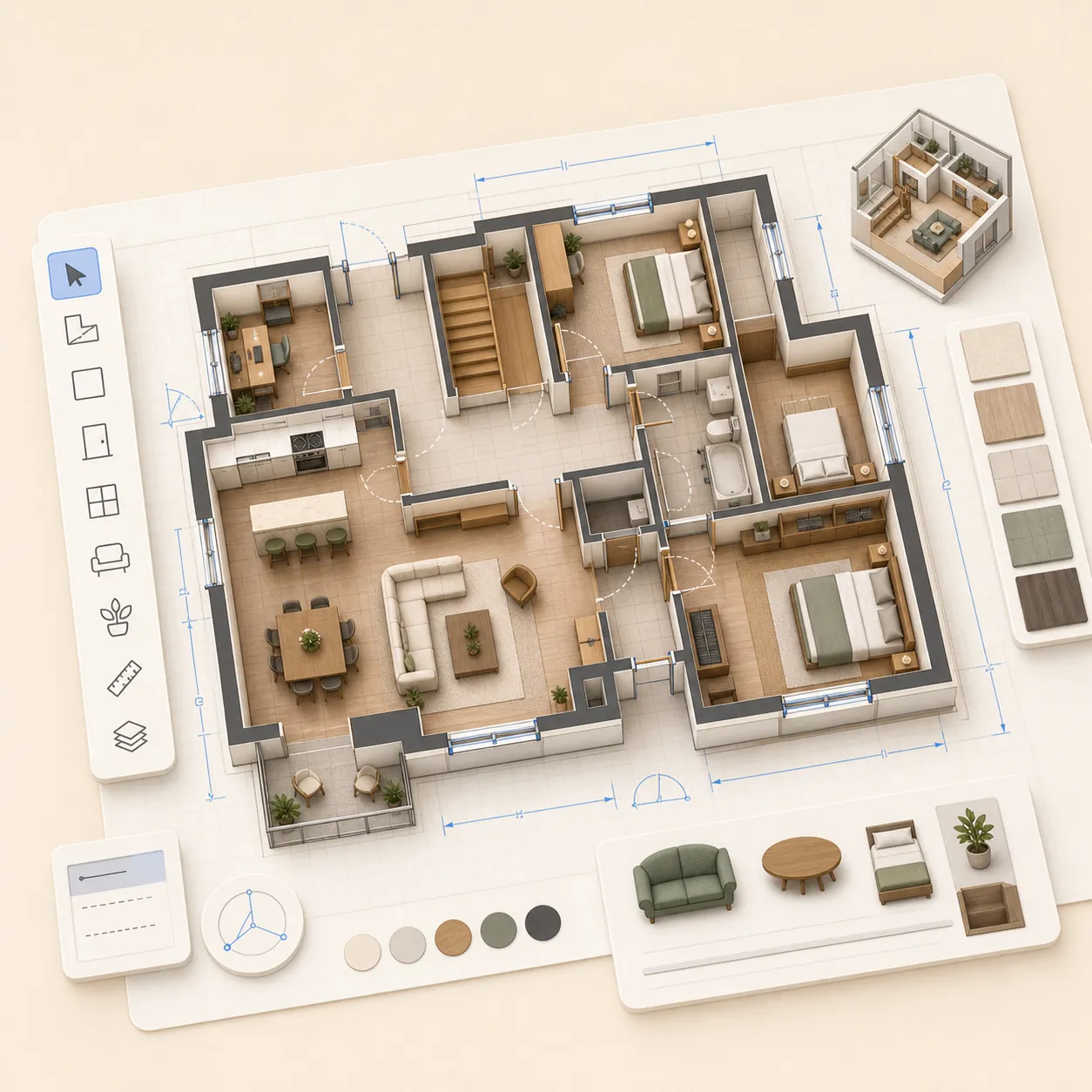
The same drawing stays useful from a quick apartment layout to a multi-storey house model.
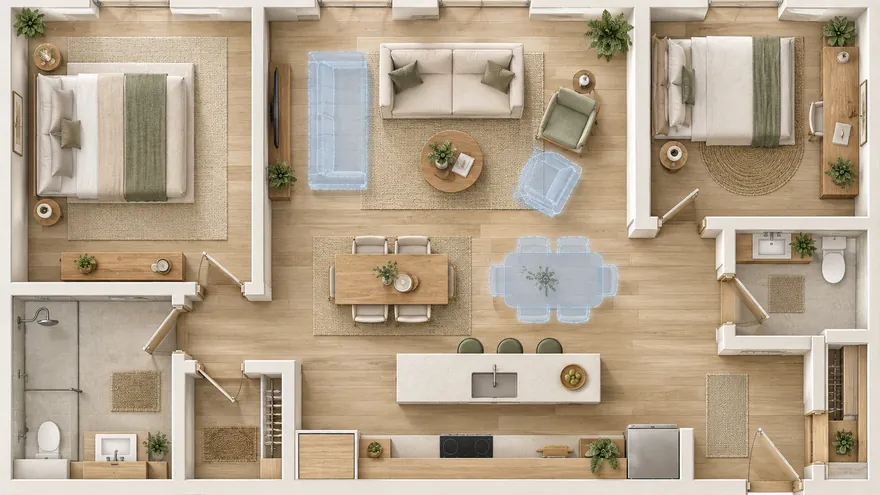 Apartment floor planner
Rooms, clearances and furniture layouts before renovation
Apartment floor planner
Rooms, clearances and furniture layouts before renovation
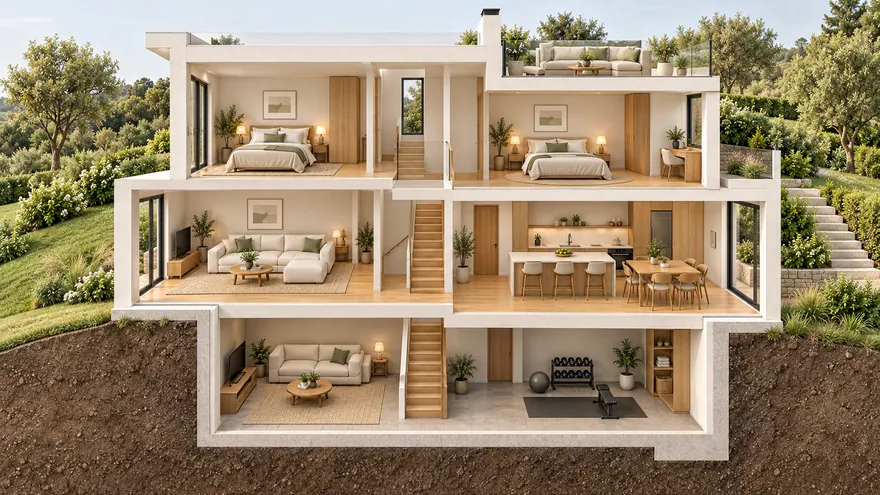 Multi-storey house plans
Ground floor, upper floors, basement and roof in one model
Multi-storey house plans
Ground floor, upper floors, basement and roof in one model
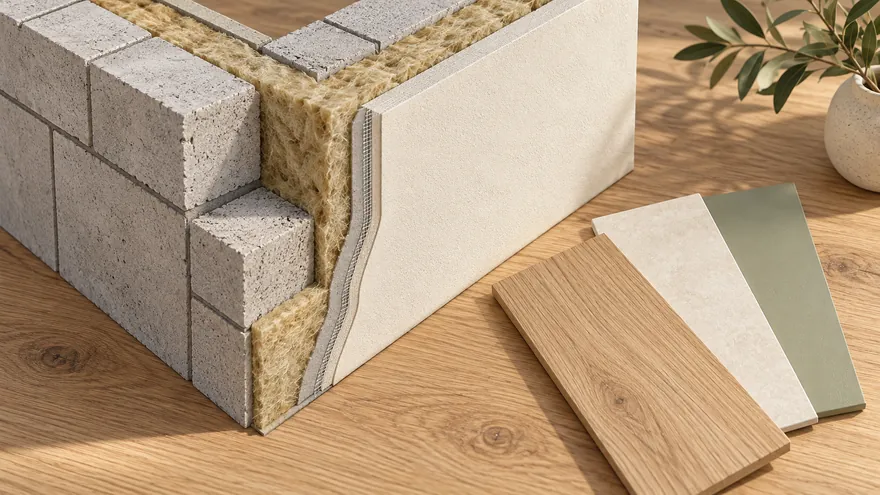 Real walls, materials and dimensions
Wall thickness, finishes and heights — the same in 2D and 3D
Real walls, materials and dimensions
Wall thickness, finishes and heights — the same in 2D and 3D
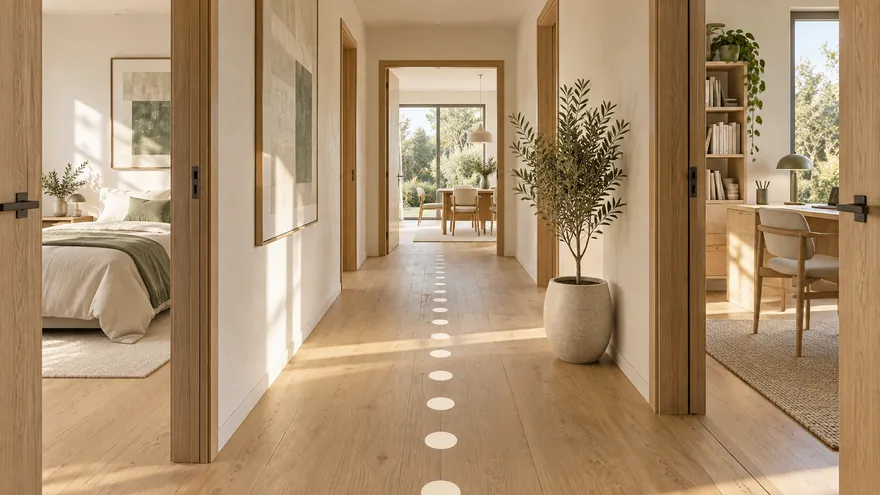 First-person 3D walkthrough
Walk through the plan at eye level, no headset needed
First-person 3D walkthrough
Walk through the plan at eye level, no headset needed
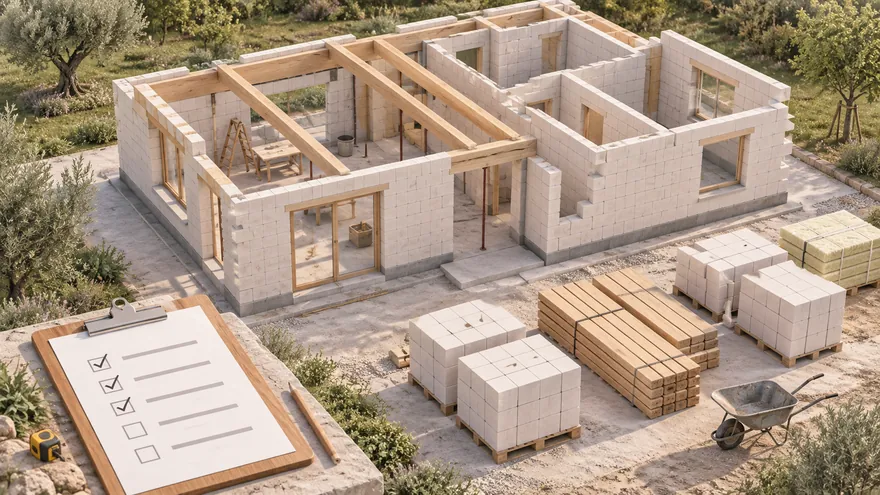 Materials estimate and prices
Materials are counted as you draw — the estimate is ready
Materials estimate and prices
Materials are counted as you draw — the estimate is ready
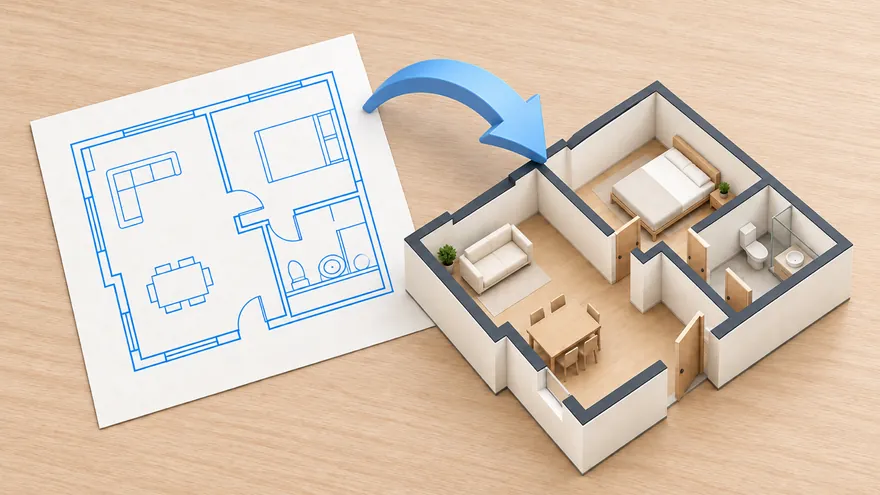 Import DXF and RemPlanner
Bring a floor plan from CAD or RemPlanner
Import DXF and RemPlanner
Bring a floor plan from CAD or RemPlanner
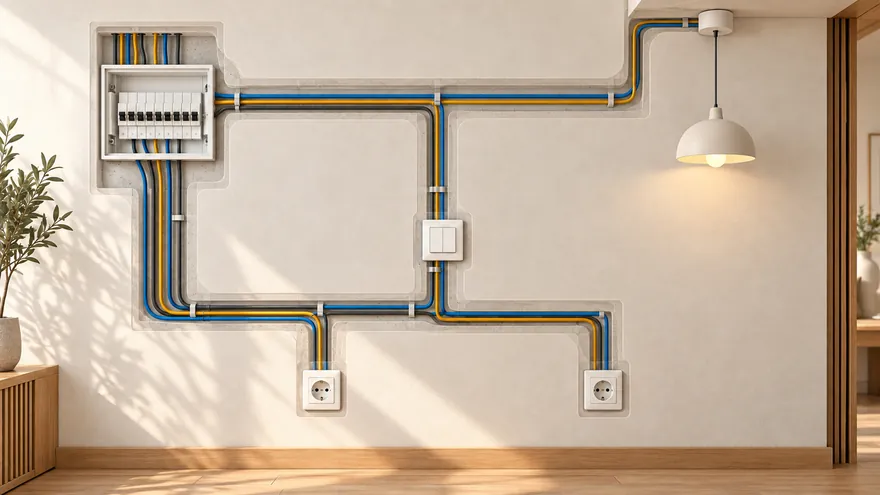 Electrical and lighting
Lights, sockets and cables; breakers picked by load
Electrical and lighting
Lights, sockets and cables; breakers picked by load
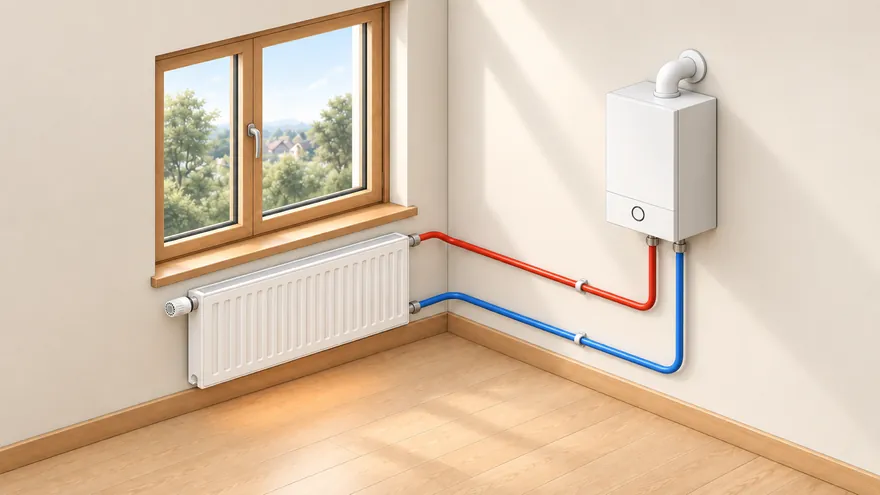 Heating
Heat loss per room, radiators, underfloor heating, boiler
Heating
Heat loss per room, radiators, underfloor heating, boiler
Enter measured wall lengths and thicknesses, then trace rooms in real metres with snapping, dimension labels and angles. Mark any estimated measurement so it can be checked before renovation or construction.
Place doors, sliding doors, windows, stairs and columns exactly on the wall instead of dragging them from a default spot.
Use real-size furniture, kitchen, bathroom fixtures, wardrobes and even a billiard table with its cue clearance zone.
Stack floors, apply materials and walk through the apartment or house at eye level before you share or export.
Sketch rooms, measure clearances, try furniture layouts and keep a clean plan for renovation discussions.
Separate the ground floor, second floor, basement, roof and document boards, then view the whole building stacked in 3D.
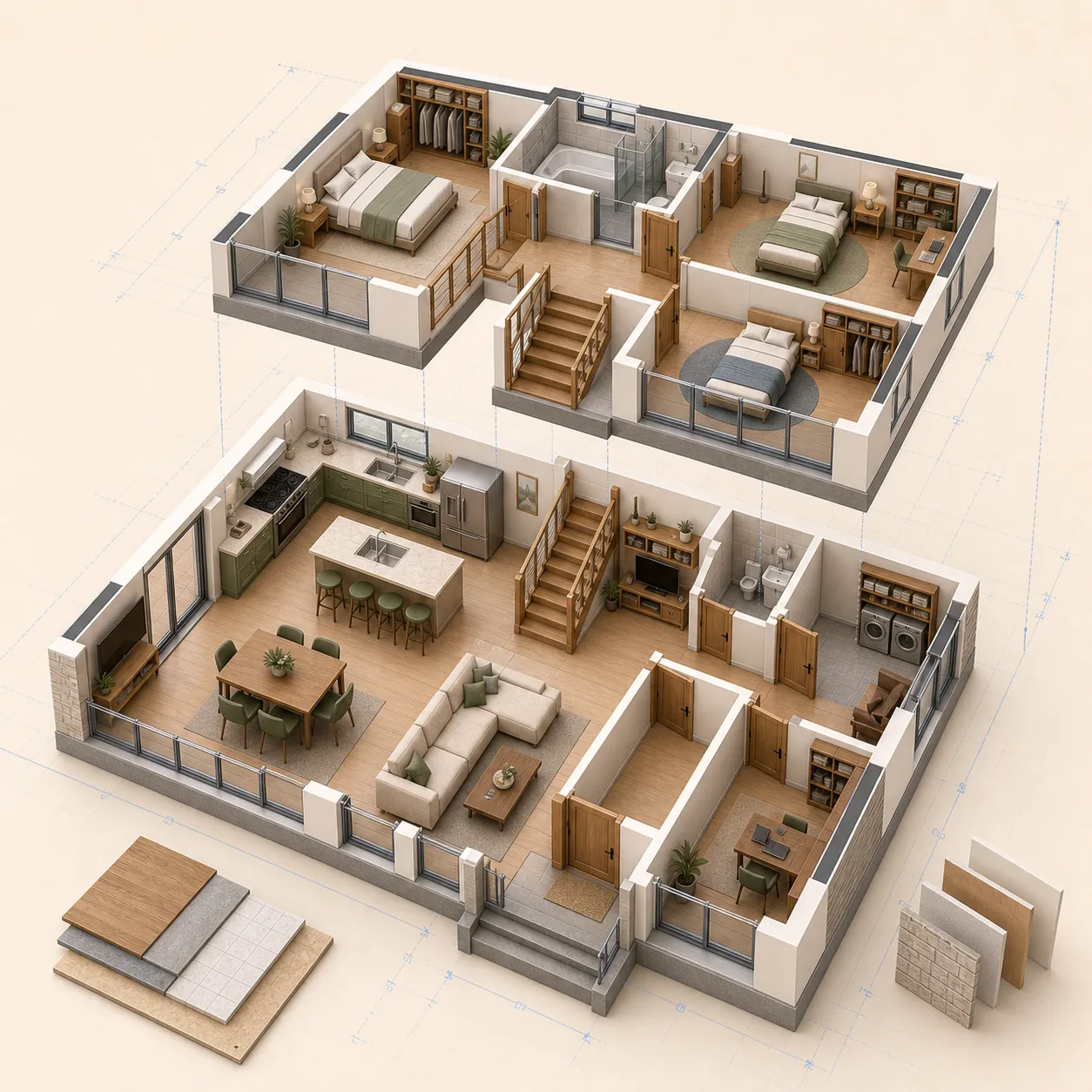
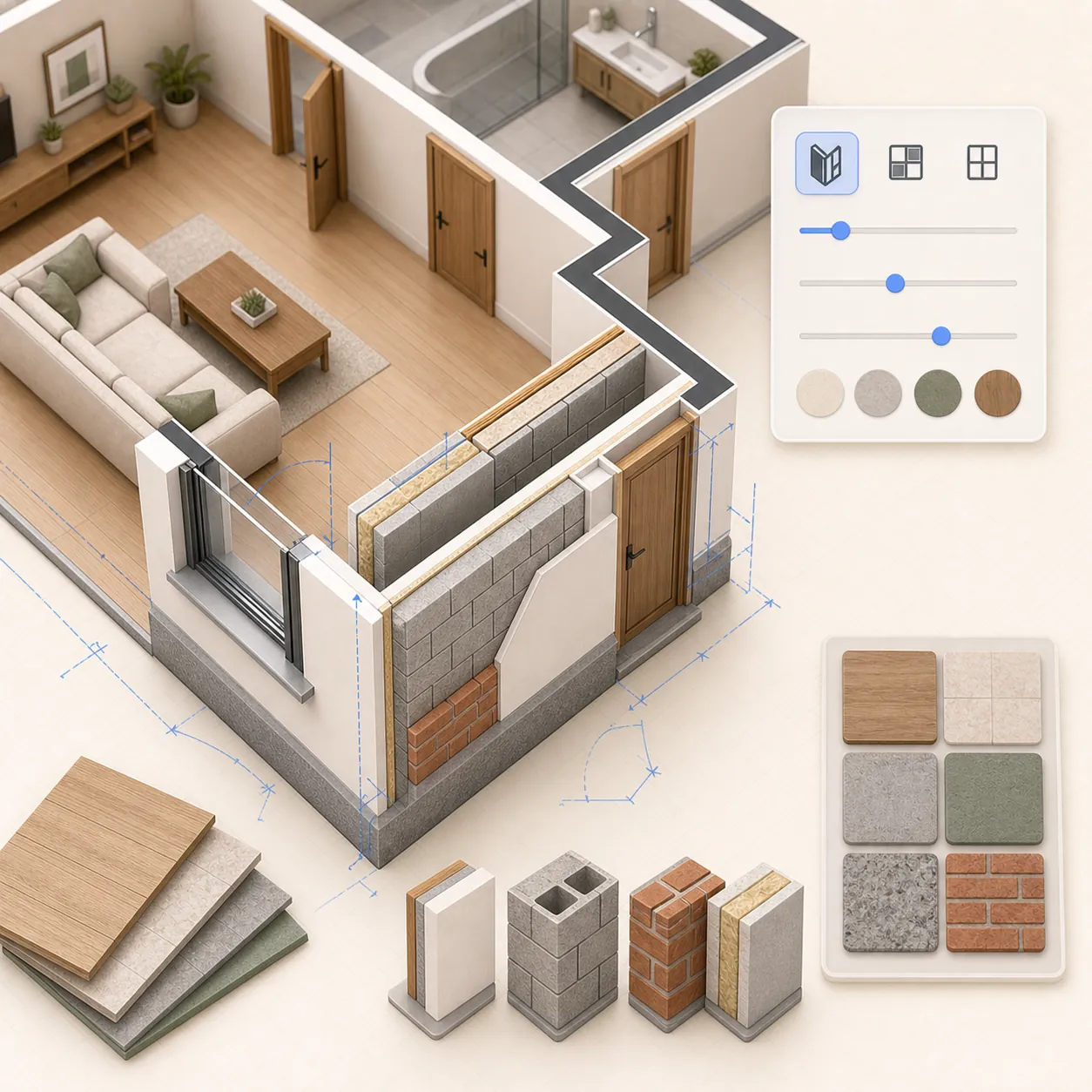
Set wall thickness, room floors, finishes and object heights. Materials stay consistent between the 2D plan and the 3D scene.
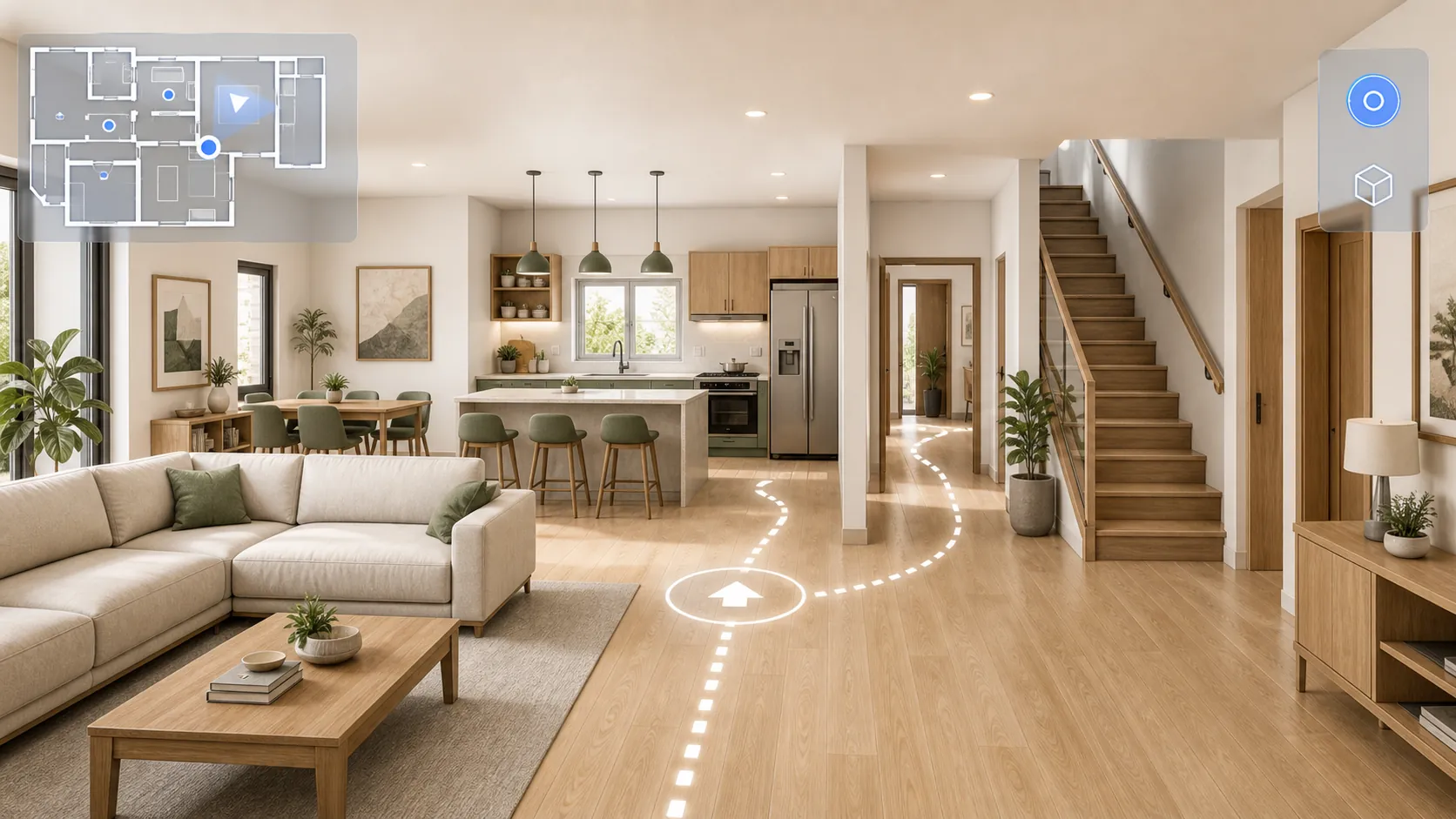
Walk through the plan in the browser without a headset: use the keyboard on desktop or a mobile joystick, climb stairs and open doors with a click.
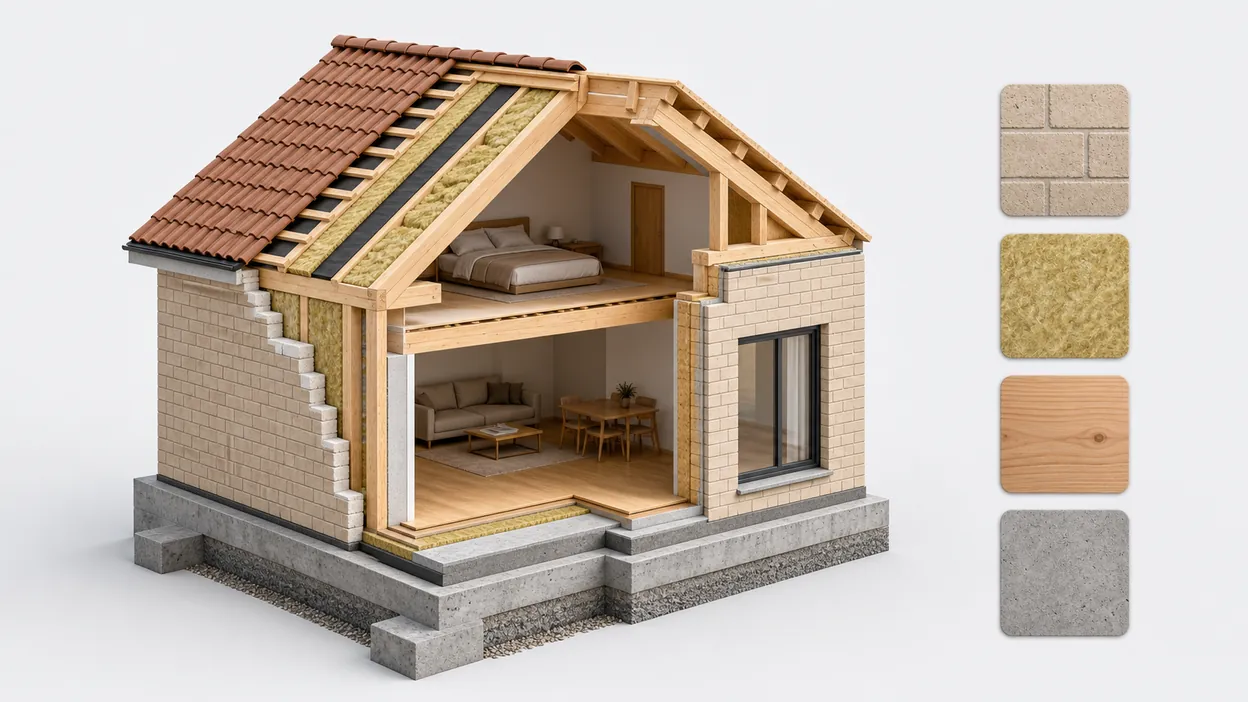
As you draw, the quantity of every material is counted automatically; built-in average prices (which you can edit) turn the plan into a cost estimate, and each material has a passport with thermal conductivity, density and more.

You are already in the app — gardmi is installed.
Yes. gardmi installs straight from the browser, without App Store or Google Play: on Android and in Chrome or Edge on a computer press “Install the app”, on iPhone open the site in Safari and choose Share → Add to Home Screen. The app opens full-screen from its icon and keeps the same cloud projects.
Open the editor, set the wall thickness, draw rooms in real units, then place doors, windows and furniture. Add separate floor layers if needed, check the result in 3D, and export PNG or PDF. No download, account or credit card is required.
Yes. You can draw, save, share, export and open the 3D view for free, without a trial timer or credit card.
Yes. Use walls, doors, windows, fixtures and real-size furniture to compare layouts before renovation.
Yes. Keep the ground floor, second floor, basement, roof or alternative layouts in separate floor layers and view the building stacked in 3D.
Yes. Switch to first-person walk mode in the browser: move with the keyboard on desktop or the on-screen joystick on mobile.
Yes. Send a view or edit link, or export the floor plan as a clean PNG/PDF for print and discussion.